

Best SSD Upgrade Options for Entry-Level PCs in South Africa: the quick win you’ll feel 🔧
If your entry-level PC still boots like it’s thinking hard… you’re not alone. Many gamers in South Africa end up waiting on “loading screens” that aren’t just in games. They’re on the desktop. The good news? Swapping to a better SSD is often the fastest upgrade you can afford. ⚡
In this guide, we’ll look at the best SSD upgrade options for entry-level PCs in South Africa, so you can get snappier Windows, faster game installs, and smoother map loads without blowing your budget.
Best SSD Upgrade Options for Entry-Level PCs in South Africa: SATA vs NVMe (what to buy) 🚀
Before you click “add to cart”, check what your PC supports. Most entry-level systems fall into one of two lanes:
2.5-inch SATA SSDs (the safe starter choice)
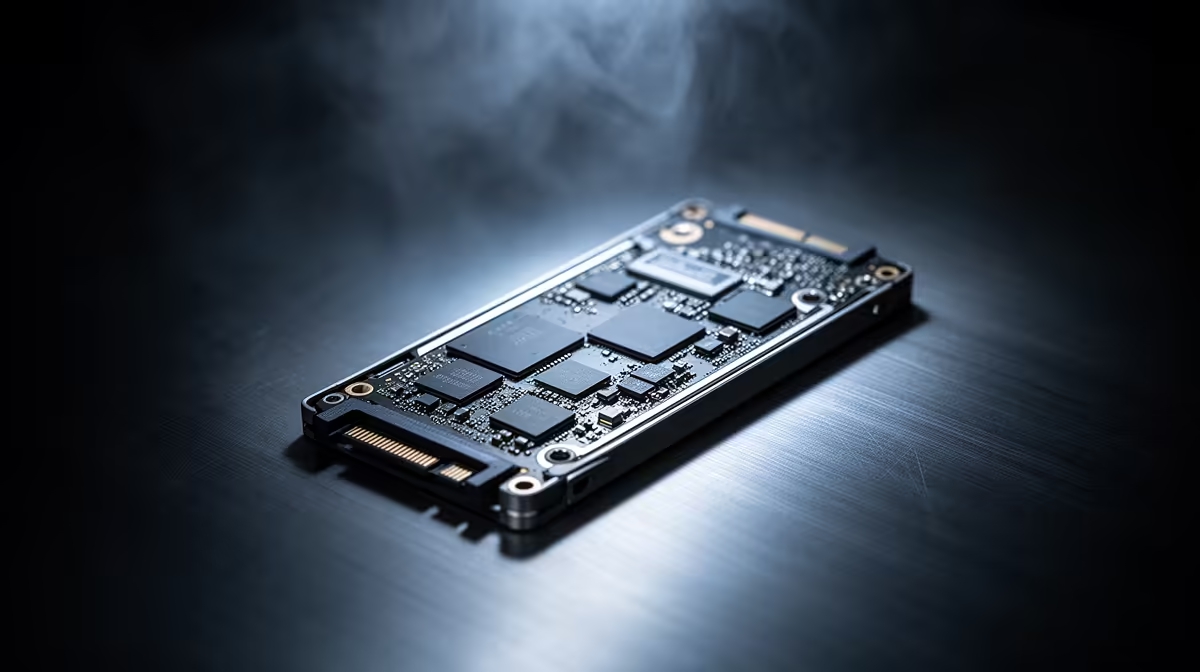
If your motherboard has a 2.5-inch bay or you’re upgrading a desktop with a SATA slot, a 2.5-inch SSD is usually the easiest win. It won’t max out performance like the newest NVMe drives, but it will feel dramatically faster than a HDD.
For shopping, start with Evetech’s selection of SSDs: Best SSD Upgrade options from Evetech (Solid State Drives)
M.2 NVMe SSDs (the performance jump)
If your system supports M.2, NVMe is the sweet spot for modern PC builds. It can be much quicker than SATA, especially for game installs, level streaming, and general multitasking.
Here are two brand-focused ways to shop depending on what you trust:
And if you’re matching your slot size, filter by form factor: Shop M.2 2280 SSDs on Evetech
NVMe generation (don’t overpay)
If your PC is older, chasing the newest NVMe generation may not help. Instead, aim for a drive that your motherboard can actually use. When shopping, Evetech’s filters make it easier to match interface/compatibility: Browse SSDs by Gen and interface requirements
Best SSD Upgrade Options for Entry-Level PCs in South Africa: capacity and “what game feel” you should target ✨
For most gamers, capacity decides what you can install and what you constantly delete. A practical starting point:
- 250GB–500GB: great for Windows + 1–2 smaller titles
- 1TB: the “stop managing storage every week” sweet spot
- 2TB: only if you install lots of games or you record clips
Most entry-level PCs also benefit from moving your OS to the SSD first. That’s where you get the biggest day-to-day difference: app launches, updates, and “time to play”.
Productivity Pro Tip ⚡
On Windows, clean install (or clone) your OS to the SSD, then set new game installs to the SSD in your launcher settings. This prevents filling the drive with temporary files and keeps load times consistent.
Best SSD Upgrade Options for Entry-Level PCs in South Africa: simple compatibility checklist ✅
Before purchasing, confirm four things:
- Drive type your PC supports (SATA vs M.2 NVMe)
- M.2 slot size (commonly 2280)
- Physical clearance (especially in compact cases)
- Your budget in ZAR so you buy once, not twice
If you’re unsure, start with Evetech’s SSD categories and filter by brand, interface, and form factor. Then match your PC’s spec. It’s boring… but it saves money.
Ready to Find Your Perfect Match?
Ready to Find Your Perfect Match? The Mac vs Windows debate is complex, but for maximum power, choice, and value in South Africa, Windows is hard to beat. Explore our massive range of laptop specials and find the perfect machine to conquer your world.











