

Best Value Storage Upgrade in South Africa: SATA SSD vs NVMe (and what it means for your games) 🔥
If your PC boots slower than your squad finds a match, a storage upgrade can feel instant. In South Africa, budgets matter… so “best value” is really about getting the biggest real-world gain per rand.
The choice is usually simple on paper: SATA SSD or NVMe. But the experience is different depending on your motherboard, your games, and even what you do between raids. Let’s break it down and help you pick the right drive for your next upgrade. ⚡
Best Value Storage Upgrade in South Africa: SATA SSD vs NVMe (speed isn’t everything) ⚙️
At a basic level:
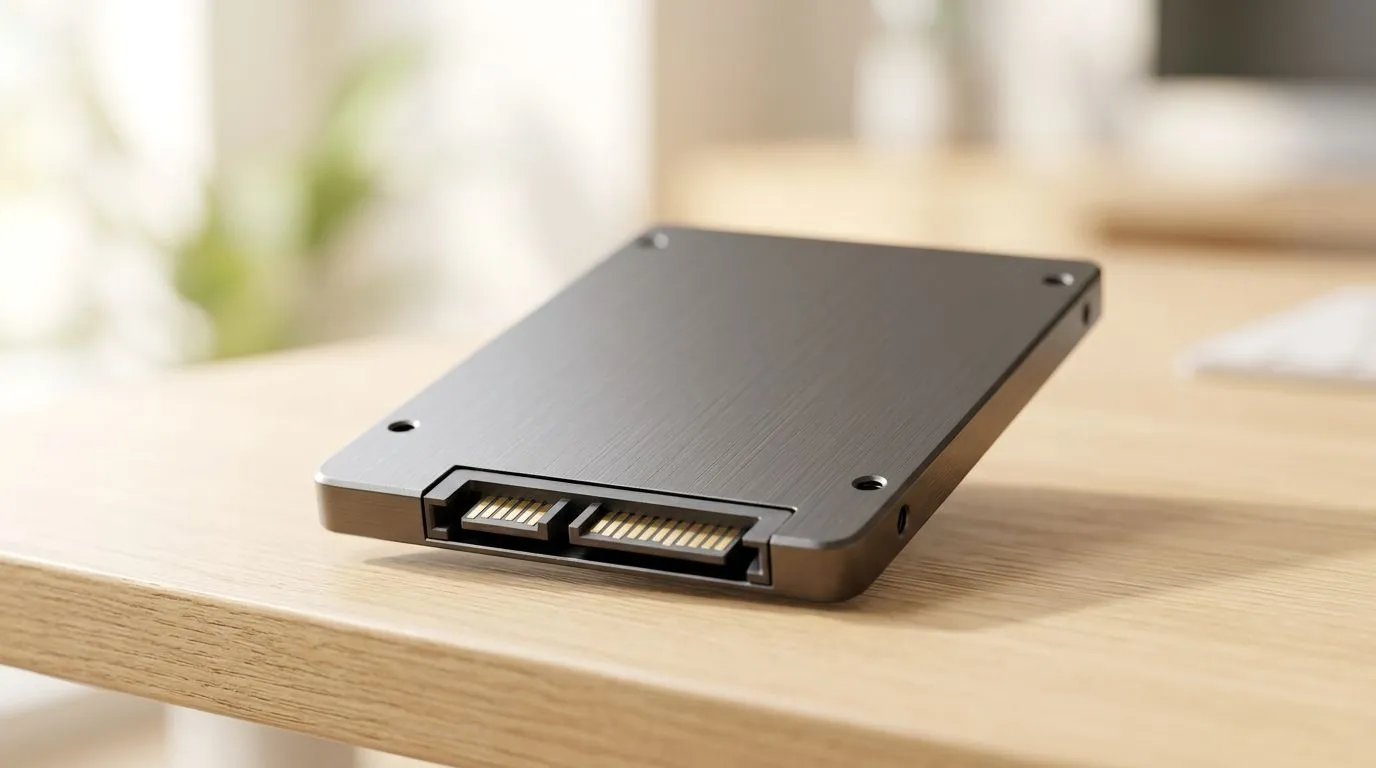
- SATA SSDs use the older SATA connection. They’re still massively faster than hard drives for loading screens.
- NVMe SSDs use the PCIe connection, which can deliver much higher throughput and lower latency, especially for heavy multitasking and large game libraries.
For gaming, the headline is this: both improve load times and system responsiveness. NVMe can pull ahead in “data-heavy” moments, like launching large open-world games, or installing and updating multiple titles.
Official spec note: Evetech lists SSDs by common interfaces and form factors, including M.2 (2280) and different generations. Use those filters to match your PC’s support. ✨
- SATA SSDs: https://www.evetech.co.za/PC-Components/buy-solid-state-drives-83
- Brand-specific options (ADATA): https://www.evetech.co.za/PC-Components/buy-solid-state-drives-83?brands=ADATA
- Brand-specific options (Kingston): https://www.evetech.co.za/PC-Components/buy-solid-state-drives-83?brands=Kingston
- M.2 2280 filter: https://www.evetech.co.za/PC-Components/buy-solid-state-drives-83?attributes-formfactor=M.2+2280
- Interface/generation filter (Gen 5 options): https://www.evetech.co.za/PC-Components/buy-solid-state-drives-83?attributes-interface\=Gen+5+%28NVM…
Best Value Storage Upgrade in South Africa: SATA SSD vs NVMe (how to choose the right one) 💡
Start with your hardware:
- Check your motherboard slots: Do you have an M.2 slot and does it support NVMe? If yes, NVMe becomes the tempting option.
- Check your BIOS/UEFI: Some older boards need settings changes for M.2 boot support.
- Item
Here’s a quick rule of thumb many South African buyers use:
- Budget-first: SATA SSD
- Performance-per-rand (especially with modern boards): NVMe
If you’re brand-inclined, you’ll find plenty of deals by filtering:
- Browse SATA SSDs in one place: solid state drives from Evetech
- If you prefer a specific brand, try ADATA options or Kingston drives.
For NVMe compatibility, double-check form factor:
- Look for M.2 2280 when matching size to your slot: M.2 2280 SSDs.
And if you’re chasing future-ready PCIe speeds, filter by interface generation:
- See Gen 5 NVMe options here: Gen 5 interface SSDs.
Productivity Pro Tip ⚡
Productivity Pro Tip ⚡
On Windows, plan your storage upgrade by moving your game library location before you install. In Steam settings, set a new library folder on the SSD so downloads and future updates land there, reducing reinstall stress and keeping load times consistent.
Best Value Storage Upgrade in South Africa: SATA SSD vs NVMe (real-world setup tips) 🔧
Before you buy, plan the install. A clean setup avoids “why is my PC still slow?” moments:
- Fresh OS vs cloning: If you’re coming from HDD, cloning works, but a clean install can be smoother.
- Firmware matters: Keep drive firmware updated after installation (especially for NVMe).
- Leave some free space: SSDs perform better when they’re not constantly full. Aim to keep ~10–20% free.
Micro-story from the local tech scene: I’ve helped friends replace a failing HDD with a SATA SSD. Their games didn’t just load faster… Windows felt calmer. Then, when they later added NVMe for their library, patches started feeling less painful. That’s often the “best value” path.
Ready to choose? Best Value Storage Upgrade in South Africa: SATA SSD vs NVMe 🚀
If your goal is maximum improvement for the rand, choose based on your motherboard and how you use your PC, not just the fastest spec on the box. SATA SSDs are still smart. NVMe is usually the “next step up” when your platform supports it.
Ready to Find Your Perfect Match? If you want the smartest upgrade without wasting money, use our SSD filters to match your motherboard and budget. Explore our range of solid state drives on Evetech and dial in the best fit for your setup. Shop SSDs at Evetech and get ready for faster launches across your favourite games.











