

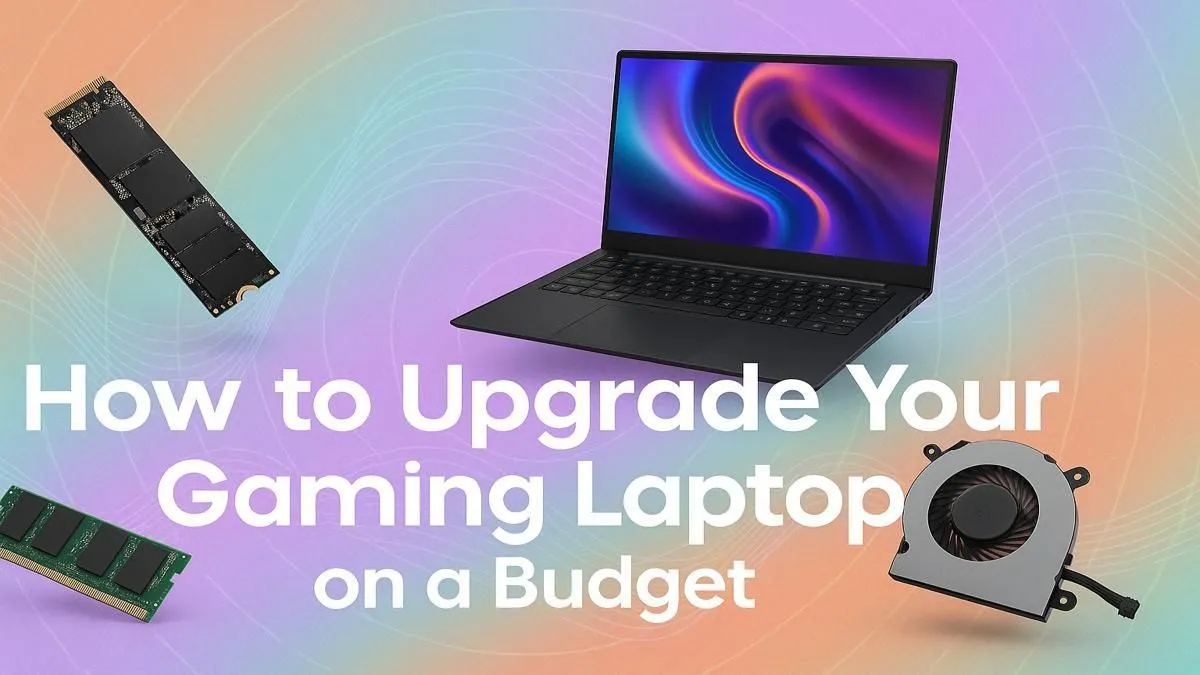
Is your trusty gaming laptop starting to feel… well, a bit tired? Those once-smooth frame rates are stuttering in the latest titles, and loading screens are lasting an eternity. You’re facing the classic gamer’s dilemma: is a budget gaming laptop upgrade worth the ZAR, or is it time for a new machine entirely? Let's break it down, because you can absolutely boost performance for less if you know where to focus your efforts. 🚀
The Reality of a Laptop Upgrade Path
Before you start shopping for parts, it's crucial to understand what you can and can't change in a laptop. Unlike a desktop PC, the two most important components for gaming—the processor (CPU) and the graphics card (GPU)—are almost always soldered directly to the motherboard. This means they are not user-replaceable.
So, what can you upgrade? Typically, two key areas offer a significant performance boost:
- System Memory (RAM)
- Storage (Hard Drive or SSD)
Focusing your budget gaming laptop upgrade on these two components will give you the most noticeable improvement for your money.
Quick Wins: RAM and Storage Upgrades ⚡
If your laptop's CPU and GPU are still reasonably capable, these upgrades can feel like getting a whole new machine.
Boosting Your RAM for Smoother Gaming
Is your game lagging whenever you have Discord or a few browser tabs open in the background? You're likely hitting your RAM limit. Many budget gaming laptops ship with just 8GB of RAM to keep costs down. Upgrading to 16GB is often a relatively cheap and easy fix that allows for smoother multitasking and can reduce in-game stuttering. It's one of the most effective ways to boost performance for less.
Check Before You Buy! 🔧
Before ordering new RAM or an SSD, open your laptop or check its manual online to confirm the type of slots it has. For RAM, is it DDR4 or DDR5? For storage, is it a 2.5-inch SATA slot or a faster M.2 NVMe slot? Knowing this prevents buying incompatible parts and saves you a major headache.
The SSD Revolution: Your Biggest Performance Jump
If your laptop still uses a mechanical hard disk drive (HDD), upgrading to a Solid-State Drive (SSD) is the single biggest performance boost you can make. An SSD will drastically cut down on Windows boot times, game loading screens, and general system responsiveness. Moving from an HDD to an NVMe M.2 SSD can make an old machine feel brand new. It’s a core part of any effective budget gaming laptop upgrade strategy. If you're looking for a new machine with this tech built-in, check out the current laptop specials to see what's on offer.
When a Full Replacement is the Smarter Move
Sometimes, a simple component swap isn't enough. If your laptop's core specs are more than four or five years old, the CPU and GPU are likely the main bottlenecks holding you back. In this scenario, no amount of RAM or a faster SSD will help you run Cyberpunk 2077 at a stable 60 FPS.
This is when you should seriously consider investing in a new machine. The technology in modern laptops offers massive leaps in efficiency, screen quality, and raw power. Instead of spending R2,000 to patch up an old system, that money could be a down payment on a rig that will last you for years. Exploring the latest gaming laptop deals can often reveal powerful options that are more affordable than you think. ✨
A Note on Workstations for Gaming
Here's an interesting thought: have you considered a workstation laptop? While designed for professional tasks like video editing and 3D rendering, many modern powerful workstation laptops come with NVIDIA RTX graphics cards that are more than capable of handling the latest games. If you're a student or professional who needs a machine for both work and play, this could be a smart, versatile investment.
Ready for a Real Performance Boost? Whether you're giving your current machine a new lease on life or stepping up to a brand-new rig, the right choice makes all the difference. Explore our massive range of laptop specials and find the perfect machine to conquer your favourite games.











