


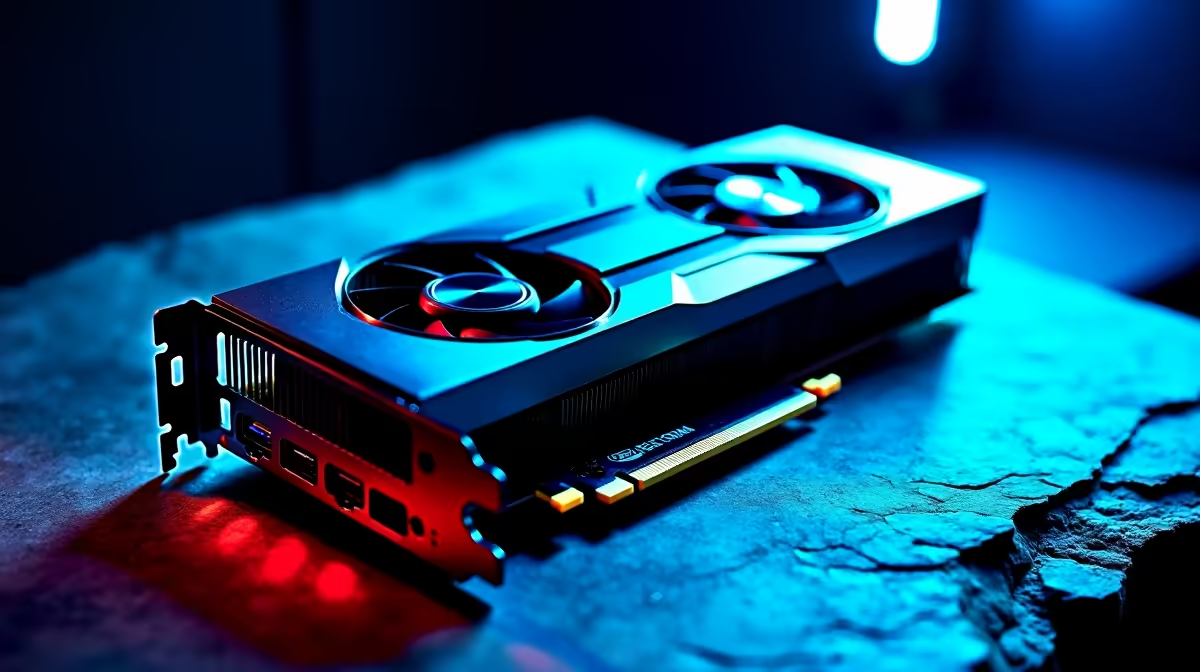
That second-hand RTX 3080 on Facebook Marketplace for a few thousand Rand looks tempting, right? It could be the final piece of your dream build. But before you meet a stranger in a parking lot, hold on. For every legit bargain hunter, there’s a scammer waiting to sell a dud. This guide will help you navigate the risky waters of the used market and show you how to buy used PC parts in South Africa… safely. 🚀
The High-Stakes Gamble: Risks of Buying Used PC Parts
Let's be honest, the main appeal of the second-hand market is saving cash. A pre-owned component can seriously lower the total cost of a build, leaving you with more money for games or peripherals.
But this saving comes with big risks. Unlike buying new, you get no warranty, no support, and no guarantee the part hasn't been abused. A graphics card could have spent two years mining cryptocurrency 24/7, or a CPU could have been aggressively overclocked, shortening its lifespan significantly. When you're trying to buy used PC parts in South Africa, you're often buying a complete unknown.
Your Pre-Purchase Inspection Checklist 🔧
If you’re still determined to find a pre-owned bargain, you need to become a detective. Never buy a part without seeing it work. Here’s a checklist to guide you when inspecting second-hand components.
CPU (The Brains)
The biggest risk with a used CPU is physical damage, especially bent pins on AMD chips.
- Check: Ask the seller to remove the cooler so you can inspect the CPU surface and pins. Look for any discolouration or scratches.
- Test: Insist on seeing the PC boot into Windows and run a quick stress test like Prime95 to check for stability.
- Alternative: The peace of mind from a warranty is often worth the extra cost. You can find a huge range of brand new CPU processors that guarantees performance from day one.
Graphics Card (The Powerhouse)
This is the most common, and riskiest, second-hand purchase. Ex-mining cards are everywhere.
- Check: Look for physical signs of wear, dust buildup, or rust on the I/O ports.
- Test: Ask the seller to run a graphics-intensive benchmark like FurMark or 3DMark for at least 15 minutes. Watch for artifacts (weird colours or shapes on screen), crashes, or extreme temperatures.
- Alternative: Avoid the gamble entirely by exploring the latest graphics cards with full warranties.
Motherboard (The Backbone)
A faulty motherboard can be a nightmare to diagnose.
- Check: Visually inspect the CPU socket for bent pins. Check for any bulging or leaking capacitors.
- Test: If possible, test every single RAM slot, USB port, and SATA port to ensure they all work.
- Alternative: A new board provides a stable foundation. Check out these worry-free motherboards that are built to last.
Safety First! ⚡
Always insist on seeing the part working before you pay. Ask the seller to run a benchmark or a game. If they refuse, walk away. For pricier items, try to meet at a neutral, safe public place. Never send payment upfront for an item you haven't seen and tested yourself. Trust your gut—if a deal feels too good to be true, it probably is.
RAM (The Memory)
Used RAM is generally one of the safer bets, but it can still fail.
- Test: The gold standard is running a full pass of MemTest86, which can take a while but will catch any errors. A quick boot into Windows isn't enough.
- Alternative: Why risk system instability? You can often find great deals on new gaming RAM modules that are guaranteed to be error-free.
Power Supply (The Heart)
Here's a simple rule: don't buy a used PSU. A failing power supply doesn't just die; it can take every single component in your R20,000 rig with it. The small saving is not worth the catastrophic risk. A reliable new power supply is the most important investment for your PC's health.
Storage (The Filing Cabinet)
A used SSD or HDD might seem fine, but its lifespan could be nearly over.
- Test: Ask the seller for a screenshot of a health check utility like CrystalDiskInfo. This will show you the drive's "Power On Hours" and overall health status. Avoid anything below 90% health.
- Alternative: With prices constantly dropping, brand-new solid state drives are more affordable than ever and offer lightning-fast speeds with a full warranty.
The Smarter Upgrade Path: Why New Can Be Better ✨
Navigating the minefield of second-hand parts can be exhausting. A much simpler, safer, and often more cost-effective approach is to buy new from a trusted retailer. You get a warranty, customer support, and the certainty that your parts are in perfect condition.
Instead of hunting for individual used parts, consider one of Evetech's cost-effective upgrade bundles. These expertly matched CPU, motherboard, and RAM combos take all the guesswork out of your upgrade, ensuring perfect compatibility and performance right out of the box.
From there, you can build out your rig with confidence. A solid foundation is key, and you can always invest in quality where it counts. Don't skimp on cooling—a set of high-performance CPU coolers and some fresh thermal solutions will keep your new parts running optimally for years. You can even find stylish and affordable computer cases that make your build look as good as it performs.
Ultimately, the choice is yours. But by weighing the risks, you might find that the peace of mind from buying new is the best bargain of all.
Ready to Build with Confidence? The second-hand market is a gamble, but building with new, warrantied parts is a guarantee. Stop worrying about scams and start planning your next victory. Explore our massive range of PC components and find the perfect parts to conquer your world.











