

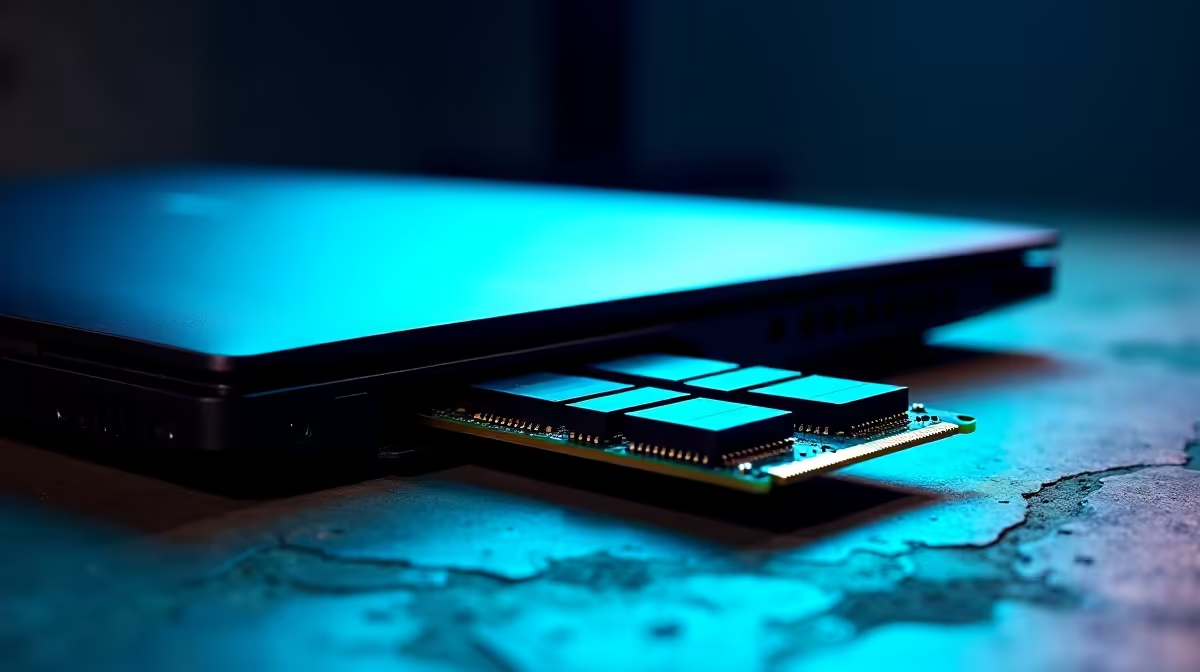
Is your trusty notebook struggling to keep up with modern demands? You are not alone. Before you spend thousands of ZAR on a brand-new machine, you might be asking: can you upgrade RAM in a laptop? Adding more memory is often the cheapest way to breathe life into a sluggish system. Let us explore if your machine is ready for a much-needed boost.
Determining Your Memory Upgrade Path
Most modern gaming laptops use SO-DIMM slots. This means you can easily swap out old sticks for higher capacities. However, some ultra-thin models feature memory soldered directly to the motherboard. These sealed units cannot be upgraded later... what you buy is what you get.
If you are wondering how you can upgrade RAM in a laptop safely, the process begins with knowing your specs. If your system has accessible slots, you can simply buy laptop memory to double your capacity. Just ensure you match the exact generation, like DDR4 or DDR5, to avoid frustrating compatibility issues.
Quick RAM Check ⚡
Open Windows Task Manager and click the Performance tab. Select Memory to see your current speed and whether you have empty slots available. This simple trick saves you from opening the chassis blindly!
Why Extra Memory Maximises Performance 🚀
Running out of memory forces your system to use the slow storage drive as a temporary workspace. This causes massive stuttering in games and freezes during heavy multitasking. Upgrading to 16GB or 32GB ensures smooth sailing across all your daily applications.
Running two matching sticks also enables dual-channel mode. This effectively doubles your memory bandwidth. The performance uplift in modern games is incredibly noticeable. If you find your current machine is entirely sealed and struggling, it might be time to browse the latest notebooks for sale in South Africa. Look for models that specifically advertise future upgrade paths.
Tools You Need for the Job 🔧
Upgrading your notebook is easier than you might think. You only need a few basic tools to get started. A precision Phillips screwdriver is essential for removing the bottom panel. A plastic spudger helps pry the chassis open without scratching the plastic or metal.
Always remember to disconnect the internal battery before touching any components. This prevents accidental short circuits that could destroy your motherboard. Ground yourself to avoid static electricity damage... touching a metal table leg usually does the trick.
Knowing When to Move On
Sometimes a memory boost is simply not enough to save an aging system. If your processor or graphics card is severely outdated, extra RAM will not fix low frame rates.
Desktop systems naturally offer far more flexibility. If you want true modularity and raw power, exploring our best gaming PC deals is a very smart move. Desktops allow you to upgrade almost every single component over time.
For those who prefer a machine built and tested by experts, checking out pre-built PC deals guarantees peak performance out of the box. You do not need to worry about building it yourself.
You can also stretch your ZAR much further by keeping an eye on our weekly hardware specials. You will find massive discounts on complete setups, peripherals, and individual components.
Ready to Supercharge Your Setup? Whether you need a quick memory boost or a complete system overhaul, Evetech has you covered with the best prices in South Africa. Explore our massive range of laptop specials and find the perfect machine to conquer your world.











