

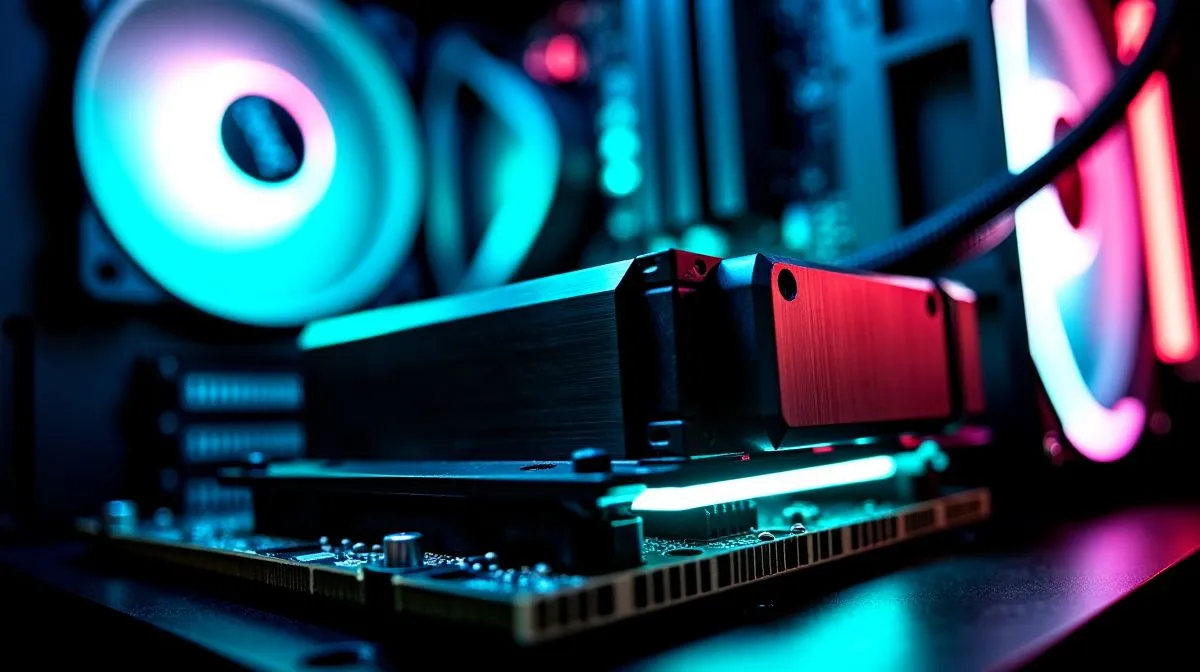
Case Won’t Close After Cooler Upgrade — Quick Hook
Upgraded your cooler for lower temps and now the side panel won’t close? You’re not alone. South African builders get excited about better cooling, then hit a clearance clash between cooler height, RAM sticks and fan clips. This quick guide fixes the usual culprits so you can finish that Cape Town or Joburg build and game without rattles. 🔧
Case Won’t Close After Cooler Upgrade — Common Causes
First, understand where the interference happens. Popular tower air coolers sit taller and wider than stock units and can foul tall memory modules or front-panel cables. See Evetech CPU coolers for sizes and mounting styles for comparison. I also like checking air-cooler options specifically when clearance is tight; slim and low-profile designs reduce fit headaches.
Case Won’t Close After Cooler Upgrade — Fix Height, RAM & Fan Clip
Start simple. Remove the side panel and test-fit the cooler without the RAM installed. If the cooler blocks RAM with tall heatspreaders, try low-profile memory or re-seat the cooler slightly off-centre. If a fan clip catches the case lip, replace it with a screw-mounted fan, or move the fan a few millimetres outward to clear the panel. For builds using 120mm fans, many aftermarket coolers use that size; check compatibility: 120mm fans.
Installation Tip ⚡
On many motherboards, temporarily removing RAM sticks speeds testing. Fit the cooler with only one stick to confirm clearance, then reinstall matched pairs. Always support the board to avoid flex when mounting heavy coolers.
If height is the main issue, measure cooler total height against your case’s CPU cooler clearance. Some air coolers are taller but you can choose a more compact tower or an offset design. Use the air-cooler filter on Evetech to narrow models by height and fan size: Air Coolers.
Case Won’t Close After Cooler Upgrade — Picking the Right Cooler for SA Builds
When shopping, balance thermal performance with physical fit. Brands like Deepcool options offer compact high‑performance units popular in local builds. If you prefer specialised designs, EINAREX coolers include low-profile models worth checking for tight cases.
Small changes often fix the problem: rotate the cooler orientation, fit slimmer RAM, or swap a clip for screws. For South African gamers, this means getting your rig back online fast and avoiding return postage. 🚀
Quick checklist before reassembly: measure cooler height and case clearance, test-fit with a single RAM stick, try alternate fan positions, and keep screws or spare clips handy. Follow these steps and you’ll usually be back to gaming within an hour. If you prefer to browse first, Evetech lists parts in ZAR and lets you filter by height, fan size and mounting type so you don’t buy the wrong cooler.
Still stuck? Photograph your motherboard and case interior, jot down cooler height and RAM height, then ask for fit advice on the retailer’s chat or builder forums. Sharing measurements saves time and avoids returns. Local South African builder groups offer feedback so you can buy with confidence in ZAR and get the right part first.
Ready to Find Your Perfect Match? The Mac vs Windows debate is complex, but for maximum power, choice, and value in South Africa, Windows is hard to beat. Explore our massive range of laptop specials and find the perfect machine to conquer your world.











