

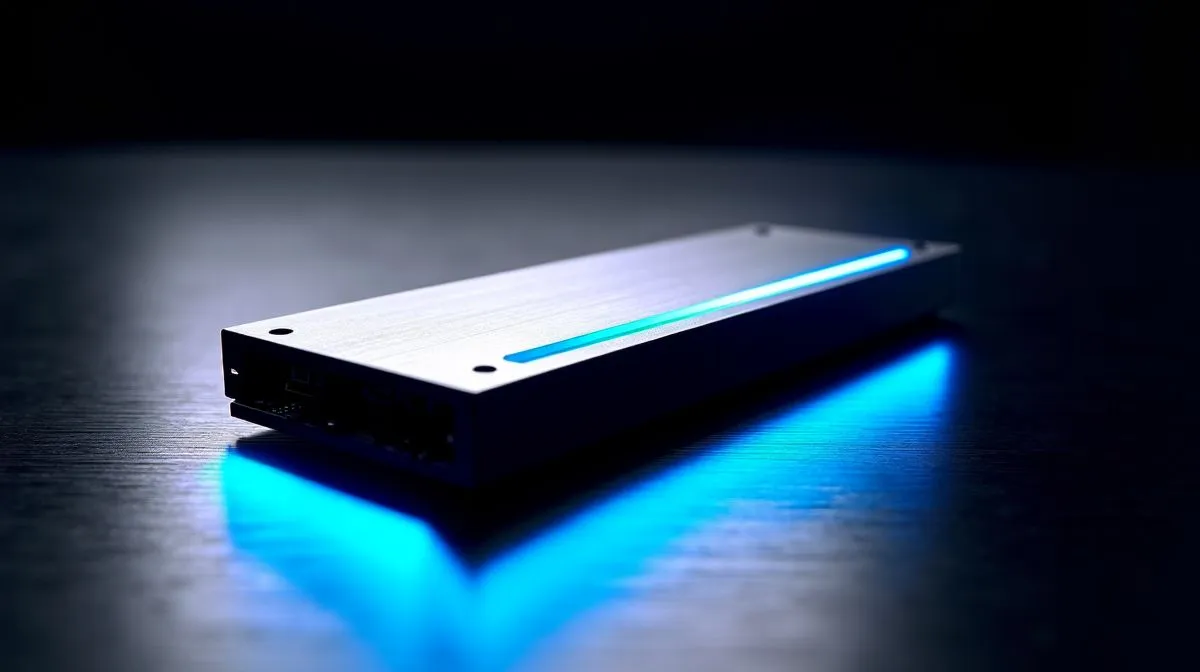
Choosing a top NVMe SSD for gaming and editing
South African gamers and creators: tired of long load times and sluggish exports? How to Choose the Best NVMe SSD for Gaming and Editing can shorten load screens, speed renders and make older PCs feel modern. This quick guide breaks down the specs that actually matter so you spend your ZAR on real gains. 🔧✨
Performance considerations for NVMe SSD for gaming and editing
NVMe outperforms SATA for random access and latency; Evetech’s SSD category lists interfaces and real-world specs to compare models. Pick a drive that matches your motherboard: PCIe Gen4 delivers higher peak throughput than Gen3, but controller quality and NAND type determine sustained speeds. For fast game streaming and heavy timelines, prioritise drives with good sustained write behaviour and thermal solutions. See the Evetech SSD range for full specs and comparisons: https://www.evetech.co.za/PC-Components/buy-solid-state-drives-83
Capacity and endurance for NVMe SSD for gaming and editing
Storage fills up fast—games, OS, scratch disks and cache stacks quickly. A 1TB NVMe is a useful baseline; 2TB reduces file juggling and speeds editing workflows. If you want to avoid constantly archiving projects, check 2TB options to match archives and active projects: https://www.evetech.co.za/PC-Components/buy-solid-state-drives-83?attributes-capacity=2TB. Also look at TBW (terabytes written) and manufacturer warranty on Evetech pages before you buy.
Brand choices and real-world value
Different brands tune for price, performance or cooling. ADATA often has budget-friendly NVMe models with solid controllers—good for entry upgrades: https://www.evetech.co.za/PC-Components/buy-solid-state-drives-83?brands=ADATA. Kingston focuses on long-term stability and decent warranties, which helps in steady editing workloads: https://www.evetech.co.za/PC-Components/buy-solid-state-drives-83?brands=Kingston. If you need sustained high throughput and integrated heatsinks, CORSAIR models are worth a look: https://www.evetech.co.za/PC-Components/buy-solid-state-drives-83?brands=CORSAIR
Installation and practical tips for NVMe SSD for gaming and editing
Install your NVMe in the fastest M.2 slot on the motherboard and use a heatsink or the board’s M.2 shield to prevent throttling on long renders. Keep OS and active projects on the NVMe; move archives to larger SATA or external drives to optimise cost per gigabyte. When budgeting in ZAR, factor in a drive enclosure if you want portable scratch disks for editing on the go. ⚡
Productivity Pro Tip ⚡
On Windows, use the PowerToys FancyZones utility to create custom snap layouts for your windows. It's a lifesaver for managing multiple apps on an ultrawide monitor, letting you organise your timeline, preview window, and asset folders perfectly for video editing.
Final checklist before you buy
- Match interface (Gen3 vs Gen4) to your motherboard.
- Balance capacity with TBW and warranty.
- Prefer TLC over QLC if you do lots of sustained writes.
- Compare local ZAR pricing and warranty on Evetech product pages for peace of mind.
If uncertain, chat Evetech support for compatibility checks, local warranty details and personalised advice before you finalise your purchase.
Ready to Find Your Perfect Match? The Mac vs Windows debate is complex, but for maximum power, choice, and value in South Africa, Windows is hard to beat. Explore our massive range of laptop specials and find the perfect machine to conquer your world.











