

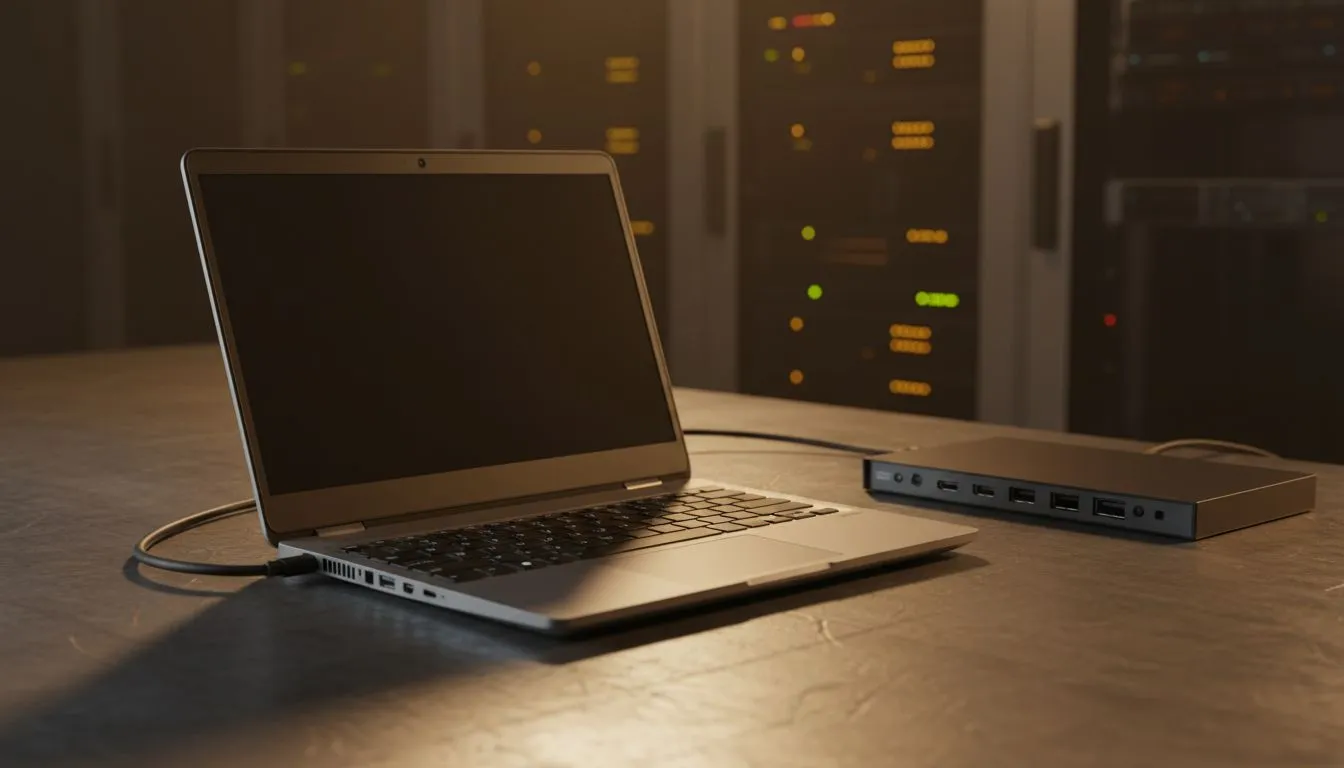
Desk upgrades for remote workers — quick wins for South Africans 🔧
South African gamers and remote workers: tired of neck pain, cluttered desks and laggy workflows? Upgrade your setup without breaking the bank. This practical guide covers high-impact desk upgrades for remote workers, with local buying tips, ZAR price sense and product paths that actually make work (and play) more comfortable. Read on for smart swaps, quick installs and where to click to buy.
Desk upgrades for remote workers — ergonomics first
Start with the basics: a chair that supports your lumbar curve and a desk height that keeps wrists neutral. Small changes cut fatigue and improve focus. If you use a laptop, a riser plus an external keyboard reduces neck strain instantly. For a compact monitor or dual-screen setup, browse Evetech’s monitor accessories collection to find stands, mounts and risers that suit small Cape Town flats as well as bigger home offices: https://www.evetech.co.za/PC-Components/buy-monitor-accessories-368.
Desk upgrades for remote workers — displays and mounts ✨
A quality monitor upgrade changes everything — sharper text, better colour and smoother gaming sessions. If neat cable runs and small-form power solutions matter, check Orico-branded accessories and docking options that tidy USB-C hubs and SSDs neatly under the display: https://www.evetech.co.za/PC-Components/buy-monitor-accessories-368?brands=Orico. For lightweight monitor brackets or WINX monitor stands that save desk depth, see this curated selection: https://www.evetech.co.za/PC-Components/buy-monitor-accessories-368?brands=WINX.
Desk upgrades for remote workers — power, hubs and cable management 🚀
Power strips, a good surge protector and a USB hub with PD charging keep devices charged and tidy. Aim for USB-C PD that can deliver at least 45W for laptops and 20W+ for phones. For budget-conscious buyers, there's a helpful filter showing accessories under set-price points — find items around and under R3,338 to kit out a workbench affordably: https://www.evetech.co.za/PC-Components/buy-monitor-accessories-368?max-price=3338. Keep cables bundled with Velcro straps and route them behind legs to avoid tangles.
Productivity Pro Tip ⚡
On Windows, use the PowerToys FancyZones utility to create custom snap layouts for your windows. It's a lifesaver for managing multiple apps on an ultrawide monitor, letting you organise your timeline, preview window, and asset folders perfectly for video editing.
Desk upgrades for remote workers — finishing touches and local buying advice
Small extras matter: a warm desk lamp, a mouse with adjustable DPI and a mechanical keyboard with tactile feedback. When comparing specs, rely on official product pages or Evetech listings for accurate dimensions and warranty details. Consider shipping times and local warranty support — Evetech displays product availability and stock on each listing so you can plan for delivery and returns.
Ready to Find Your Perfect Match? The Mac vs Windows debate is complex, but for maximum power, choice, and value in South Africa, Windows is hard to beat. Explore our massive range of laptop specials and find the perfect machine to conquer your world.











