

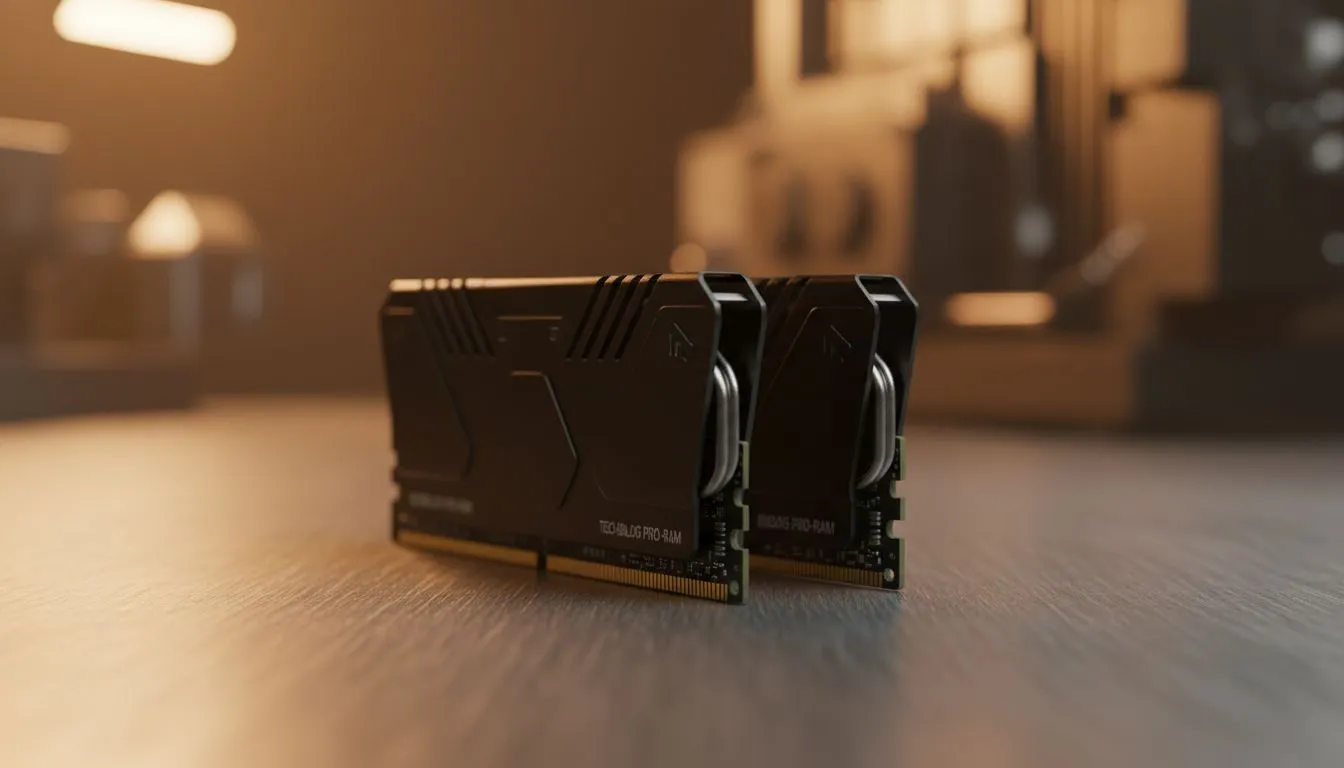
Is your PC feeling a bit sluggish during those intense Apex Legends firefights or when you've got Discord, Spotify, and a dozen Chrome tabs open? Before you start pricing a whole new rig, a simple desktop RAM replacement might be the high-impact, low-cost upgrade you need. It’s a powerful way to boost performance, but knowing what to look for can be confusing. Let’s break down the essentials so you can upgrade with confidence. 🔧
Understanding Your Motherboard's Memory Type
The most critical step in any desktop RAM replacement is matching the memory type to your motherboard. RAM generations, known as DDR (Double Data Rate), are not backwards or forwards compatible. Trying to fit a DDR5 stick into a DDR4 slot is like trying to fit a square peg in a round hole… it just won’t work.
Your motherboard manual or a quick search of its model number will tell you which generation it supports.
- DDR3: This is an older standard. If your PC is a few years old, you might still be running it. While not the fastest, a capacity upgrade can still offer a noticeable boost for older systems. You can still find reliable DDR3 gaming RAM modules for that exact purpose.
- DDR4: For the last several years, DDR4 has been the go-to standard for gaming PCs, offering a fantastic balance of price and performance. It remains a popular and powerful choice for a huge number of South African gamers looking to upgrade. Check out our wide range of DDR4 memory here.
- DDR5: This is the latest and greatest, offering blazing-fast speeds and higher capacities. It's the standard for modern Intel and AMD platforms, making it the top choice for new builds or high-end upgrades. If you're building for the future, exploring DDR5 memory options is a must.
Key Specs to Check for Your RAM Replacement
Once you know the correct DDR generation, it's time to look at the three key specs that define performance: capacity, speed, and latency. Choosing the right RAM for your PC involves balancing these factors with your budget.
Capacity (GB): How Much Do You Really Need?
- 8GB: Considered the absolute minimum for basic tasks and very light gaming today.
- 16GB (2x8GB): The sweet spot for most gamers and multitaskers in South Africa. This provides enough headroom for modern AAA titles and background applications without breaking the bank.
- 32GB (2x16GB) or more: Ideal for hardcore streamers, content creators working with 4K video, and anyone who wants a truly future-proof system.
Check Before You Buy! ⚡
Unsure what RAM your PC uses? Download a free tool like CPU-Z. The 'Memory' and 'SPD' tabs will tell you everything about your current modules and your motherboard's capabilities, taking all the guesswork out of your desktop RAM replacement.
Speed (MHz) and Latency (CL)
Speed, measured in Megahertz (MHz), indicates how many times your RAM can access its data per second. Faster is generally better, but only up to the point your motherboard and CPU officially support.
Latency, or CAS Latency (CL), is the delay before the RAM responds to a command. Here, a lower number is better. The perfect balance often comes down to your specific use case, but for most gamers, a kit with high speed and reasonably low latency is the goal.
Choosing a Reliable Brand and Kit
When you're ready to buy, always opt for a kit of two or four sticks (e.g., 2x8GB instead of 1x16GB). This allows your system to run in dual-channel mode, significantly improving memory bandwidth and overall performance. ✨
Stick to reputable brands known for their reliability and quality control. They offer solid warranties and are tested to perform under pressure. For example, brands like Kingston have built a legendary reputation for stability, while options from manufacturers like ADATA often provide an excellent mix of high-speed performance and striking aesthetics.
Ready to Boost Your Rig's Performance? 🚀 A desktop RAM replacement is one of the quickest ways to breathe new life into your PC. From faster load times to smoother multitasking, the right memory makes all the difference. Explore our full range of RAM modules and find the perfect upgrade for your machine today.











