

Why VRAM is the King of Sanctuary
Stuttering through a Helltide in Sanctuary is the quickest way to ruin your grind. Whether you are pushing Tier 100 Nightmare Dungeons or just exploring Scosglen, South African gamers know that performance is king. But when your frame rates dip, should you be looking at your system memory or your graphics card's dedicated storage? Let’s settle the Diablo 4 upgrade debate.
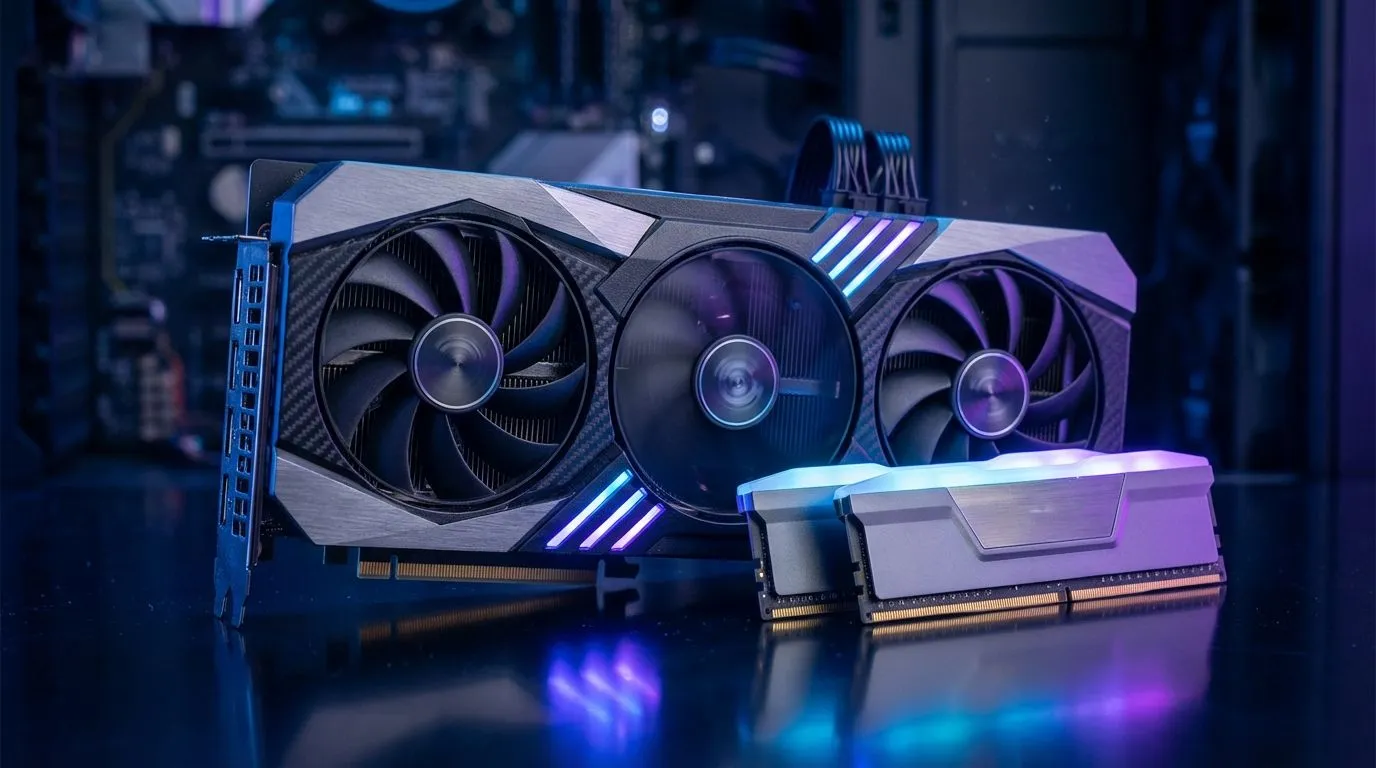
Diablo 4 is a visual feast... but those high-resolution textures come at a cost. VRAM, or Video RAM, lives on your graphics card and handles every texture and shadow you see. If you run out of VRAM, the game starts swapping data to your slower system RAM. This causes those annoying micro-stutters during intense combat. For a smooth experience at 1440p, you really want a card with at least 8GB or 12GB of memory. If you are looking for the latest tech, browse our range of NVIDIA and ATI graphics cards to find a model that fits your budget. Brands like MSI graphics cards offer excellent cooling solutions to keep those VRAM temps low during long sessions. ⚡
Does System RAM Still Matter for Diablo 4?
While VRAM handles the visuals... your system RAM manages the game logic and background tasks. Diablo 4 is surprisingly hungry for system memory. We recommend at least 16GB for a stable experience... though 32GB is becoming the new sweet spot for modern builds. If your GPU is sorted but you still see hitches, it might be time to look at your overall balance. Even team red fans should ensure their hardware is up to the task by checking out the latest AMD Radeon graphics cards which often provide generous VRAM buffers for the price.
Diablo 4 Performance Tip ⚡
If you are struggling with VRAM limits on an older card, try lowering the 'Texture Quality' setting first. This is the single biggest consumer of video memory. Dropping from Ultra to High can often save 2GB to 4GB of VRAM without a massive hit to visual clarity on a 1080p monitor.
Choosing the Right Path for Your Build
Not every gamer needs a flagship card. For those on a tighter budget looking for modern features like AV1 encoding, Intel Arc graphics cards have become a very competitive choice in the South African market. Alternatively, if you use your PC for heavy rendering during the day and demon-slaying at night, you might even consider workstation graphics cards for their massive memory capacities. 🔧
The Final Verdict
If you already have 16GB of system RAM, your next Diablo 4 upgrade should almost certainly be your GPU. Prioritising VRAM will give you the most immediate boost in smoothness and visual fidelity. Spending around R8,000 to R12,000 on a modern mid-range card can transform your experience from a slideshow into a cinematic masterpiece. 🚀
Ready to Find Your Perfect Match? The VRAM vs RAM debate is complex, but for maximum power, choice, and value in South Africa, a GPU upgrade is hard to beat. Explore our massive range of laptop specials and find the perfect machine to conquer your world.











