

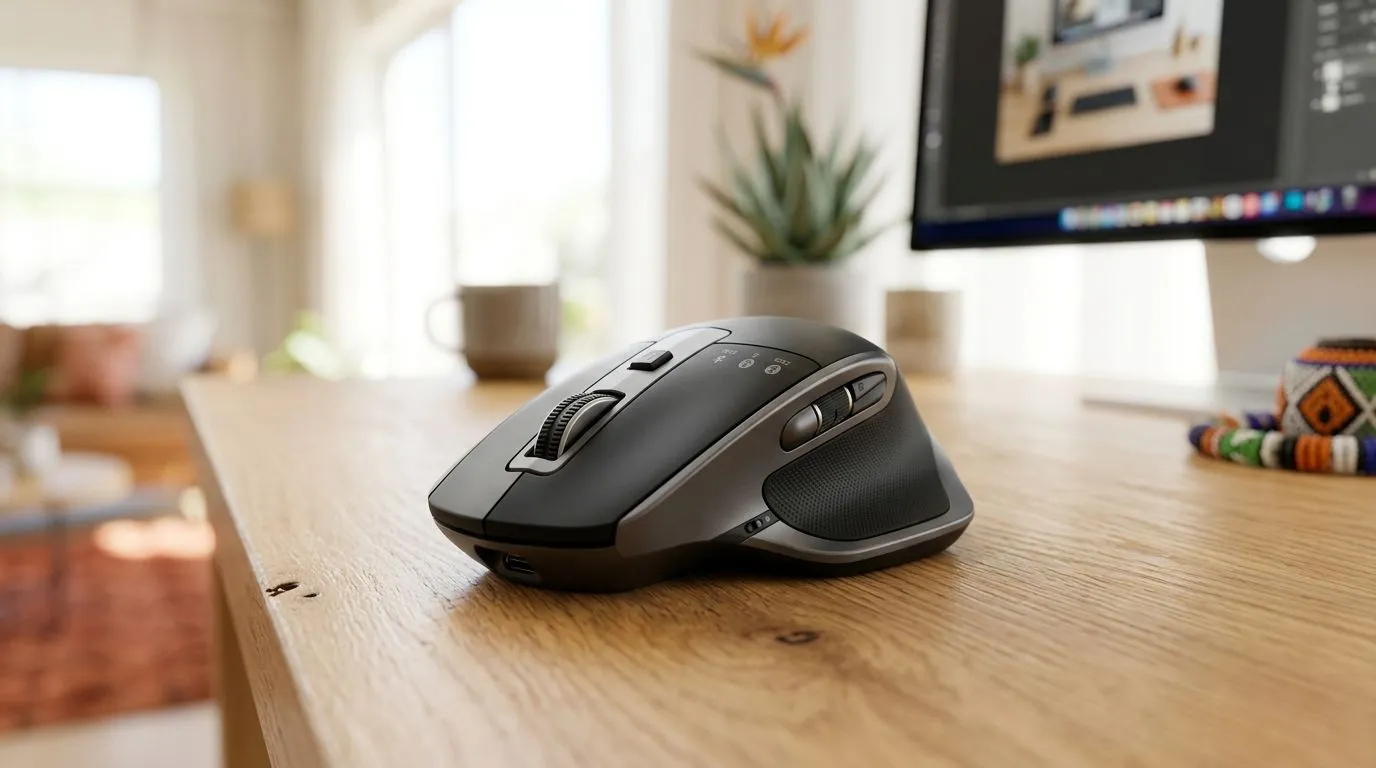
Dual Connectivity Mouse: Work-and-Play in South Africa for Real Life in SA
Buying a mouse for gaming should feel simple… but most of us also work, study, and hop between devices. One minute you’re lining up headshots, the next you’re answering emails or formatting a spreadsheet. That’s why a Dual Connectivity Mouse: Work-and-Play in South Africa style matters: you get one setup that can handle both your desk life and your couch grind.
In South Africa, where load shedding and Wi-Fi consistency can be… unpredictable… a smart connectivity mix is not just a luxury. It’s practical. 🚀
What “Dual Connectivity” Actually Gives You (and Why It Matters)
A dual connectivity mouse typically supports two connection modes, most commonly:
- Wireless (Bluetooth or 2.4GHz dongle) for comfort and quick pairing
- Wired (USB) for the lowest-latency and most reliable “always works” option
For work, that means fewer cables on your desk. For gaming, it means you can prioritise responsiveness when it counts.
Evetech stocks the parts and options that support this kind of setup, including the mouse categories you’re likely comparing:
- wired for stability and consistent performance
- wireless for convenience across devices
- accessories if you’re tightening up your whole desk ecosystem 🔧
Choosing Between Wired and Wireless (Without Overthinking It)
If you mainly play FPS or competitive titles, wired is often the safest bet for consistent input. If you’re moving between a laptop, tablet, or multiple PCs, wireless is easier on your workflow.
Use this quick decision rule:
- Choose wired if you want “plug in and forget” performance.
- Choose wireless if you switch devices often, or you’re short on USB ports.
- Choose dual connectivity if you want one mouse that can do both.
Connectivity Setup That Saves You Time
If your mouse supports both modes, set it up like a “daily driver”:
- Use 2.4GHz dongle (or the main wireless mode) for your gaming PC.
- Keep Bluetooth for your work laptop.
- Test switching during a real task flow, not in a rush.
Productivity Pro Tip ⚡
On Windows, create a consistent desk workflow by assigning apps to virtual desktops. Pair your gaming PC mode with your main desktop, then keep work apps on a separate desktop so switching after connectivity changes feels instant and organised.
Where to Buy: Mouse Options at Evetech (Work-and-Play Ready)
If you’re building a setup for both gaming and daily productivity, it helps to shop by the connection type you actually want. Here are Evetech routes to get you closer fast:
- Browse mouse accessories to tidy your desk and support your signal needs: mouse accessories on Evetech
- Compare wired options if you prioritise consistent responsiveness: wired mouse on Evetech
- If you need quick device switching, start with wireless: wireless mouse on Evetech
- If you’re trying to balance quality with budget, check what’s moving on deals: best gaming mouse deals on Evetech
- For broader selection, explore the broader mouse catalogue: gaming mouse range on Evetech
And yes… you can still get a great experience without overpaying. Watch for bundles, seasonal specials, and discounts that keep your build within your ZAR ceiling. 💸✨
Final Checklist Before You Commit
Before buying a dual connectivity mouse, confirm:
- You actually need both wired and wireless for your use case
- Your laptop supports the connection type you’ll use most (Bluetooth or dongle)
- You’ll benefit from switching, not just “collecting features”
If you want a mouse that can handle both your competitive nights and your workday grind, dual connectivity is the cleanest path.
Ready to Find Your Perfect Match? The Mac vs Windows debate is complex, but for maximum power, choice, and value in South Africa, Windows is hard to beat. Explore our massive range of laptop specials and find the perfect machine to conquer your world.











