

Staring at a render progress bar again? You’ve got a beast of a PC, but your creative workflow feels... sluggish. The secret to unlocking your machine's true potential often isn't in the tower, but on your desk. For creators across the country, choosing the right editing PC peripherals in South Africa is the single biggest upgrade you can make. It’s about transforming your setup from a simple computer into a high-performance creative studio. 🚀
Why Your Monitor is the Most Crucial Editing Peripheral
Before you even think about your mouse or keyboard, look at your screen. Your monitor is your window to your work. If the colours are off, your final product will be too. When shopping for the best monitor for your editing needs, prioritise three things: colour accuracy, resolution, and size.
For photo and video work, look for a display that covers at least 99% of the sRGB colour space. For professional video grading, a monitor covering the DCI-P3 or Adobe RGB gamut is even better. A 4K (3840x2160) resolution is the modern standard, giving you crisp detail and ample screen real estate. This level of detail ensures you see every pixel perfectly, but it also requires a capable machine to power it. Even one of our powerful and affordable PC deals under R20k can handle a 4K display for a smooth editing experience.
Colour Accuracy Pro Tip 🎨
Out of the box, most monitors aren't perfectly calibrated. Invest in a simple calibration tool like a Datacolor Spyder or Calibrite ColorChecker. Running a calibration once a month ensures your colours are true-to-life, meaning what you see on your screen is what your audience will see. It's a non-negotiable step for serious editors.
Precision and Comfort: Choosing the Right Keyboard and Mouse
Your mouse and keyboard are your digital hands. For hours of meticulous timeline scrubbing, key-framing, and cutting, you need tools that offer both precision and ergonomic comfort.
Finding Your Perfect Keyboard
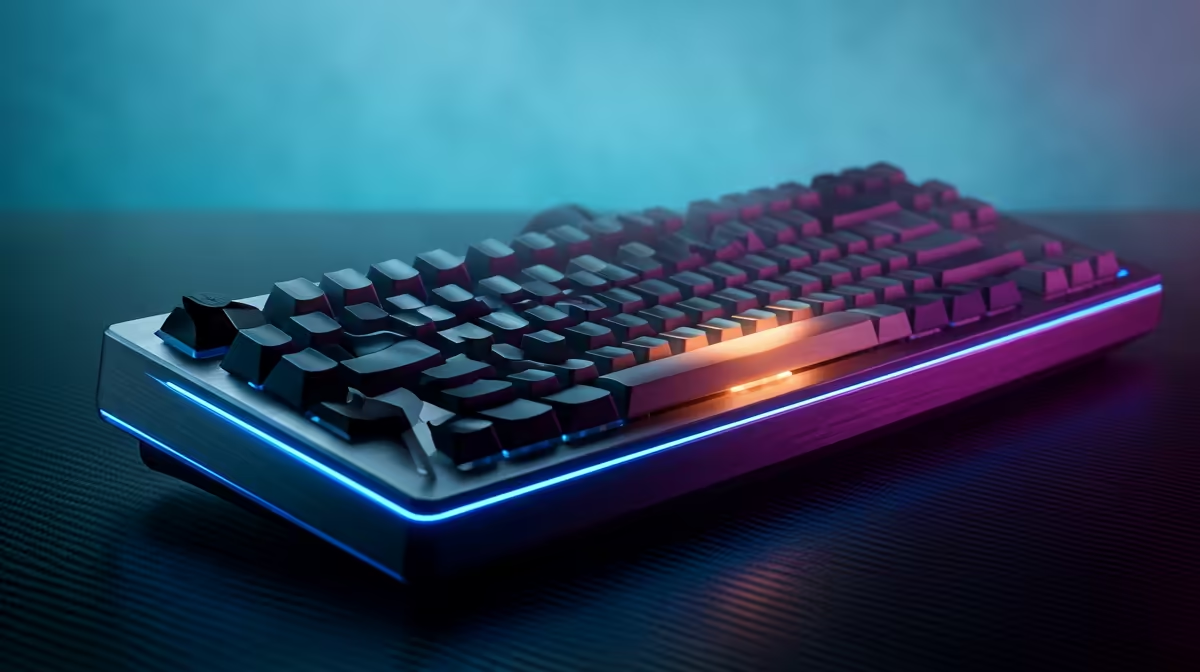
Forget that flimsy keyboard that came with your first PC. A mechanical keyboard provides tactile feedback that not only feels satisfying but can improve your typing speed and accuracy. More importantly for editors, many high-end keyboards come with software that allows you to program custom macros. Imagine assigning complex, multi-step actions in Premiere Pro or Photoshop to a single key press. This is how you reclaim hours of your time.
The Mighty Editing Mouse
When it comes to mice, a high DPI (Dots Per Inch) is great for gaming, but for editing, consistency and ergonomics are king. Look for a mouse that fits your hand comfortably for long sessions. Programmable side buttons are fantastic for mapping common tools like the blade tool, zoom, or undo. A responsive sensor ensures your cursor moves exactly where you intend, which is critical for masking and detailed brushwork. A solid mouse and keyboard are the perfect partners for a powerful CPU, whether you're running one of our latest Intel PC deals or another top-tier processor.
Completing Your Setup: Essential Audio and Storage Peripherals
A truly professional setup considers the entire workflow, from visuals to sound and data management. Upgrading these often-overlooked editing PC peripherals in South Africa can make a huge difference.
Good audio is non-negotiable for video editors. A pair of flat-response studio monitor speakers or high-quality headphones will ensure your sound mix is balanced and clear. Don't let poor audio ruin a visually stunning project.
Finally, consider your storage. Editing 4K video directly from a slow external hard drive is a recipe for frustration. A high-speed external SSD, especially one using a Thunderbolt or USB4 connection, provides the bandwidth needed for a stutter-free experience. This is especially true when working with a multi-core powerhouse, as our custom AMD Ryzen PC deals are designed for heavy-duty creative tasks and thrive on fast data access. ⚡
Bringing It All Together: Your Ultimate Editing Setup
Upgrading your peripherals isn't about chasing the latest trend; it's a strategic investment in your own productivity and the quality of your work. A colour-accurate monitor, a precise and comfortable mouse, a macro-enabled keyboard, and fast external storage work together to create a seamless creative environment. By focusing on these key editing PC peripherals, you empower your PC to perform at its peak, turning frustrating bottlenecks into a fluid, efficient workflow.
Ready to Build Your Dream Editing Rig? Your peripherals are only half the story. A powerful core is essential. Explore our massive range of PC components to build or upgrade the perfect machine for your creative ambitions in South Africa. Design Your Ultimate Editing PC Today











