

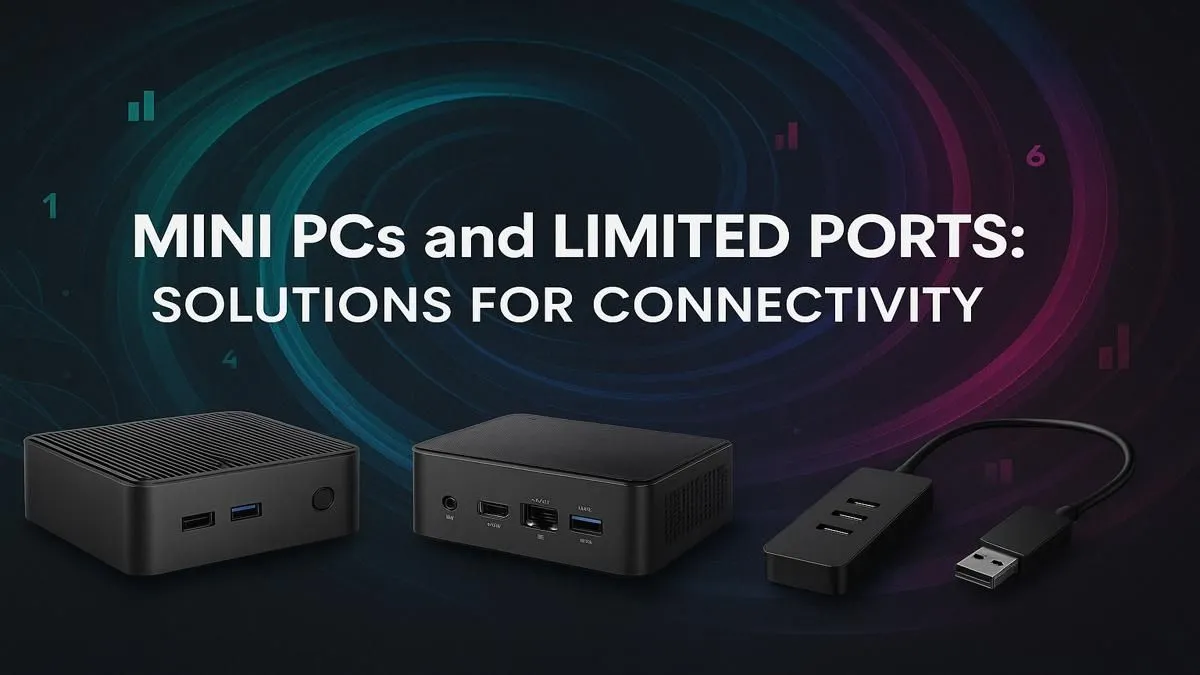
So you've embraced the mini PC revolution. Good on you! These compact powerhouses are brilliant for decluttering your desk and saving space, all while packing a serious punch. But as you start plugging in your gear—monitor, keyboard, mouse, webcam, headset—you hit a wall. Literally. You've run out of ports.
Don't stress, this is a common hurdle. This guide will show you exactly how to expand mini PC ports and transform your tiny rig into a connectivity king. 🚀
Why Mini PC Port Expansion is a Must
A mini PC's biggest strength, its size, is also the source of its main limitation: a finite number of built-in ports. While manufacturers do a great job, there's only so much space on that tiny chassis. For anyone with a serious workflow or gaming setup, learning how to expand mini PC ports isn't just a nice-to-have; it's essential.
Consider a typical setup:
- Gamers: Need ports for a low-latency mouse, mechanical keyboard, high-refresh-rate monitor, headset, and maybe a streaming microphone.
- Creatives: Require connections for multiple monitors, graphics tablets, external SSDs for project files, and SD card readers.
- Home Office Warriors: Juggle a webcam, printer, external hard drive for backups, and often a second or third screen.
Suddenly, those three or four USB ports seem pretty scarce, right? The good news is that the solution is simple and effective. Exploring the diverse world of compact and powerful Mini PCs shows that every model has the potential for massive expansion.
Your Best Options to Expand Mini PC Ports
Solving your port problem comes down to choosing the right tool for the job. You don't need to be a tech wizard; you just need to know your options.
USB Hubs: The Quick & Easy Fix
The most straightforward way to get more ports is with a USB hub. Think of it as a power strip for your data devices. They are typically small, portable, and affordable.
- Unpowered Hubs: These are best for simple, low-power devices like a mouse, keyboard, or USB flash drive. They're cheap and cheerful but can struggle if you plug in too many power-hungry gadgets.
- Powered Hubs: These have their own power adapter that plugs into the wall. This means each port gets a stable supply of electricity, making them perfect for external hard drives, webcams, and charging your phone.
For most users, a simple powered USB-A or USB-C hub is the perfect starting point to expand mini PC ports without breaking the bank.
Docking Stations: The All-in-One Command Centre ✨
If a USB hub is a power strip, a docking station is a full-blown command centre. It's the ultimate solution for creating a clean, single-cable desk setup. You plug one USB-C or Thunderbolt cable from the dock into your mini PC, and the dock handles everything else: power, multiple video outputs (DisplayPort, HDMI), Ethernet, audio jacks, and a ton of USB ports.
This is the gold standard for professionals and power users. A good dock lets you connect to a world of peripherals instantly. Even the most well-equipped modern Mini PC builds can be elevated by a quality docking station, turning a small box into the heart of a sprawling, multi-monitor workspace.
Thunderbolt vs. USB-C Explained ⚡
While they use the same connector, they aren't the same! A standard USB-C port offers speeds up to 10 or 20Gbps. Thunderbolt 3 or 4, however, offers a massive 40Gbps of bandwidth. This is crucial if you want to run two 4K monitors at 60Hz and transfer huge files from an external SSD simultaneously without any lag. Always check your mini PC's specs to see if it has a true Thunderbolt port!
How to Choose the Right Connectivity Solution
Feeling a bit overwhelmed? Let's break it down. Ask yourself these simple questions to find your perfect match.
- What am I connecting? Make a list. If it's just a mouse and keyboard, a simple USB hub will do. If it includes multiple monitors and an external SSD, you should be looking at a docking station.
- What kind of video output do I need? Check your monitors. Do they use HDMI or DisplayPort? Make sure the hub or dock you choose has the right video ports to support your desired resolution and refresh rate.
- What's my budget? A basic USB hub can be found for a few hundred Rand. A high-end Thunderbolt 4 dock can cost a few thousand. Thankfully, you don't need to spend a fortune to get a great setup. There are many fantastic Mini PCs available for under R22,000 that, when paired with the right mid-range dock, create an unbeatable value proposition.
By matching your needs to the right hardware, you can effectively expand mini PC ports and unlock the full, uncompromised potential of your compact machine. No more swapping cables or choosing which peripheral gets left out. 🔧
Ready to Build Your Compact Powerhouse? A Mini PC's small size doesn't mean small performance. With the right connectivity plan, it can power any setup. Browse our huge range of Mini PCs and find the perfect foundation for your ultimate compact rig.











