

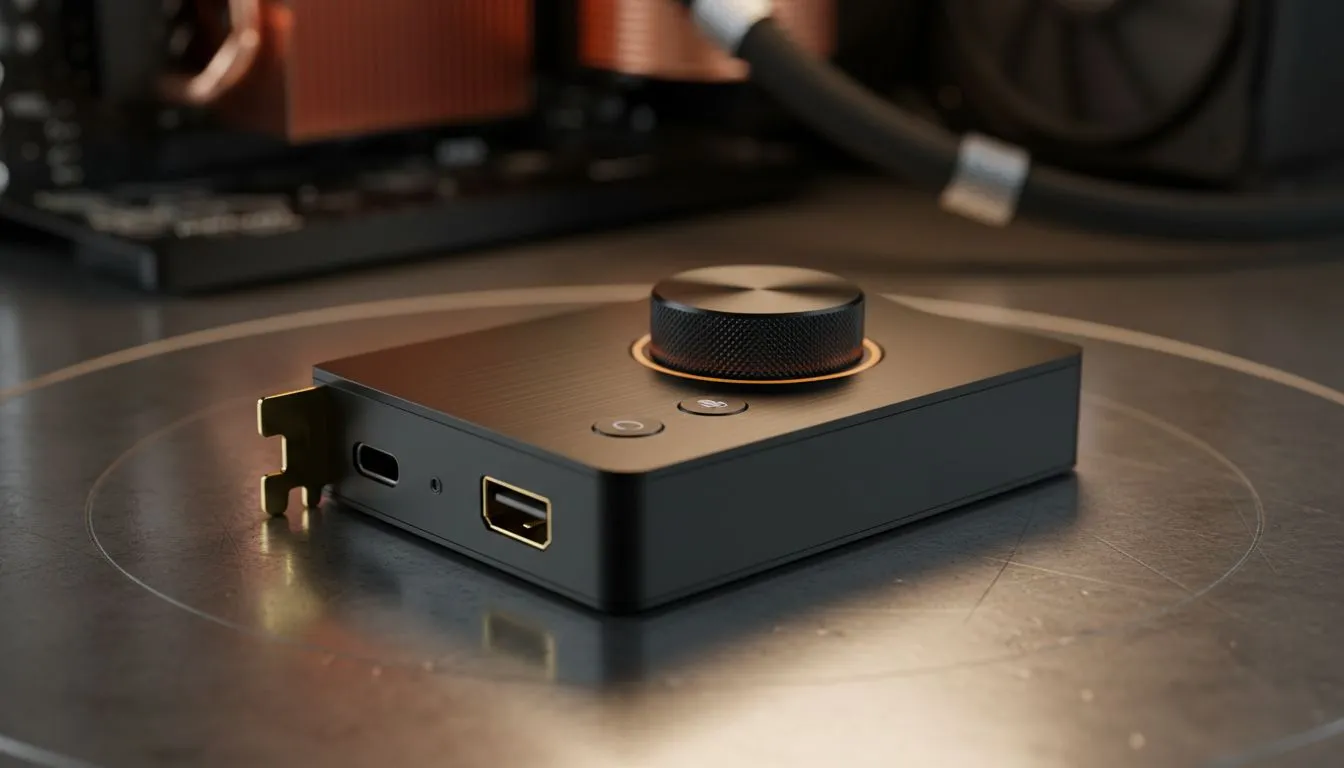
External USB sound card: Quick win for budget motherboards 🔧
If your PC’s cheap onboard audio sounds flat, an external USB sound card can restore crisp highs and fuller bass without swapping the motherboard. South African gamers and streamers — this is the upgrade that costs far less than a full audio overhaul. Plug, configure, and enjoy better positional audio in titles like Apex Legends and Battlefield... and keep your build under control.
External USB sound card: Why it helps
Many entry-level motherboards cut corners on audio paths to save cost. An external USB sound card bypasses the onboard codec and gives you a cleaner digital-to-analogue chain. That matters when you want clearer footsteps or tighter music reproduction while gaming or editing. You won’t need to open the case; this is a plug-and-play improvement that pairs well with modern headsets.
If you already own a wireless headset like the Razer Barracuda X Chroma, a USB sound card can reduce latency and improve the headset’s onboard equaliser results. Check the product page for compatibility and audio specs.
External USB sound card: Choosing the right one for South African rigs ⚡
Look for a device with a good DAC chip, low-latency USB implementation, and a clean analogue output. If you use a dedicated mic, confirm the card supports mic input impedance and gain control. For straightforward shopping, browse Razer options and other gaming-focused audio gear in Evetech’s Razer headsets collection and compare user reviews before buying.
Audio Setup Tip ✨
When you plug in a USB sound card, set Windows sound format to 24‑bit, 48000 Hz (or match your headset). Disable “Enhancements” to avoid unwanted processing. Test with a familiar track to judge improvements quickly.
External USB sound card: Install, pair, and tweak
- Plug the device into a USB 3.0 or 2.0 port on the rear I/O.
- Let Windows install drivers or download the latest from the manufacturer.
- In Windows Sound Settings, select the USB sound device for playback and recording.
- Use the vendor’s control panel to adjust EQ, mic gain, and sidetone.
Pair with the right cans. If you’re browsing headphones in the headphone & headset section, look for models with comfortable clamping force and clear mid-range response for voices. That synergy — better source via USB DAC plus a tuned headset — creates the most noticeable uplift.
Small micro-story: I helped a local streamer move from tinny voice capture to a warm, natural sound by swapping their onboard audio for a modest external USB DAC and tweaking mic gain. Viewers noticed the clarity within the first stream.
External USB sound card: Final checklist before you buy
- Confirm driver support for your OS.
- Check physical I/O for your mic and headphones.
- Read user feedback on latency and noise floor.
- Compare prices in ZAR and factor in any import fees.
🔁 Ready to shop? Compare models, read specs, and match them to your headset.
Ready to Find Your Perfect Match? The Mac vs Windows debate is complex, but for maximum power, choice, and value in South Africa, Windows is hard to beat. Explore our massive range of laptop specials and find the perfect machine to conquer your world.











