

Is your once-mighty gaming laptop starting to choke on the latest titles? You're not alone. That buttery-smooth framerate you used to brag about now feels... sluggish. For many gamers, the first thought is about gaming laptop upgrades in South Africa, but is it the right move? Before you start shopping for parts, let's look at what you can realistically boost and when it's time to consider a full system replacement for a true performance leap. 🚀
The Reality of Gaming Laptop Upgrades
Unlike a desktop PC where almost everything is modular, a gaming laptop is a tightly integrated piece of engineering. The most critical components for gaming performance—the CPU (processor) and GPU (graphics card)—are almost always soldered directly onto the motherboard. This means a GPU upgrade is off the table.
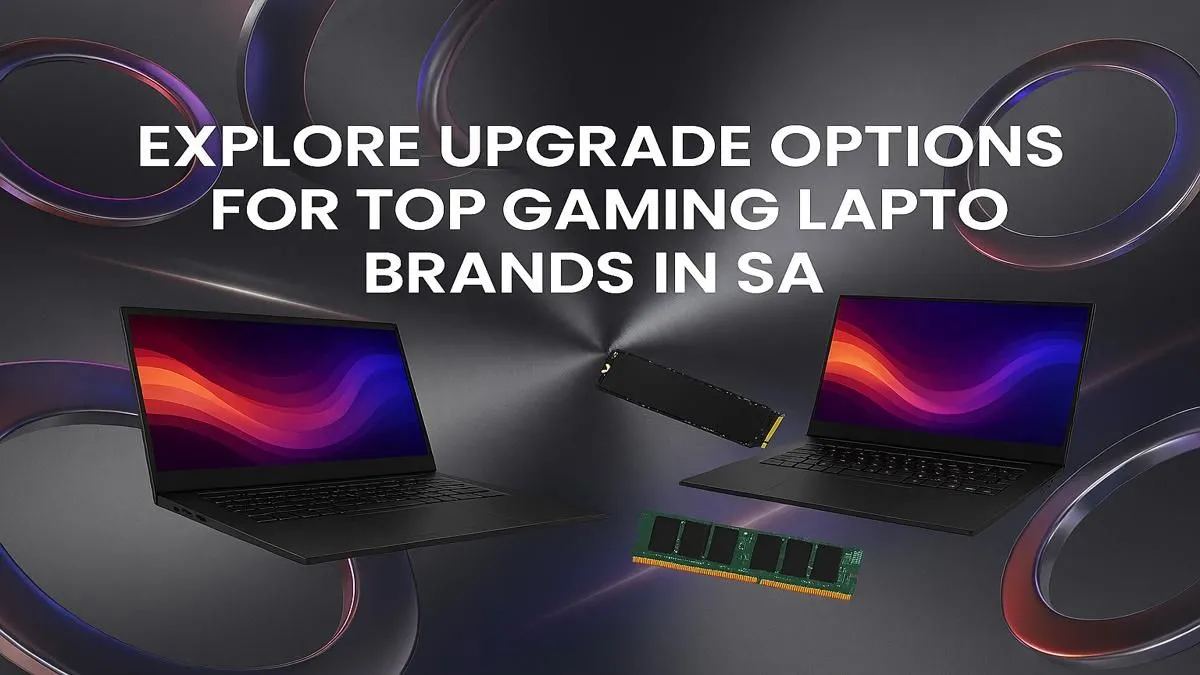
So, what does that leave? For most models, two key areas are accessible for a meaningful boost: your RAM and your storage.
Quick Wins: RAM & Storage Upgrades 🔧
If your CPU and GPU are still relatively modern, these two upgrades can breathe new life into your machine, especially if you're running on the base configuration it shipped with.
Boosting Multitasking with More RAM
Random Access Memory (RAM) is your laptop's short-term memory. It's what allows you to run your game, Discord, a browser, and your music player all at once without your system grinding to a halt. If you have 8GB of RAM, jumping to 16GB or 32GB can make a huge difference in overall smoothness and prevent stuttering. This is especially true for powerful machines like modern Intel Core i7 gaming laptops that can juggle many tasks at once.
Slashing Load Times with an SSD
Still running your games from a traditional hard disk drive (HDD)? This is the single biggest bottleneck in most older laptops. Upgrading to a Solid-State Drive (SSD), particularly a speedy NVMe M.2 drive, will change your life. We're talking about game load times cut by more than half and a system that boots up in seconds. It's one of the most satisfying gaming laptop upgrades you can make.
Check Your Slots! ⚡
Before buying a new NVMe SSD, open up your laptop or check its online manual to see what slots you have available. Some laptops have a spare M.2 slot, making it an easy addition. Others might require you to replace the existing drive, so you'll need a plan to clone your Windows installation.
When is it Time for a Full System Upgrade?
Let's be honest. If your laptop is struggling to run new games even on low settings, more RAM or a faster SSD won't fix the core problem: an outdated GPU. Technologies like NVIDIA's DLSS and ray tracing are demanding, and they require modern hardware found in the latest GeForce RTX gaming laptops on special.
If your processor is also a few generations old, you're facing a CPU bottleneck that will hold back even a decent graphics card. Instead of investing more in an aging platform, it's often smarter to put that money towards a new machine. The performance jump you'll get from a modern CPU/GPU combo from either the Intel gaming laptops lineup or the powerful AMD Ryzen gaming laptops is something a simple component swap can't match.
Finding the Right Upgrade Path for Your Budget ✨
Ultimately, the decision comes down to performance needs and budget. A new rig is a significant investment, but the value you get is undeniable. Thankfully, there are incredible options across the price spectrum in South Africa.
For those looking for a massive step up without emptying their wallet, the range of gaming laptops under R20k offers fantastic 1080p performance. If you're aiming for high-refresh-rate gaming, 1440p resolutions, or simply want to future-proof your setup for years to come, exploring the premium gaming laptops above R20k is the way to go.
So, while a RAM or SSD swap can provide a welcome boost, the best path to truly next-gen performance is a new laptop. You can always check out the best gaming laptop deals to see what's currently on offer.
Ready to Find Your Next Powerhouse? Deciding on gaming laptop upgrades can be tricky, but sometimes the best performance boost comes from a new machine. For maximum power, choice, and value in South Africa, a modern rig is hard to beat. Explore our massive range of laptop specials and find the perfect machine to conquer your world.











