

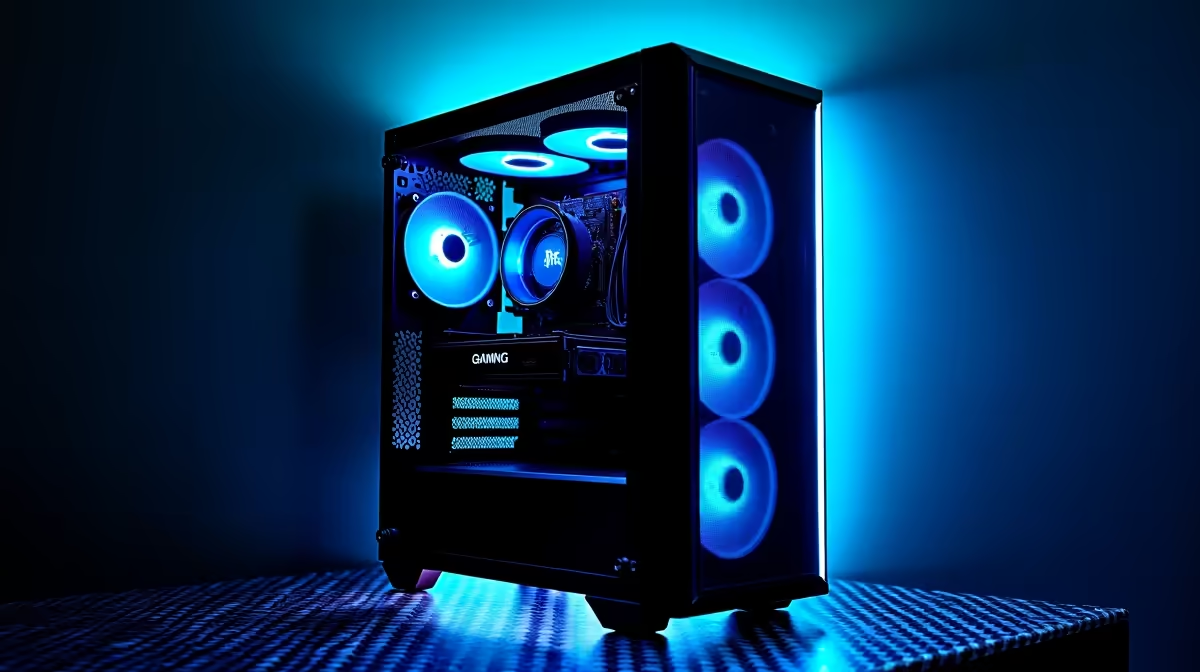
Is your gaming rig feeling a bit… slow? That buttery-smooth framerate you loved in Apex Legends has turned choppy, and loading screens are taking forever. Before you start pricing entirely new machines, let's talk about smart gaming PC maintenance. A little bit of care and a few strategic upgrades can breathe new life into your beloved machine, keeping you in the game for longer and saving you some serious cash. Let's get those frames back. 🚀
The 'Care' Side: Essential PC Maintenance
Think of this as the foundation of performance. Dust is the number one enemy of a gaming PC in South Africa, clogging fans and insulating components, which leads to thermal throttling… the fancy term for your PC slowing down to prevent overheating. Proper PC care is non-negotiable.
At least every six months, you should:
- Power Down & Unplug: Safety first! Make sure your PC is completely disconnected from the wall.
- Open the Case: Carefully remove the side panel.
- Blast the Dust: Use short, controlled bursts of compressed air to clean out dust from fans, heatsinks, and crevices. Never use a vacuum cleaner!
- Wipe Down Surfaces: A microfibre cloth is perfect for wiping down fan blades and flat surfaces.
Consistent cleaning ensures optimal airflow, keeping your components cool and stable. Even the most affordable budget gaming PCs benefit massively from this simple 15-minute routine.
Software Health Check ⚡
Beyond the hardware, keep your software tidy. Use a tool like HWiNFO64 to monitor your component temperatures and spot issues early. Regularly updating your graphics drivers from NVIDIA or AMD is also one of the easiest ways to get a free performance boost in new games.
The 'Upgrade' Path: Smart Component Swaps
When cleaning isn't enough, it's time to consider gaming PC upgrades. The key is to identify the bottleneck—the one component holding everything else back.
Where to Invest for Maximum Impact:
- Storage (SSD): If you're still running your OS on a mechanical hard drive (HDD), upgrading to a Solid-State Drive (SSD) is the single biggest quality-of-life improvement you can make. Windows will boot faster, and games will load in a fraction of the time.
- Memory (RAM): Many modern games now recommend 16GB of RAM for a smooth experience. If you're sitting on 8GB, adding another stick is often a simple and cost-effective upgrade.
- Graphics Card (GPU): This is the heart of your gaming performance. A powerful GPU upgrade can feel like a new machine, but it's wise to compare the cost against some of the fantastic gaming PCs under R20k that offer a balanced, warrantied experience.
When you're eyeing a top-tier GPU, remember that it needs a powerful CPU and sufficient RAM to stretch its legs… otherwise, you're just creating a new bottleneck. The best performance PCs over R20k are built with this crucial component synergy in mind.
Knowing When to Upgrade vs. When to Rebuild
So, how do you know when to stop upgrading and start over? The answer usually lies with your motherboard and CPU. If your platform is so old that a new CPU would require a new motherboard and new RAM, you're essentially building a new PC anyway.
At this point, it becomes a value proposition. If your planned upgrades are approaching the cost of a modern, complete system, exploring some of the latest pre-built PC deals can often be the smarter, more future-proof move. You get a fully optimised, tested machine with a single warranty. ✨
Ultimately, this gaming PC maintenance guide is about protecting your investment and ensuring you get the frames you paid for, whether you're fine-tuning your current rig or browsing the best gaming PC deals in South Africa for your next powerhouse. Happy gaming!
Ready for a Performance Boost? Whether you're planning a strategic upgrade or considering a fresh start with a new rig, Evetech has you covered. Explore our massive range of PC deals and find the perfect machine to dominate your favourite titles.











