

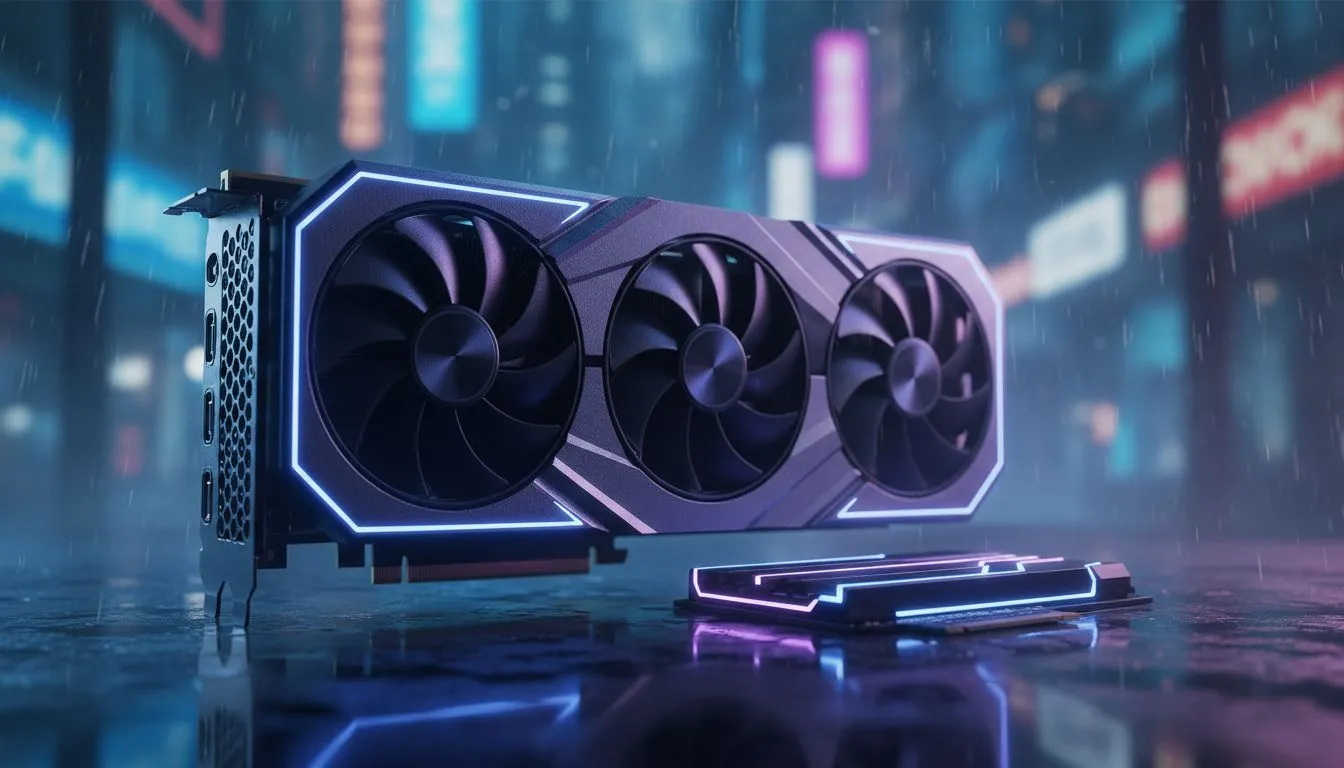
Night City is a demanding beast that can bring even the most powerful South African gaming rigs to their knees. If you are looking to improve your experience, you are likely asking: GPU vs SSD for Cyberpunk 2077: Which Upgrade First? Balancing your budget in ZAR while chasing those high frame rates is a challenge every local gamer faces when staring at their PC internals 🔧.
The Visual Impact of a Graphics Card Upgrade
If your frame rate is dipping below 30 FPS at 1080p, your primary bottleneck is almost certainly the GPU. Cyberpunk 2077 relies heavily on modern architectures to handle its dense crowds and complex lighting. Upgrading to a modern NVIDIA or ATI graphics card allows you to enable features like DLSS or FSR. These technologies are essential for maintaining smooth gameplay in Dogtown.
For those who want a blend of aesthetics and cooling efficiency, MSI graphics cards offer excellent thermal headroom. This is particularly important during those hot South African summer gaming sessions. If you are exploring alternative options, the latest Intel Arc graphics cards provide a compelling entry point for gamers looking for great value without breaking the bank.
Why an SSD is No Longer Optional
Since the release of the 2.0 update, the developers have officially moved the game's minimum requirements to an SSD. If you are still running the game on an old mechanical drive, you will experience massive texture pop-in and long loading screens. More importantly, the game's HDD Mode is merely a band-aid... it cannot replace the raw speed of flash storage. An NVMe SSD ensures that assets stream in instantly as you drive through the city at high speeds ⚡.
Cyberpunk Performance Tip ⚡
On Windows, enable the 'HDD Mod' in the gameplay settings only if you are forced to run on a mechanical drive. However, for the best experience, moving the game files to an NVMe SSD will eliminate the stuttering caused by slow asset streaming in dense areas like the Kabuki Market.
Finding the Right Balance for Your Build
Choosing the right path depends on your current hardware. If you already have a basic SSD but your visuals look like a blurry mess, then you should definitely buy AMD Radeon graphics cards to boost your raw performance. They often provide more VRAM at lower price points... which is a huge win for high-resolution textures.
On the other hand, if you are a professional who uses their machine for more than just gaming, you might be looking at workstation graphics cards. These cards handle heavy productivity tasks during the day while still allowing you to visit Night City after hours. Ultimately, the SSD provides the stability, but the GPU provides the beauty 🚀.
Ready to Find Your Perfect Match? The GPU vs SSD debate is complex, but for maximum power, choice, and value in South Africa, Evetech has you covered. Explore our massive range of graphics card specials and find the perfect component to conquer Night City.











