

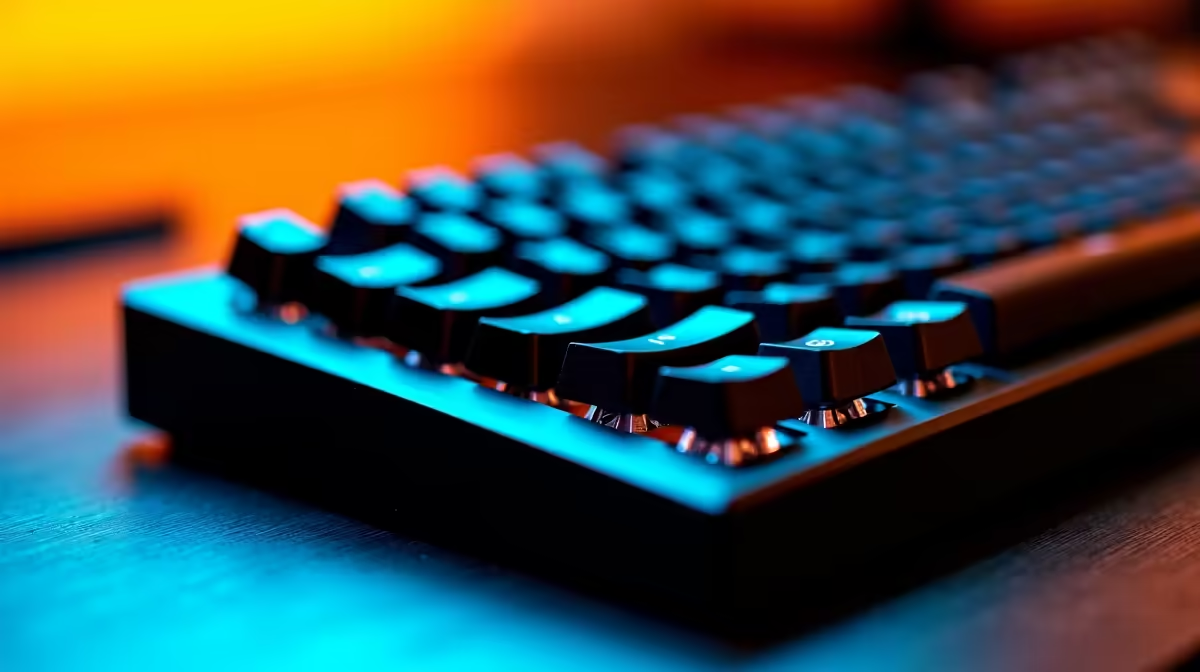
Hot-swappable keyboards have changed the way South African mechanical keyboard enthusiasts approach their setups - no soldering iron required, no technical skills needed, just pull out a switch and drop in a new one. For SA buyers who want the flexibility to tune their typing feel without committing to a single switch type, hot-swap is one of the most practical features to prioritise at purchase.
Quick Answer
Hot-swappable keyboards let you change mechanical switches without soldering, using a simple switch puller tool. This means you can swap from clicky Blue switches to smooth linear Reds (or anything in between) in minutes. For SA buyers, it adds long-term value by letting you experiment with switch types as your preferences evolve - a smart investment on mid-range to premium keyboards.
🔌 How Hot-Swap Sockets Actually Work
Standard mechanical keyboards have switches soldered directly to the PCB - a permanent connection that requires heat, flux, and experience to change. Hot-swap keyboards replace soldered joints with spring-loaded sockets (commonly Kailh or Mill-Max style) that grip the switch pins mechanically. Removing a switch takes about 10 seconds with a plastic switch puller; inserting a replacement takes another 10. The sockets are rated for 50–100 swap cycles on budget boards and 100+ on premium options, meaning you can comfortably experiment with multiple switch types over the keyboard's lifespan. This matters in SA where keyboard returns and exchanges for "wrong feel" purchases are an avoidable frustration.
🎮 Which Switch Types Make the Most Sense for SA Gamers?
The three core switch categories - linear, tactile, and clicky - suit different use cases. Linear switches (Cherry MX Red, Gateron Yellow) are smooth and fast, preferred for gaming. Tactile switches (Brown, Topre-style) give a bump feedback without a loud click, suited to mixed gaming and typing. Clicky switches (Blue, Green) are satisfying to type on but generate noise that can be an issue in shared SA residences or open-plan offices. Hot-swap lets you buy one keyboard and experiment across all three categories without buying multiple boards. Pair your keyboard with a quality gaming mouse to complete a responsive input setup.
💡 What to Check Before Buying a Hot-Swap Keyboard in SA
Not all hot-swap implementations are equal. Confirm the socket type (3-pin vs 5-pin compatibility matters if you plan to install aftermarket switches), and verify the PCB is genuinely hot-swap and not just described as "switch-friendly." Look for keyboards with south-facing LEDs if RGB matters to you, as north-facing LEDs can cause shine-through issues with certain keycap profiles. Budget for R150–R400 on a decent set of replacement switches if you plan to swap immediately.
❓ FAQ
Q: Can I use any mechanical switch in a hot-swap keyboard? A: Most hot-swap keyboards accept MX-compatible switches (the industry standard). 5-pin switch support depends on the PCB - 3-pin PCBs require clipping the two extra pins off 5-pin switches before insertion.
Q: Do hot-swap keyboards cost significantly more in SA? A: A small premium applies - typically R200–R500 more than a comparable soldered board. Given the long-term flexibility, it's generally worth it for anyone likely to experiment with switch types.
Q: Is hot-swapping difficult to do at home? A: No. A plastic switch puller (often included with the keyboard) is all you need. The process takes minutes and requires no technical skills or tools beyond that.
Check out All Gaming Keyboards and Graphics Card Deals at Evetech — South Africa's home for gaming gear.
Ready to Find Your Perfect Match? Find hot-swappable mechanical keyboards and accessories at evetech.co.za.











