

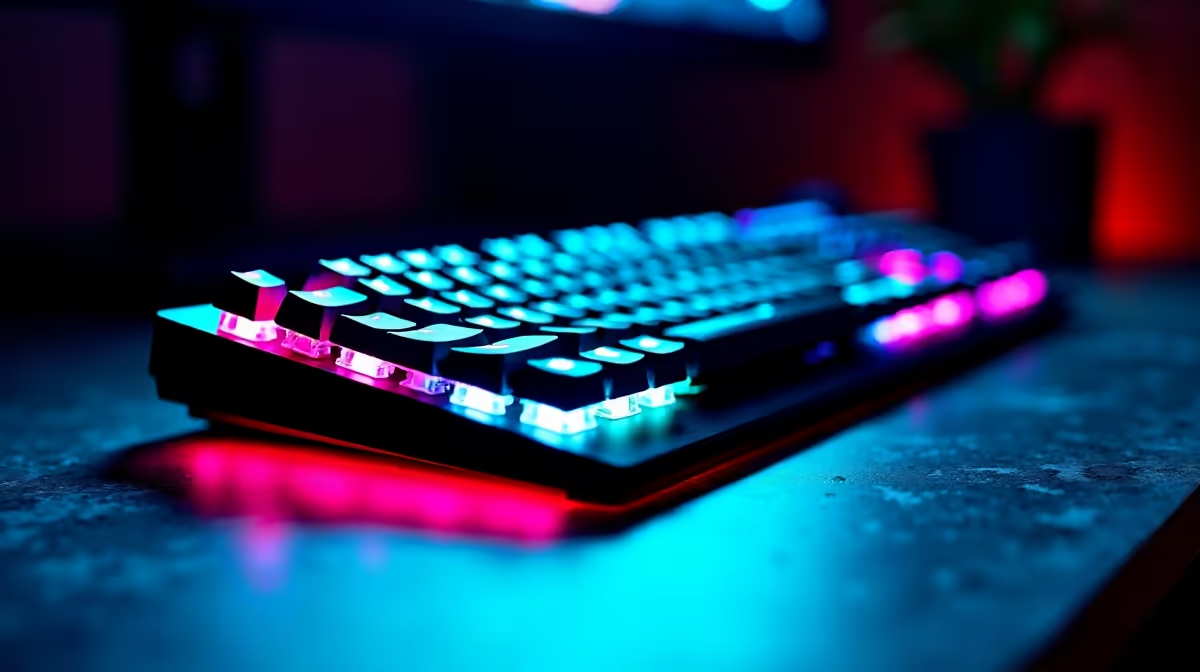
Why Transfer Data to Your New RGB Keyboard?
Upgrading your gaming setup in South Africa? Your new RGB keyboard isn’t just a flashy accessory—it’s a gateway to better performance and personalisation. But transferring your data, like custom keybinds, macros, and lighting profiles, can be a maze. Avoid the frustration of starting from scratch by mastering how to transfer data to your new RGB keyboard effectively. 💡 Whether you’re moving from an old Corsair or Razer model, a smooth data transfer saves hours and keeps you in the game.
Preparing Your Old Keyboard for Data Transfer
Before the swap, back up your essential settings. Many premium keyboards come with software suites that allow exporting profiles—Corsair iCUE or Razer Synapse, for example. This export is your digital lifeline. If your old keyboard supports onboard memory, check if you can export settings directly; otherwise, use the software. Also, install the new keyboard’s software on your PC early to be ready for importing.
Check out Evetech’s wide range of gaming keyboards if you’re still hunting the perfect RGB model to upgrade to. They offer diverse options tailored for South African gamers, from budget-friendly to pro-level gear.
Step-By-Step Guide to Transfer Your RGB Keyboard Data
- Export your current profiles via your old keyboard’s software. Save these files to an accessible folder.
- Connect your new keyboard and open its configuration software.
- Import your saved profiles or recreate keybinds using the exported file as a reference.
- Test your macros and lighting effects to verify that everything transferred correctly.
- For some keyboards, firmware updates can improve compatibility—stay updated to avoid glitches.
If you’re building or upgrading your rig alongside your new keyboard, browse these pre-built PC deals to take the hassle out of assembling, so you can focus on setting up your peripherals.
Quick Setup Tip
Automate your macro imports by syncing cloud profiles if your keyboard software supports it—less manual work, more gaming time.
Benefits of Keeping Your Data Intact on a New Keyboard
Preserving your custom data means seamless transitions when you upgrade. You avoid relearning controls mid-match, keeping your reflexes razor-sharp. Custom RGB lighting isn’t just for looks—it reflects your playstyle and mood. So, ensuring your lighting profiles travel with you keeps your setup consistent and immersive.
South African gamers keen on portable rigs might appreciate Evetech’s selection of gaming notebooks that support high-end peripherals like RGB keyboards without performance drops.
Keep Your Setup Fresh with the Latest Specials and Deals
Upgrading peripherals isn’t always cheap. Fortunately, Evetech regularly offers specials on gaming gear that help you grab essentials without stretching your budget. From keyboards to headsets, staying current with deals means you spend less and game more.
Thinking bigger? Consider a full upgrade. Our gaming PC deals come with performance to match your lighting and input needs—because great equipment deserves a powerful base.
Ready to upgrade your gaming arsenal? Don’t let your settings hold you back—Shop now at Evetech for RGB keyboards that bring your game to life.











