

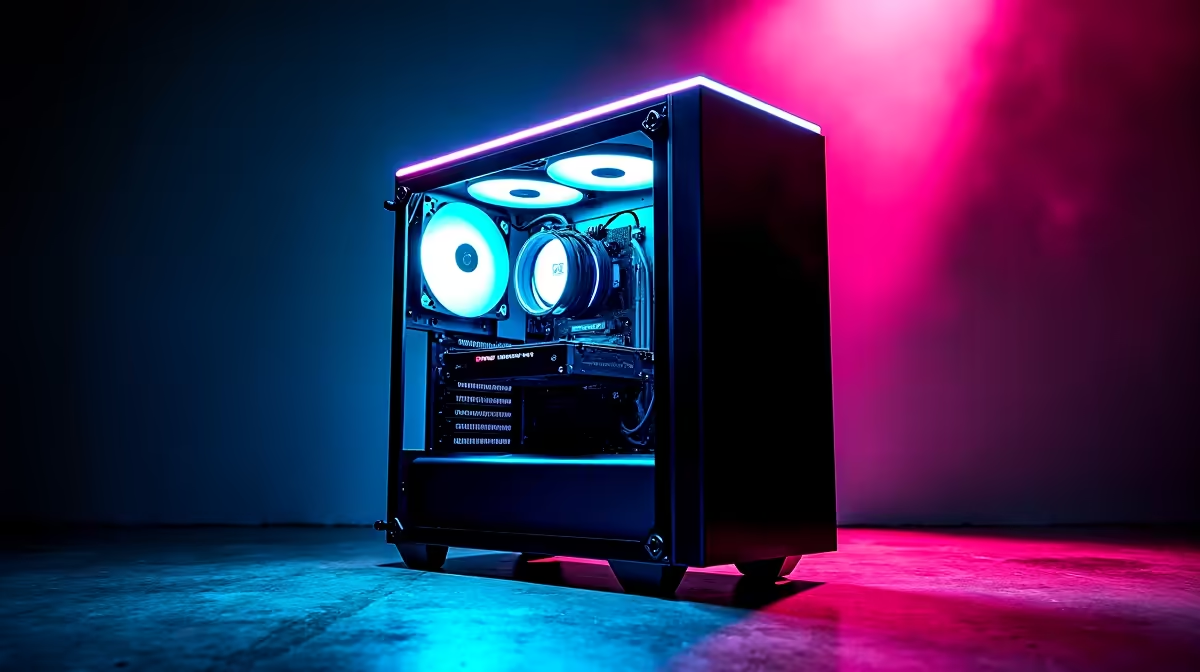
The Ultimate Glow-Up for Your Rig
South African summers are unforgiving... and your gaming rig feels the heat. If your current chassis looks like a dusty toaster and sounds like an airplane taking off during load shedding, it is time for a change. Learning how to upgrade your gaming PC with a new case is the ultimate glow-up. It improves airflow, lowers temperatures, and lets you customise your system's colour scheme.
Step 1: Choose the Right Enclosure 🚀
Why swap your chassis? Better airflow translates directly to better in-game performance. When your components run cool, they boost higher and last much longer. Before you rip out your motherboard, you must check your form factor. ATX, Micro-ATX, and Mini-ITX boards require matching enclosures. Browse our massive selection of gaming cases to find the perfect fit for your desk space. Prices in ZAR vary widely... so pick an option with pre-installed fans to save some money upfront.
Step 2: Prep and Tear Down
Moving delicate parts requires patience. Start by grounding yourself to avoid accidental static shock. Remove your heavy graphics card first, followed by the power supply and storage drives. Label your screws so you do not lose them. If tearing down your beloved rig sounds far too stressful, you might prefer skipping the DIY route entirely. You can always grab one of our best gaming PC deals and let our technicians handle the tedious cable management for you.
Cable Management Pro Tip 🔧
Take detailed photos of your motherboard connections before unplugging anything. It makes reconnecting those tiny front panel headers, USB ports, and audio cables in your new enclosure an absolute breeze. Always route thick cables behind the motherboard tray to optimise airflow.
Step 3: Rebuilding for Maximum Airflow ✨
Once your motherboard is safely secured in its new home, shift your focus to cooling. A modern chassis gives you ample room for liquid coolers and extra intake fans. Proper airflow is vital to keep those expensive, ZAR-heavy components safe from thermal throttling. If you are upgrading from an ancient, bottlenecked setup, sometimes a simple case swap is just not enough. In that scenario, exploring the latest pre-built PC deals gives you a brand-new system featuring modern cooling right out of the box.
Step 4: Final Checks and Alternatives
Double-check your power supply cables... make sure they comfortably reach all the necessary headers without stretching. If you travel often for LAN events or work, a massive desktop chassis might not be the most practical choice. Portability is king for gamers constantly on the move. Check out the latest laptops for sale in South Africa if you demand raw gaming power without the desktop bulk.
For everyone else staying at the desk, finishing your case swap means peeling that satisfying plastic film off the tempered glass side panel. Do not forget to keep a close eye on our weekly specials for deep discounts on RGB fans, extra storage, or sleeved cables to complete your fresh build.
Ready to Build Your Dream Setup? Upgrading your chassis breathes new life into your rig, but sometimes you need a complete overhaul to dominate the latest titles. Explore our massive range of gaming PCs and find the perfect machine to conquer your world.











