

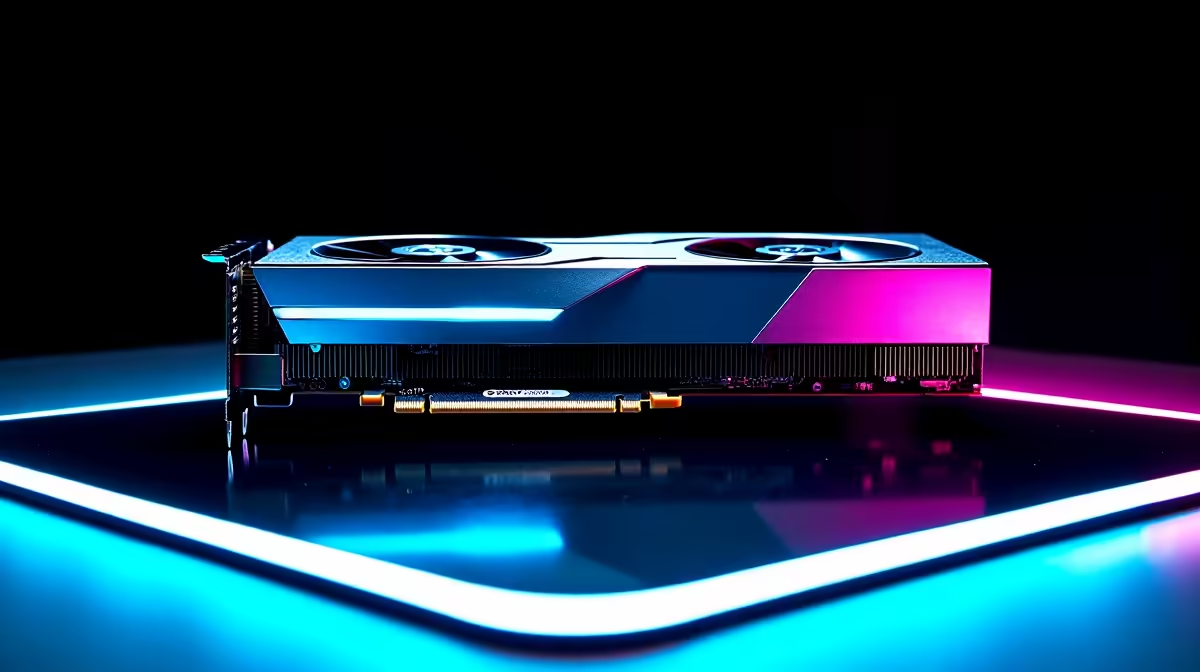
Your rig is struggling. You are dropping frames in Warzone just as the circle closes. Sound familiar? If you want to push higher resolutions without building a whole new system, knowing how to upgrade your gaming PC with a new GPU is your best move. Swapping your graphics card is the ultimate performance boost. It is the easiest way for South African gamers to reclaim those buttery smooth framerates.
Checking Compatibility First 🔧
Before you tear open your case, you must check two vital things. First is your power supply. Modern graphics cards are incredibly power-hungry. If you are eyeing a top-tier RTX or Radeon card, ensure your PSU has enough wattage. You also need the correct PCIe power cables.
Second, grab a tape measure. These new aftermarket coolers are massive. Make sure your chassis has enough physical clearance. You do not want to buy a card that blocks your front intake fans. Once you confirm your specs, you can confidently explore our massive range of graphics cards to find the perfect fit.
PSU Pro Tip ⚡
Always leave a 20% wattage buffer above your total system draw. This keeps your power supply running cool and quiet, especially during those sweaty summer gaming sessions in Mzansi.
Avoiding the CPU Bottleneck
You might wonder if a new GPU will solve all your performance problems. If your processor is five years old, dropping a brand-new RTX 4080 into your motherboard will cause a severe bottleneck. Your older CPU simply will not keep up with the new graphics card.
Sometimes, upgrading just one component is not enough. If your entire rig is showing its age, you might need a total refresh. It is often more cost-effective to check out some pre-built PC deals instead of forcing new tech into an outdated motherboard.
Desktop Upgrades vs Portable Power 🚀
Learning how to upgrade your gaming PC with a new GPU is fantastic for desktop owners. But what if you are constantly on the move? Laptop graphics chips are soldered directly to the mainboard. You cannot just swap them out when they get old.
If your mobile framerates are tanking, your best route is upgrading the whole machine. You can find incredible value by browsing the latest notebooks for sale in South Africa. Keep an eye out for our weekly tech specials to score serious ZAR savings on portable powerhouses.
Installing Your New Graphics Card ✨
The physical swap is surprisingly easy. First, use Display Driver Uninstaller (DDU) to wipe your old drivers completely clean. Power down your rig and unplug the power cable. Press the PCIe release tab on your motherboard. Unscrew the back bracket, and gently pull your old card out.
Slot the new GPU in until it clicks firmly. Screw it down securely to prevent GPU sag. Plug in your power cables, boot up, and install your fresh drivers. You are now ready to dominate your lobbies.
If all this sounds like too much DIY stress, do not worry. You can always grab a pristine rig from our best gaming PC deals that comes fully assembled, tested, and ready to plug and play.
Ready to Maximise Your Framerates? Upgrading your graphics card is the fastest way to transform your gaming experience. Whether you want to push pixels in 4K or need a high-refresh competitive edge, we have the hardware you need. Explore our massive range of graphics cards and find the perfect upgrade for your rig today.











