

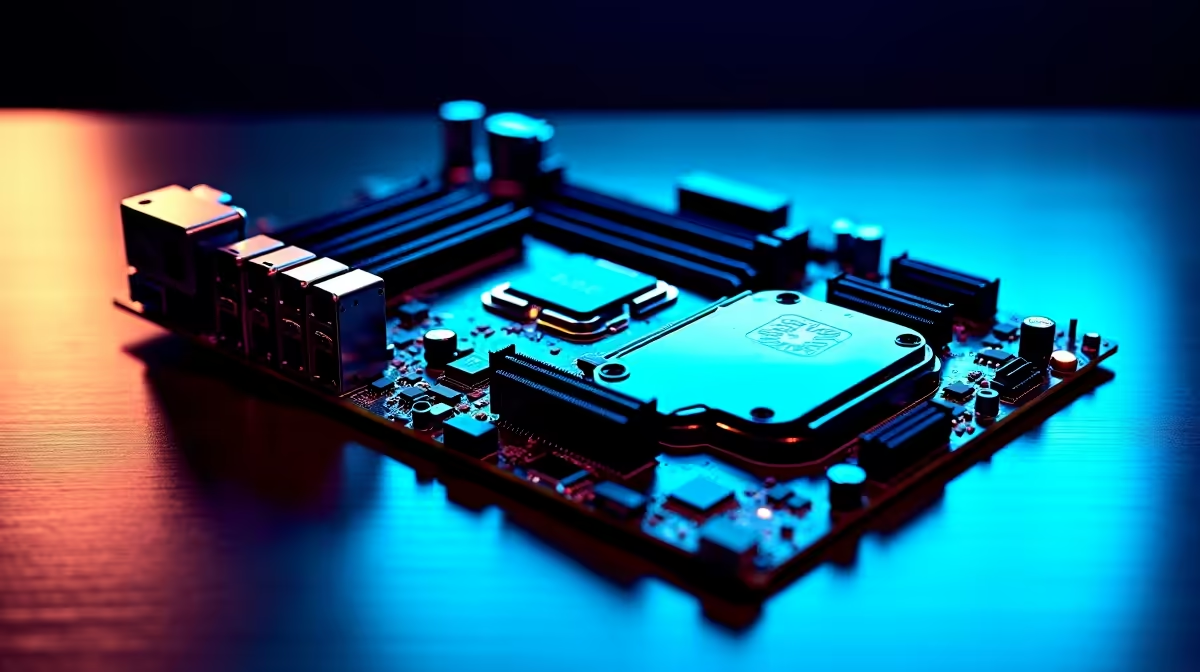
Is your rig struggling to push high frame rates in the latest titles? Upgrading your GPU or CPU is the usual go-to... but sometimes the real bottleneck is the foundation. Understanding how to upgrade your gaming PC with a new motherboard is a crucial skill for South African gamers. It unlocks faster RAM, better PCIe lanes, and next-gen processors without breaking your hard-earned ZAR budget. 🚀
Choosing the Right Foundation
When you decide to upgrade your gaming PC with a new motherboard, compatibility is your absolute first hurdle. You cannot just slot any new processor into an old board. Intel and AMD change their socket types frequently to support new technologies. If you are eyeing the latest Ryzen 7000 series or Intel Core chips, you need a board that matches perfectly. A modern board also unlocks PCIe 4.0 or 5.0 speeds for your graphics card and NVMe SSDs. Before you rip out your old components... take a close look at the latest options. You can easily browse top-tier motherboards to find the exact chipset your new CPU requires. Investing around R3,000 to R6,000 on a solid board guarantees longevity.
Weighing Up an Entire System Overhaul
Sometimes a simple motherboard swap quickly turns into a full system rebuild. By the time you buy a new board, a compatible CPU, and fresh DDR5 RAM... the costs add up fast. If your current setup is truly ancient, starting fresh might actually offer much better value. Many local gamers prefer to skip the tricky installation process entirely. Instead, they look into the best gaming PC deals available locally. Getting a balanced system out of the box is incredibly convenient. If you want a rig built and rigorously tested by professionals, exploring pre-built PC deals saves you time and stress.
Portability and Loadshedding Solutions
We all know the pain of unexpected power cuts in South Africa. A desktop motherboard upgrade is fantastic for raw power... but it keeps you firmly tethered to the wall. If you travel often or need a built-in battery to survive loadshedding, a traditional desktop might not be the smartest answer. Modern mobile hardware packs incredible power into tiny chassis. You might want to explore premium laptops as a highly portable alternative. Plus, keeping a close eye on weekly tech specials ensures you stretch your Rands further, whether you buy individual components or a whole new machine.
Installation Pro Tip 🔧
Before removing your old motherboard, link your Windows license to your Microsoft account. A motherboard swap is considered a major hardware change. This simple step ensures Windows reactivates smoothly on your upgraded gaming PC without needing a new product key.
Getting Your Hands Dirty
If you are ready to tackle the installation yourself... preparation is everything. Always ground yourself to avoid static shock damaging your new components. Take clear photos of your front panel connectors before unplugging them. Those tiny cables are notoriously frustrating to reconnect purely from memory. Secure your new board with care, optimise your cable management, and double-check your power connections. Updating your BIOS is also a critical step before installing a fresh operating system. With a bit of patience, your upgraded rig will boot up beautifully and deliver those smooth frame rates you crave ⚡.
Ready to Build Your Dream Rig? Upgrading your foundation is the first step to unlocking next-gen performance. Whether you are building from scratch or upgrading an old faithful, we have the hardware you need. Explore our massive range of PC components and find the perfect parts to conquer your world.











