

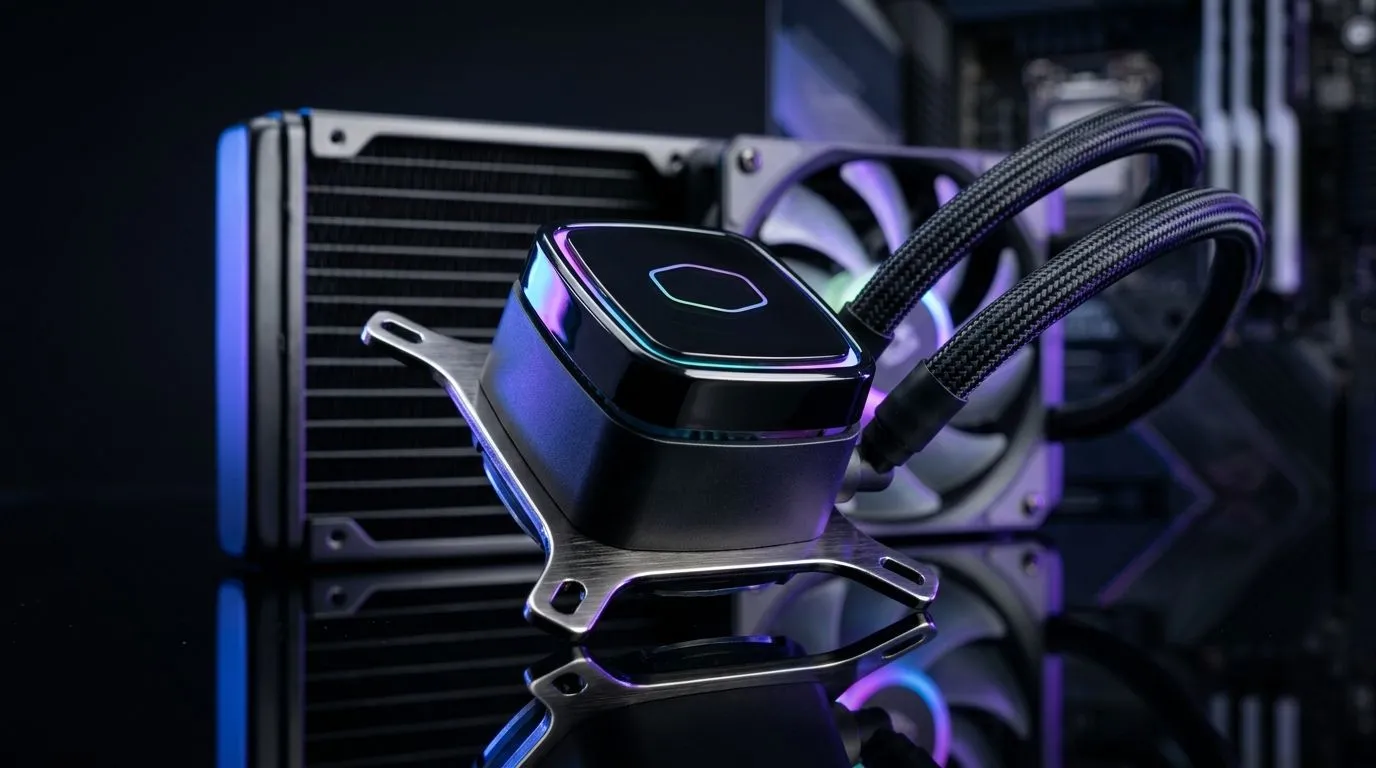
Intel vs AMD Socket Compatibility for Liquid CPU Coolers: the essentials
South African builders often ask one question up front: will my AIO fit my board? Whether you’re upgrading an Intel Z690 rig or an AM5 gaming machine, socket compatibility matters. This guide cuts through the confusion with clear mounting facts, radiator sizing hints and fan suggestions for local buyers 🔧.
Mounting and bracket differences
Intel and AMD use different retention designs. Modern AIOs usually include multi-socket brackets to cover Intel LGA sockets and AMD AM4/AM5. Before you buy, check the product page for supported sockets and included hardware. If your cooler lacks a bracket, aftermarket kits exist and vendors list compatibility on product pages like Evetech’s case fans for quick reference. (https://www.evetech.co.za/PC-Components/case-fans-97.aspx)
Older Intel sockets sometimes require spacers; AMD platforms can demand different standoff spacing. For brand-specific mounting guides and warranty-friendly installs consider established manufacturers — Corsair provides clear documentation and accessory support, which helps when swapping sockets. (https://www.evetech.co.za/PC-Components/case-fans-97.aspx?brands\=CORSAIR)
Radiators, fans and case fit
Beyond brackets, radiator size and case compatibility are decisive. Measure clearance for a 240mm or 360mm radiator and probe for RAM or VRM interference. If you favour certain ecosystems, Deepcool has models that balance price and mounting flexibility — useful for tight South African builds. (https://www.evetech.co.za/PC-Components/case-fans-97.aspx?brands\=Deepcool)
Fan selection affects airflow and acoustics. Want lighting? RGB fans add flair but review their connector types and control software. You can match RGB aesthetics with your cooler for a cohesive build. (https://www.evetech.co.za/PC-Components/case-fans-97.aspx?attributes-lightingeffects\=RGB) Prefer a stealth rig? No-lighting fans still offer top airflow without the glow. (https://www.evetech.co.za/PC-Components/case-fans-97.aspx?attributes-lightingeffects\=None)
For radiator mounts, check whether your case supports 120mm or 140mm fan holes — many modern cases offer both. 120mm fans give wide compatibility; 140mm fans move more air at lower RPMs if your case supports them. (https://www.evetech.co.za/PC-Components/case-fans-97.aspx?attributes-size\=120mm) (https://www.evetech.co.za/PC-Components/case-fans-97.aspx?attributes-size\=140mm) 🚀
Installation Pro Tip ⚡
On Windows, use the PowerToys FancyZones utility to create custom snap layouts for your windows. It's a lifesaver for managing multiple apps on an ultrawide monitor, letting you organise your timeline, preview window, and asset folders perfectly for video editing.
Final tips before you buy
- Confirm official socket support on the cooler product page; if in doubt, contact the vendor.
- Match radiator length to case mounting points, not just general size guides.
- Consider fan direction, PWM control and whether you want RGB or silent fans for your South African setup. Small choices now save time and Rands later.
Want hands-on help? Our team can pair your motherboard with a compatible AIO and recommended fans so you get straight-to-game cooling and quieter acoustics.
Ready to Find Your Perfect Match? The Mac vs Windows debate is complex, but for maximum power, choice, and value in South Africa, Windows is hard to beat. Explore our massive range of laptop specials and find the perfect machine to conquer your world.











