

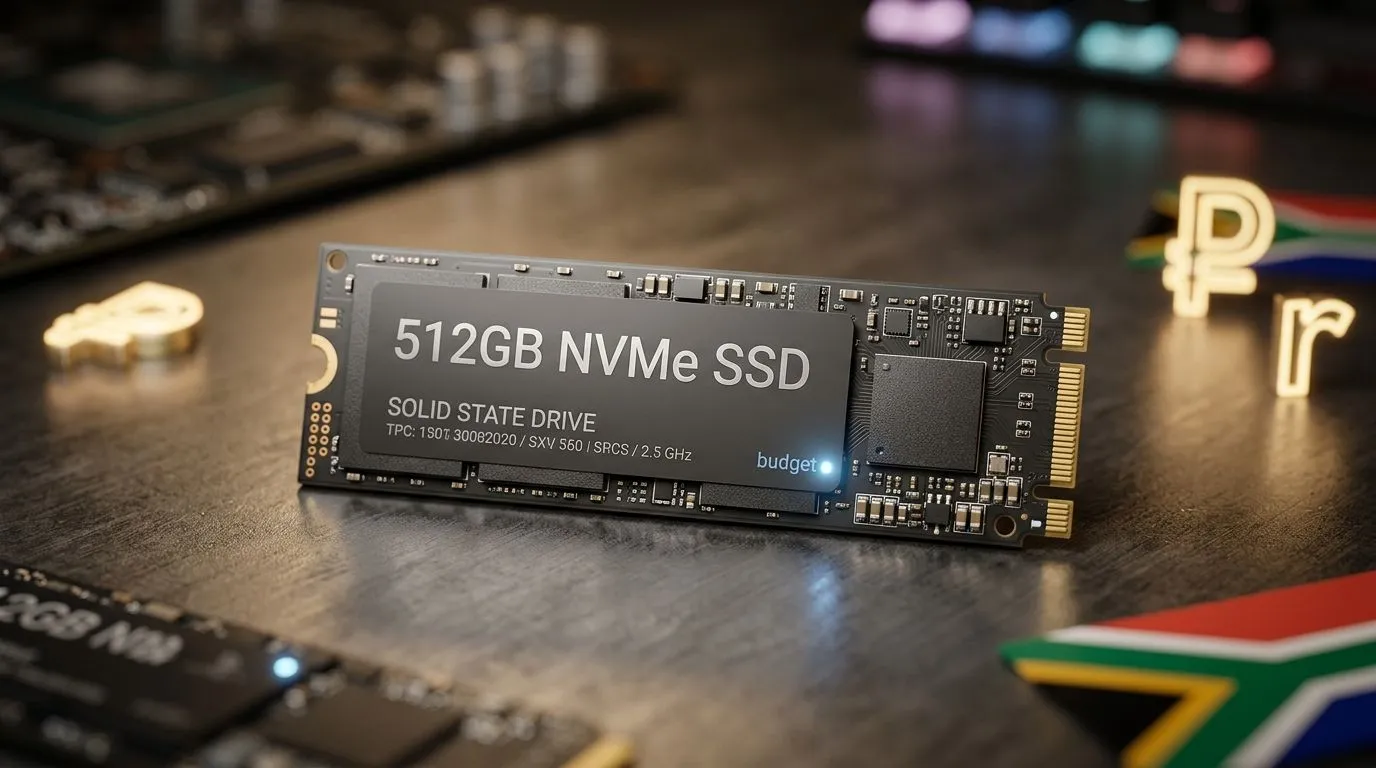
Is a 512GB SSD Enough in South Africa? Student Work Gaming
If you’re in South Africa juggling student deadlines and gaming nights, storage quickly becomes a real-life budget problem. 512GB sounds “fine”… until you install a few modern AAA titles, save game clips, and then need space for school projects. The good news? You don’t have to guess. With the right SSD plan, you can keep load times snappy and your laptop or PC ready for everything from Word docs to ranked matches. 🔧
Storage needs for student work and gaming (why 512GB feels tight)
For student work, it’s not just documents. You’ll likely store:
- Course files and downloads (PDFs, slides, and datasets)
- Video projects, exports, and game recordings
- OS updates and application caches
For gaming, the pattern is even clearer: installs are large, and updates keep growing. A single game can easily take 50GB+ depending on the title and updates. When your SSD is almost full, performance can drop because there’s less free space for housekeeping and wear levelling.
The practical takeaway: 512GB is workable, but it’s “managed” workable, not “install everything and forget” workable. ⚡
How to decide: use your “installed games” reality check
Before buying, do a quick audit:
- List the 5 to 10 games you actually play.
- Check each game’s install size.
- Add your school/work storage needs (current projects + what you expect this term).
If your total is under roughly 300 to 400GB, 512GB can work smoothly. If you’re above that, you’ll feel it within a few months.
Productivity Pro Tip 🚀
In Windows, enable Storage Sense and set it to run automatically (Settings → System → Storage). It helps remove temporary files and recycle bin clutter, keeping your SSD from quietly filling up before exams and project deadlines.
What to upgrade to (and which SSD type makes sense)
If you’re upgrading inside a laptop or desktop, compatibility matters. Many systems support M.2 drives, which are compact and easy to install. If you’ve got a spare slot, choosing an M.2 2280 form factor is often the cleanest upgrade route. 🔧
For South African buyers, the safest approach is to choose a reputable SSD model and the correct interface and form factor for your device. If you’re deciding where to start, start with Evetech’s solid state drive selection:
- Browse SSDs here: buy solid state drives
- Want to compare brands? Try: ADATA SSDs
- Or compare Kingston options: Kingston SSDs
- If your system supports M.2, filter by: M.2 2280 drives
- If you want next-gen performance, filter by: Gen 5 (NVM… interface options
Upgrade path strategies for students (so you don’t regret it later) ✨
Here are three realistic paths:
Option A: Stick with 512GB and manage installs
Do this if you play fewer titles and you’re disciplined with downloads.
- Keep 1 to 3 “main” games installed.
- Uninstall older games after each semester break.
- Move video exports and large files to external storage.
Option B: Upgrade to 1TB for fewer headaches
If gaming and video editing are both part of your routine, 1TB usually feels like “breathing room”. It’s the sweet spot for most student budgets because you stop constantly juggling what to keep.
Option C: Keep 512GB for the OS, add a larger SSD later
If your device supports it, this can be ideal. The OS stays fast, and your library can grow without fighting the drive capacity.
The best move is the one that fits your real habits, not what you wish you did.
Ready to Find Your Perfect Match?
Ready to Find Your Perfect Match? Storage decisions don’t have to be stressful. Get the right SSD size and interface for your setup, then build your system for both study and gaming. Explore our massive range of laptop specials and find the perfect machine to conquer your world.











