

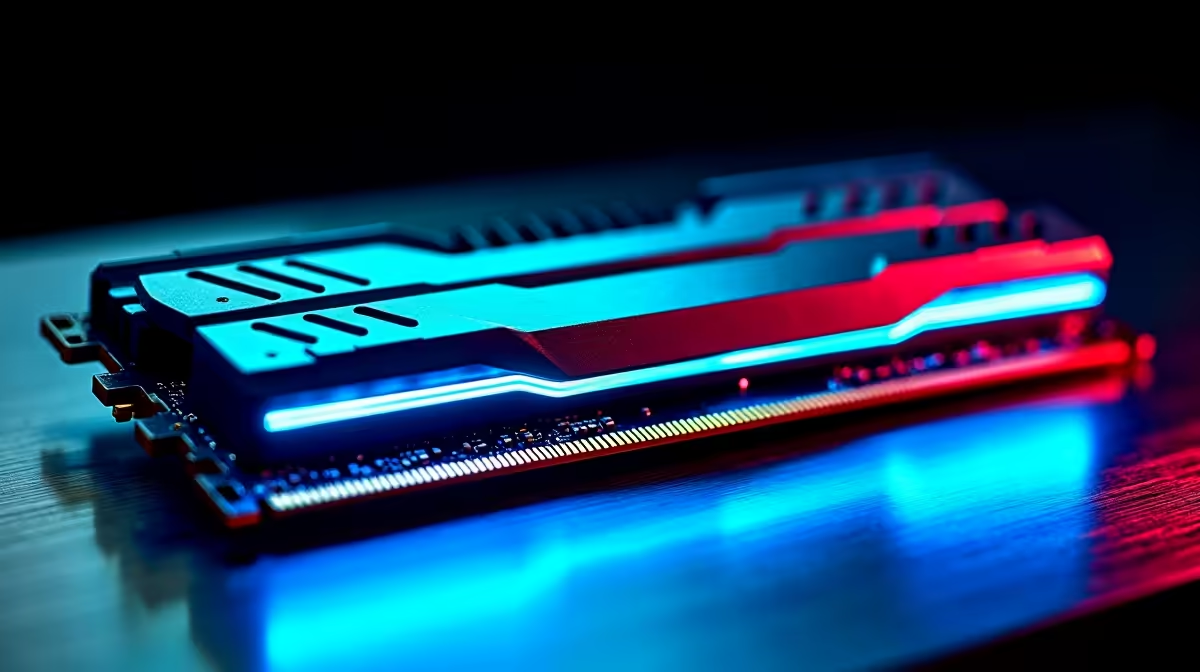
Stuttering in Helldivers 2 when the chaos ramps up? Long loading screens in Baldur's Gate 3 making you reach for your phone? You're not alone. Before you start saving up for a pricey new GPU, take a closer look at your RAM. A simple upgrade to Kingston RAM for gaming can deliver a surprisingly noticeable, budget-friendly performance boost. It's one of the smartest, quickest upgrades any South African gamer can make.
Why Your Gaming PC Craves Quality RAM
Think of RAM (Random Access Memory) as your PC's short-term memory or its workbench. The more complex the task—like running a demanding game, Discord, and a browser—the more "space" you need on that workbench. If it gets too cluttered, your PC has to slow down to shuffle things around, causing lag, stutter, and frustrating performance drops. ⚡
This is where a solid kit of Kingston RAM for gaming comes in. For decades, Kingston has built a rock-solid reputation for reliability and value. Their memory is rigorously tested to ensure it works flawlessly with motherboards from all major brands. It’s why you’ll find it inside so many of our best gaming PC deals, providing a stable foundation for a great gaming experience.
Finding the Sweet Spot: Kingston RAM for Your Budget
So, how much RAM do you actually need? While 8GB was once the standard, today, 16GB is the recommended minimum for a smooth experience in modern titles. For many of our budget gaming PCs, a 16GB kit of Kingston FURY Beast DDR4 is the perfect match, offering incredible performance for the price.
If you're a streamer, content creator, or just want to future-proof your rig, jumping to 32GB is a wise move. It gives you all the headroom you need for heavy multitasking without compromising your in-game frames.
Don't Forget to Enable XMP! 🚀
Your new Kingston RAM might run at a slower default speed right out of the box. To unlock its full potential, jump into your PC's BIOS (usually by pressing DEL or F2 on startup) and find the setting for XMP (Intel) or EXPO (AMD). Enabling this profile is a one-click fix that ensures you get the advertised speed you paid for!
Is a Kingston RAM Upgrade Right for You?
Upgrading your RAM is one of the easiest DIY projects, but the benefit you'll see depends on your current system. Let's break it down.
If your PC is a few years old and still running on 8GB, an upgrade will feel like night and day. It can breathe new life into older systems, making it a fantastic first step for anyone with one of our PCs under R20k. You’ll see a significant reduction in stutter and much faster loading times.
Building a new powerhouse? Starting with a fast 32GB DDR5 kit from Kingston is a smart investment. It’s a core component in many of our top-tier PCs above R20k for exactly that reason—it ensures the high-end CPU and GPU are never bottlenecked by memory speed or capacity. ✨
Of course, if you'd rather skip the screwdriver session entirely, our expertly built systems are the way to go. Many of our best pre-built PC deals come optimised with the perfect amount of Kingston RAM right from the start. 🔧
Ready for a Smoother Gaming Experience? A simple RAM upgrade is often the most cost-effective way to reduce stutter and improve performance. Adding a kit of Kingston RAM for gaming is a smart move for any rig, new or old. Explore our full range of Kingston RAM and give your PC the boost it deserves.











