

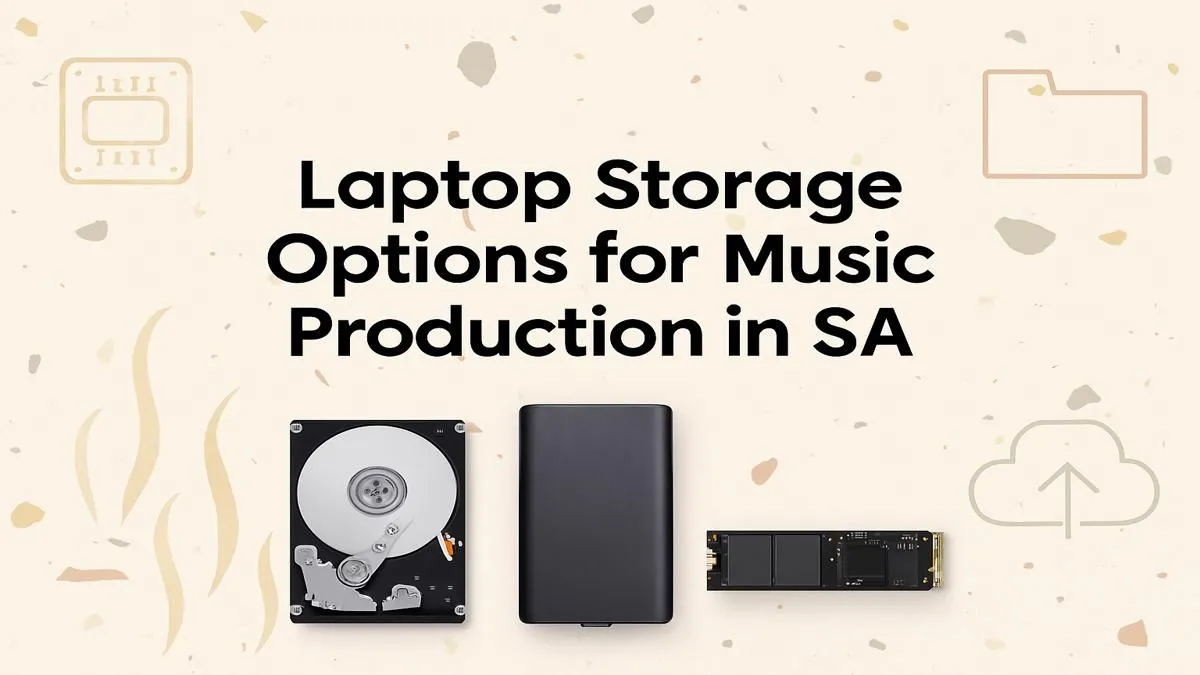
So you’ve laid down a killer beat, your melody is fire, but your laptop starts choking the second you load a new VST. We’ve all been there. In South Africa, getting the right gear can feel like a mission, but the secret to a smooth workflow often lies in an overlooked component. The right laptop storage for music production isn’t just about space; it’s about speed. It’s the difference between creative flow and frustrating lag.
Why Your Laptop Storage Matters More Than You Think
When you’re deep in a project, the last thing you need is a bottleneck. Your laptop’s storage drive (its hard drive or SSD) is constantly at work. It’s loading your operating system, your Digital Audio Workstation (DAW), massive sample libraries, and VST plugins. A slow drive means waiting ages for projects to open and hearing pops or crackles during playback as the drive struggles to stream audio files in real-time.
Upgrading this single component can make an old machine feel brand new. In fact, many of the powerful laptop specials available today prioritise fast storage for this very reason, ensuring a snappy, responsive experience whether you're gaming or producing.
SSD vs. HDD: The Clear Winner for Your DAW 🎵
Let’s cut to the chase: for music production in 2024, a Solid-State Drive (SSD) is non-negotiable.
Unlike a traditional Hard Disk Drive (HDD) that uses a spinning platter and a mechanical arm to read data (think of a tiny record player), an SSD uses flash memory. This means no moving parts, which results in a massive performance leap.
Here’s why an SSD is the best choice for your studio laptop:
- Blazing Speed: Projects, samples, and plugins load in seconds, not minutes.
- Silent Operation: No clicking or whirring from a spinning drive, which is ideal for recording environments.
- Improved Reliability: With no moving parts, SSDs are more durable and less prone to failure if you move your laptop around.
Specifically, you should look for laptops with NVMe M.2 SSDs. This is the fastest type of consumer storage currently available and is standard in most modern performance machines, including many of the best gaming laptop deals that double as incredible production powerhouses.
Sizing It Up: How Much Storage is Enough?
Choosing the right capacity is crucial. Too little, and you’ll be constantly juggling files. Too much, and you might be overspending. Here’s a quick guide to help you choose the right amount of laptop storage for music production.
Beginner Producer: 512GB
If you’re just starting out, a 512GB SSD is a decent entry point. It’s enough for your OS, DAW, a handful of essential plugins, and several ongoing projects. You might need to be mindful of your space, but it’s perfectly workable.
Intermediate Producer: 1TB ✨
This is the sweet spot for most producers. A 1TB SSD provides ample room for your core software, multiple large sample libraries (like those from Native Instruments or Spitfire Audio), and a healthy backlog of projects. You can find excellent value in laptops running on AMD that offer this capacity.
Pro Producer / Composer: 2TB+
If you work with large orchestral libraries, do extensive sound design, or manage a massive catalogue of tracks, 2TB or more is the way to go. This ensures you’re never forced to delete old projects or offload libraries just to make space for a new idea.
Pro Tip: External Drives are Your Friends 🔧
Even with a large internal drive, use an external SSD for project backups and archiving. A fast USB-C or Thunderbolt external drive is perfect for storing completed projects, freeing up your primary internal drive for active work and your most-used sample libraries. This keeps your main system lean and fast.
The Pro Move: A Dual-Drive Laptop Setup
For the ultimate performance, consider a laptop with two internal drives. This setup, often found in high-performance Intel laptops, allows you to dedicate storage for specific tasks, which drastically improves efficiency.
Here’s the ideal configuration:
- Drive 1 (C:): A super-fast NVMe SSD (512GB or 1TB) for your Windows OS, DAW, and all your plugins. This ensures your system and software are incredibly responsive.
- Drive 2 (D:): A second large SSD (1TB or more) dedicated entirely to your sample libraries, project files, and audio recordings.
By separating these tasks, you prevent bottlenecks. Your system can stream samples from one drive while recording audio to it, without either task interfering with the OS running smoothly on the other drive. This is how the pros ensure a flawless studio session, every time.
Ready to Build Your Dream Studio Laptop? Lagging storage shouldn't kill your creative flow. For the speed, capacity, and value you need to produce professional tracks in South Africa, the right laptop is key. Explore our massive range of laptop specials and find the perfect machine to bring your music to life.











