


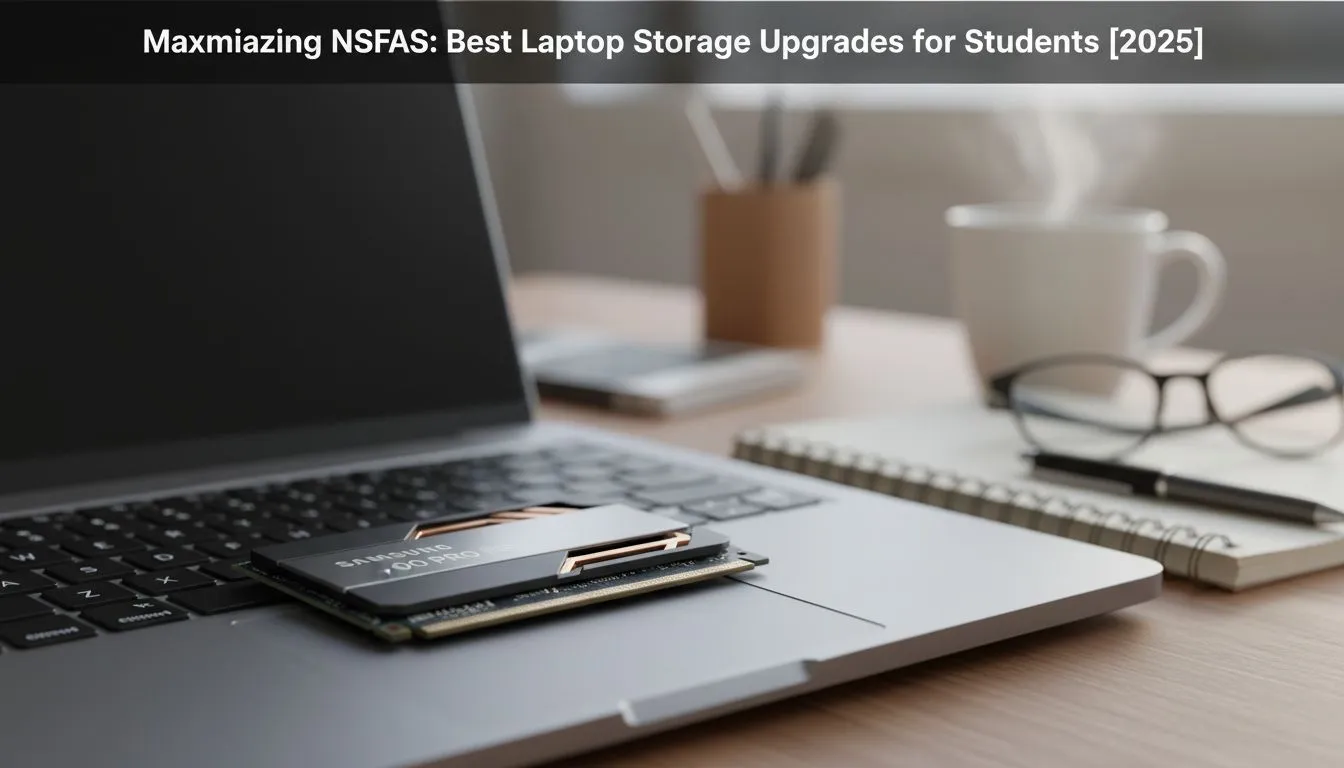
That NSFAS laptop feeling a bit sluggish? Before you start worrying about a whole new machine, the real bottleneck might be your storage. A slow, full hard drive can bring any laptop to its knees. The good news? Smart laptop storage upgrades for students are one of the most affordable and impactful ways to boost performance, helping you smash those 2025 deadlines without the dreaded spinning wheel of doom. Let's dive in. 🚀
Why Your Student Laptop Needs a Storage Upgrade
If your laptop still uses an old-school mechanical Hard Disk Drive (HDD), it’s like trying to run a marathon in flip-flops. It works… but it’s slow and painful. Upgrading to a Solid-State Drive (SSD) is the single biggest speed boost you can give your machine.
An SSD has no moving parts, so it reads and writes data almost instantly. This means:
- Lightning-Fast Boot Times: Your laptop is ready to go in seconds, not minutes.
- Snappy Apps: Software like Word, Chrome, and even demanding engineering or design apps will load much faster.
- More Space: No more deleting old assignments to make room for new projects.
For most students, making the switch to an SSD is a non-negotiable first step to a better study experience. You can browse a wide variety of SSDs and other components to get an idea of the options available.
Choosing the Right Drive: Your Main Options
When it comes to a student laptop storage upgrade, you have two main paths: internal for a massive speed increase, or external for portability and backups.
Internal SSDs: The Core Speed Boost 🔧
Replacing your primary drive is the ultimate performance enhancer. There are two common types you'll encounter:
- SATA SSDs: These are the most common and budget-friendly option. They use the same connector as older HDDs, making them a straightforward upgrade for many laptops. They are a massive leap in speed from any HDD and are perfect for general use, essays, and research. Check out these reliable 2.5-inch Solid State Drives for a cost-effective solution.
- NVMe M.2 SSDs: These are the speed demons. They look like a small stick of RAM and plug directly into the motherboard, offering speeds that leave SATA drives in the dust. If your coursework involves video editing, 3D modelling, or handling huge datasets, an NVMe SSD is a worthy investment.
Check Compatibility First! ⚡
Before buying an internal drive, you must check what your laptop supports. Use a tool like CPU-Z or simply Google your laptop's exact model number + "storage upgrade" or "SSD slot". This will tell you if you need a 2.5-inch SATA drive or if you have a modern M.2 slot for an NVMe SSD. Don't guess!
External SSDs: The Portable Powerhouse
Don't want to open up your laptop? An external SSD is your best friend. These are plug-and-play devices perfect for:
- Backing up your thesis or final year project (you really should!).
- Moving large files between your laptop and campus computers.
- Storing your media like movies and music without cluttering your main drive.
Modern external SSDs are incredibly fast and small enough to fit in your pocket, making them an essential part of any student's tech toolkit.
Making Your NSFAS Budget Work Harder 💰
Getting the best value is key. You don't need a massive 2TB drive to feel the benefit. A 250GB or 500GB SSD as your main boot drive is often more than enough to hold your operating system, key applications, and current projects. You can always use a cheaper external drive for long-term storage.
The goal is to find that sweet spot between price and performance. Keep an eye out for specials, as this is where you can stretch your ZAR the furthest. A well-timed purchase from the best SSD deals can make a premium drive surprisingly affordable. This is one of the smartest laptop storage upgrades for students looking to maximise their NSFAS allowance for 2025.
Ready to Supercharge Your Studies? A simple storage upgrade can transform your student laptop from a source of frustration to a reliable tool for success. Stop waiting and start working. Explore our massive range of laptop specials and find the perfect machine or upgrade to conquer your academic year.









