

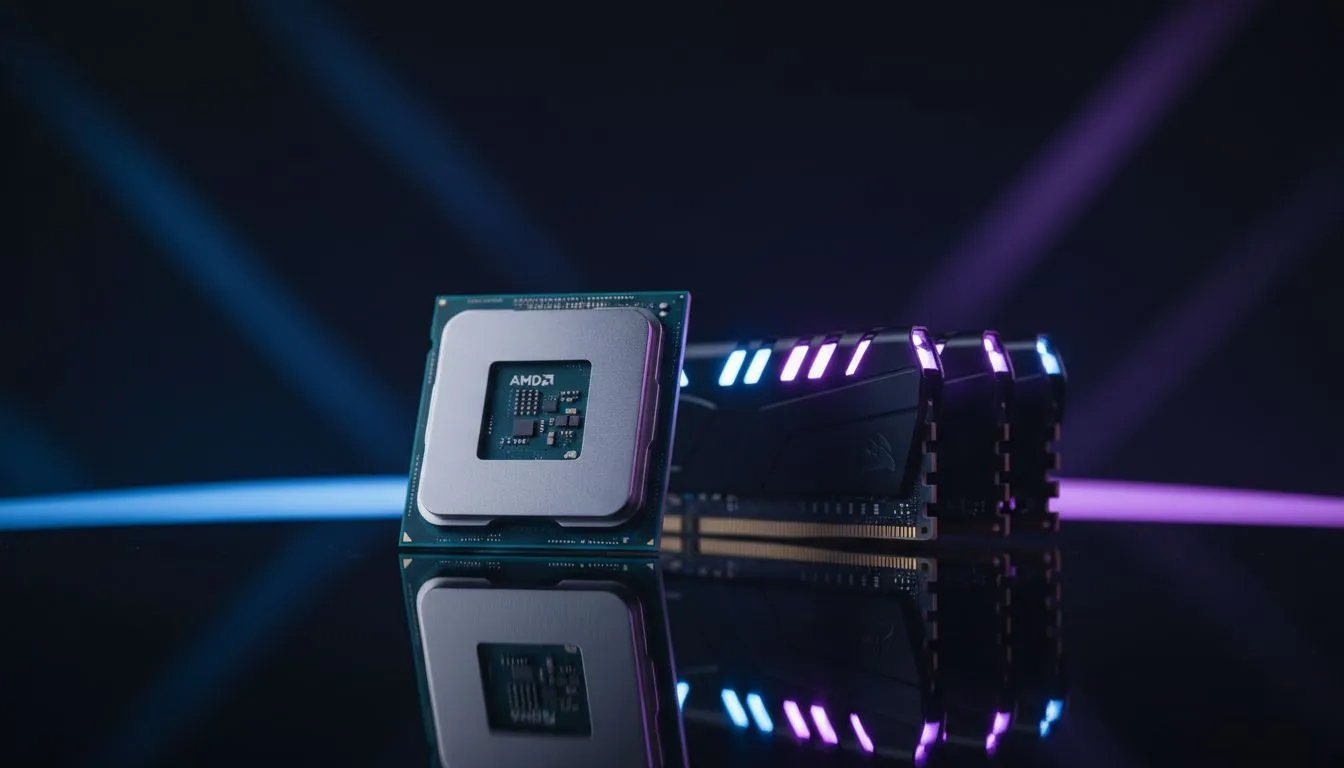
Marvel Rivals is taking the local gaming scene by storm... but is your rig ready for the 6v6 chaos? If you are stuttering during a massive team fight, you are likely facing a hardware bottleneck. Deciding on a Marvel Rivals Upgrade Priority: CPU vs RAM Explained is the biggest hurdle for South African players looking to stay competitive without breaking the bank.
Why Marvel Rivals Demands a Strong CPU
In a fast-paced hero shooter, your processor handles the logic for every ability cast. If the screen is filled with Doctor Strange portals and Iron Man blasts, your CPU is working overtime. If your frame rates are low regardless of your resolution, it is time for a new chip. A weak CPU will hold back even the most powerful graphics card... especially during intense ultimate ability rotations. 🚀
When RAM Becomes the Priority for Your Build
Memory is often the most affordable way to smooth out your gameplay. If you notice micro-stuttering or long loading times, your memory might be the culprit. For those keeping older systems alive for secondary setups, even ddr3 gaming ram modules can offer a vital lifeline.
However, most modern gamers should be looking at buy ddr4 memory to hit that crucial 16GB sweet spot. If you want to future-proof for the next decade of Marvel titles, then you should buy ddr5 memory to take advantage of significantly higher clock speeds. ⚡
Marvel Rivals Performance Tip ⚡
Close your web browser before launching the game. Chrome can easily eat up 4GB of memory, which could be the difference between a smooth 60 FPS and a stuttering mess in a 6v6 team fight.
Finding the Sweet Spot for South African Gamers
We often get asked if capacity or speed matters more. For Marvel Rivals, having enough "room" for the game and Windows is vital. Upgrading to a 32GB RAM capacity ensures that your background apps like Discord or Spotify won't tank your FPS during a ranked match.
Reliability is also key when choosing hardware. Selecting a trusted name like Teamgroup memory can prevent those annoying crashes mid-game. 🔧
Making the Final Decision
If your CPU usage is constantly at 100% while your RAM sits at 60%, the choice is clear... get a new processor. But if you are seeing 90% memory usage, a RAM kit is the most cost-effective Marvel Rivals upgrade priority. Both components must work in harmony to deliver the best experience in the Multiverse. ✨
Ready to Dominate the Multiverse? Finding the right balance between CPU and RAM is essential for a stutter-free experience. Explore our massive range of PC components and find the perfect hardware to boost your Marvel Rivals performance today.











