

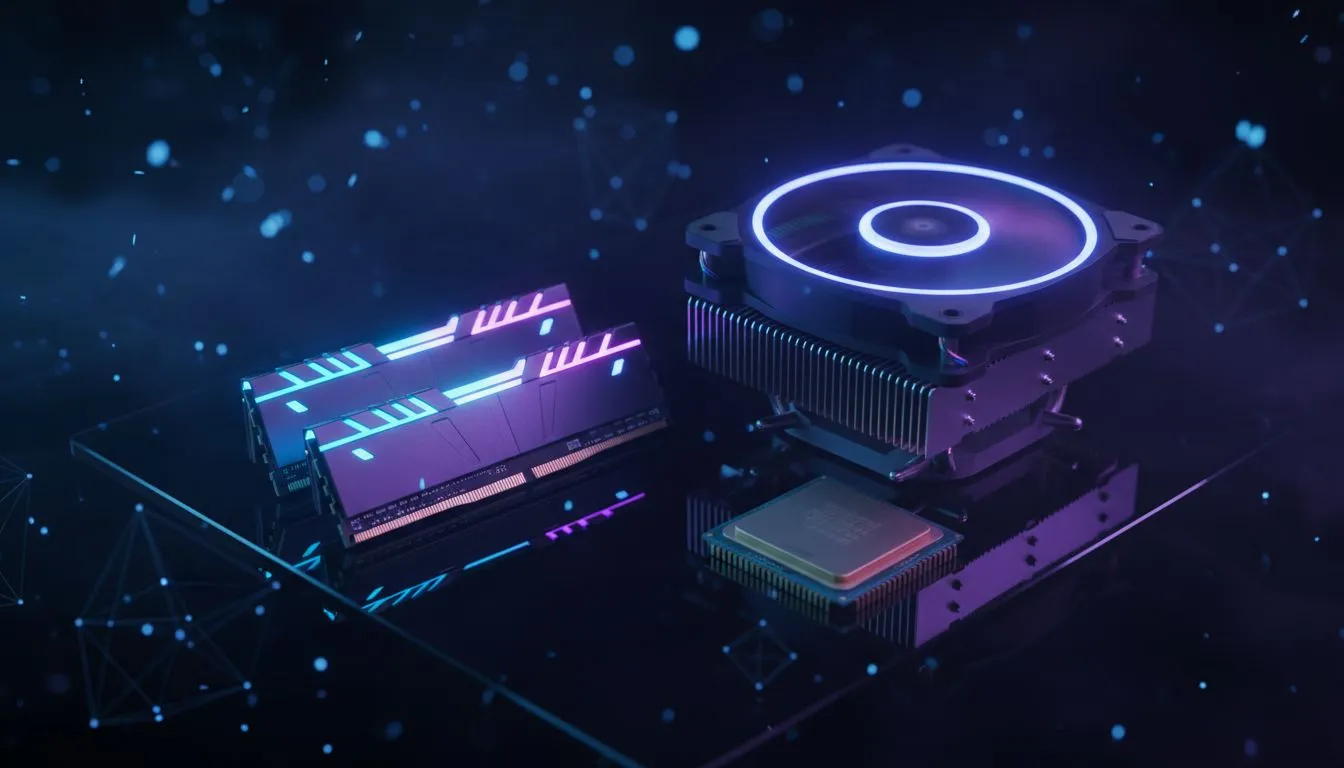
The Great Debate: Minecraft RAM vs CPU
Tired of your Minecraft world stuttering just as you find a rare Diamond vein? In South Africa, where every Rand counts, choosing between a new processor or more memory is a tough call. We look at the Minecraft RAM vs CPU debate to see which upgrade gives you the most blocks for your buck. Let’s get your rig running smoothly... 🚀
Why Minecraft is a Different Kind of Beast
Most modern games rely heavily on your Graphics Card (GPU) to look pretty. Minecraft is different. Because it is built on Java, it puts an immense load on your processor. Every block interaction, every wandering Villager, and every redstone circuit is calculated by the CPU. If you are playing on an older machine, you might still be looking for DDR3 gaming RAM modules to keep things ticking over. However, if your CPU is ancient, more memory won't save your frame rate.
When to Prioritise Your RAM Upgrade
RAM acts as the "short-term memory" for your game. If you love playing with massive modpacks or high-resolution texture packs, RAM is usually the culprit behind those annoying freezes. For a standard vanilla experience, 8GB is plenty. But the moment you add 200 mods, you will need to buy DDR4 memory to ensure the game has enough "room" to breathe.
If you are a hardcore technical player building massive iron farms, you might even find that 32GB of RAM is the sweet spot for stability. Brands like Teamgroup provide excellent reliability for these memory-intensive tasks without breaking the bank.
Minecraft Memory Tip ⚡
Simply having 16GB of RAM isn't enough. You must manually "allocate" more RAM within the Minecraft Launcher settings. By default, the game often only uses 2GB, which causes lag even on high-end PCs. Setting this to 4GB or 8GB can instantly fix stuttering issues.
When the CPU Takes the Lead
If your game feels "slow" rather than "stuttery," your CPU is likely the bottleneck. The CPU handles "ticks"... the internal clock of Minecraft. When you have too many entities (like 500 cows in a pen), your CPU struggles to keep up.
For those building the ultimate future-proof rig, moving to the latest platforms means you will need to buy DDR5 memory to support the newest, fastest processors. A faster CPU doesn't just help Minecraft; it speeds up your entire Windows experience. ✨
The Verdict: Which Upgrade First?
If you are playing vanilla Minecraft and experiencing low FPS, upgrade your CPU. If you are playing modded Minecraft and the game keeps crashing or freezing for seconds at a time, upgrade your RAM first. 🔧
In the South African market, RAM is often the more affordable "quick fix." You can find high-quality modules for under R1,000 that might give an old PC a second lease on life. But if you want to see those 144+ FPS numbers on a high-refresh monitor, a modern CPU is non-negotiable.
Ready to Build the Ultimate Crafting Rig? Deciding between a CPU or RAM boost is the first step toward a lag-free world. Whether you need the latest speeds or a budget-friendly fix, we have the hardware to help you build bigger. Explore our massive range of PC components and find the perfect upgrade to conquer your next biome.











