

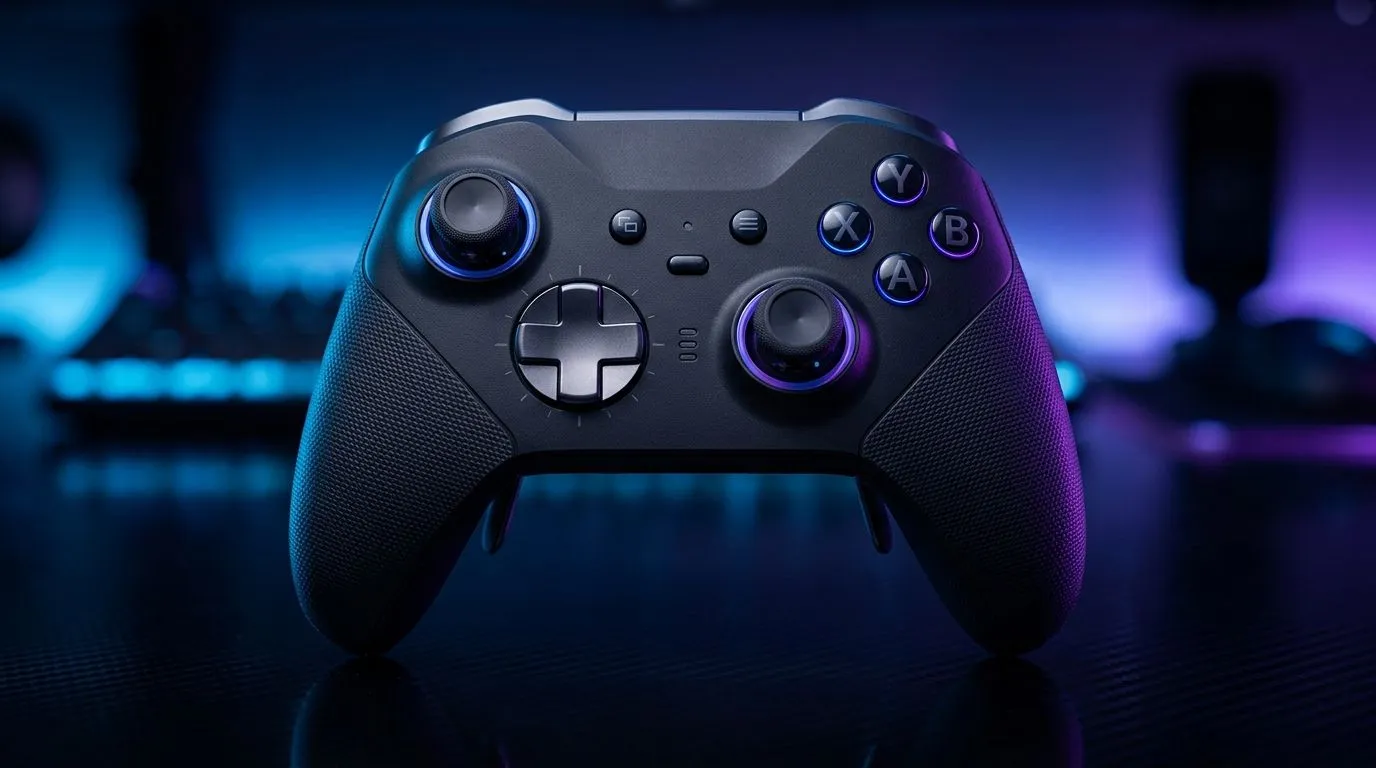
Multi-Device Controller Features for Console Gamers: the smart upgrade that actually feels “plug in and play” 🎮
Ever tried switching from your console to your PC and realised your controller setup is… a mess? You’re not alone. South African gamers want fewer hassles and more play time, especially during long weekends and LAN-style sessions. The good news? Modern controller features make multi-device switching smoother, without killing your aim consistency. Let’s break down what to look for in multi-device controller features for console gamers so your next buy fits your whole gaming life, not just one platform. 🚀
What “multi-device” really means (and why it matters) 🔧
When people say “multi-device”, they usually mean one or more of these:
- Bluetooth + USB (wired/charging) support so you can swap between console and PC.
- Dedicated profile switching (so you don’t rebuild settings every time).
- Low-latency wireless modes (so your inputs feel tight).
For console gamers, this matters because your controller isn’t just a peripheral… it’s your muscle memory. If the controller forces a reset every time you change devices, you’ll feel it within minutes.
Look for profile switching you can trust
A controller with quick switching lets you keep:
- button layouts
- sensitivity and stick response
- remap settings
If your controller only supports “one connection at a time”, you’ll be hunting menus instead of landing headshots.
Multi-Device Controller Features for Console Gamers: practical feature checklist ⚡
Here’s a quick decision list you can use in-store or online:
- Item
- Item
- Item
- Item
If you’re shopping broadly, Evetech also keeps a straightforward buying path for controllers.
Browse gaming controllers for your setup
Multi-Device Controller Features for Console Gamers: a micro-plan before you buy ✨
Before checkout, do this:
- Decide which device you play “most” (console or PC).
- Match your controller’s input method to that device.
- Then verify it supports the other device with minimal fuss.
A quick South African reality check: many players use a mix of living-room console gaming and PC desk gaming. Features that save you from constant remapping are worth more than extra RGB.
Productivity Pro Tip ⚡
On Windows, use the PowerToys FancyZones utility to create custom snap layouts for your windows. It's a lifesaver for managing multiple apps on an ultrawide monitor, letting you organise your timeline, preview window, and asset folders perfectly for video editing.
Picking a controller that fits your “console + more” lifestyle
Let’s say you want something tournament-focused, with serious control. Evetech’s listings include options like the Razer Wolverine V3 Tournament Edition, which is designed with performance in mind. If that’s your direction, start here:
Check the Razer Wolverine V3 Tournament Edition (8K) deal
Prefer Razer? Here’s a brand-filter route so you can compare models quickly:
Shop Razer gaming controllers on Evetech
Multi-Device Controller Features for Console Gamers: settings you should save immediately 🔧
Once you connect to each device, take 2 minutes to do this:
- Save your button mapping.
- Set your sensitivity consistently.
- Test movement in a low-stakes mode, then fine-tune.
That tiny setup routine prevents the frustrating “why does it feel different?” moment when you jump into ranked.
CALLTOACTION
Ready to Find Your Perfect Match? Switching between console and PC should feel effortless, not like a chore. Lock in the right multi-device controller features for your playstyle, and grab the deal that fits your budget in South Africa. Explore our massive range of laptop specials and pair it with the controller setup you’ll actually use every day.











