

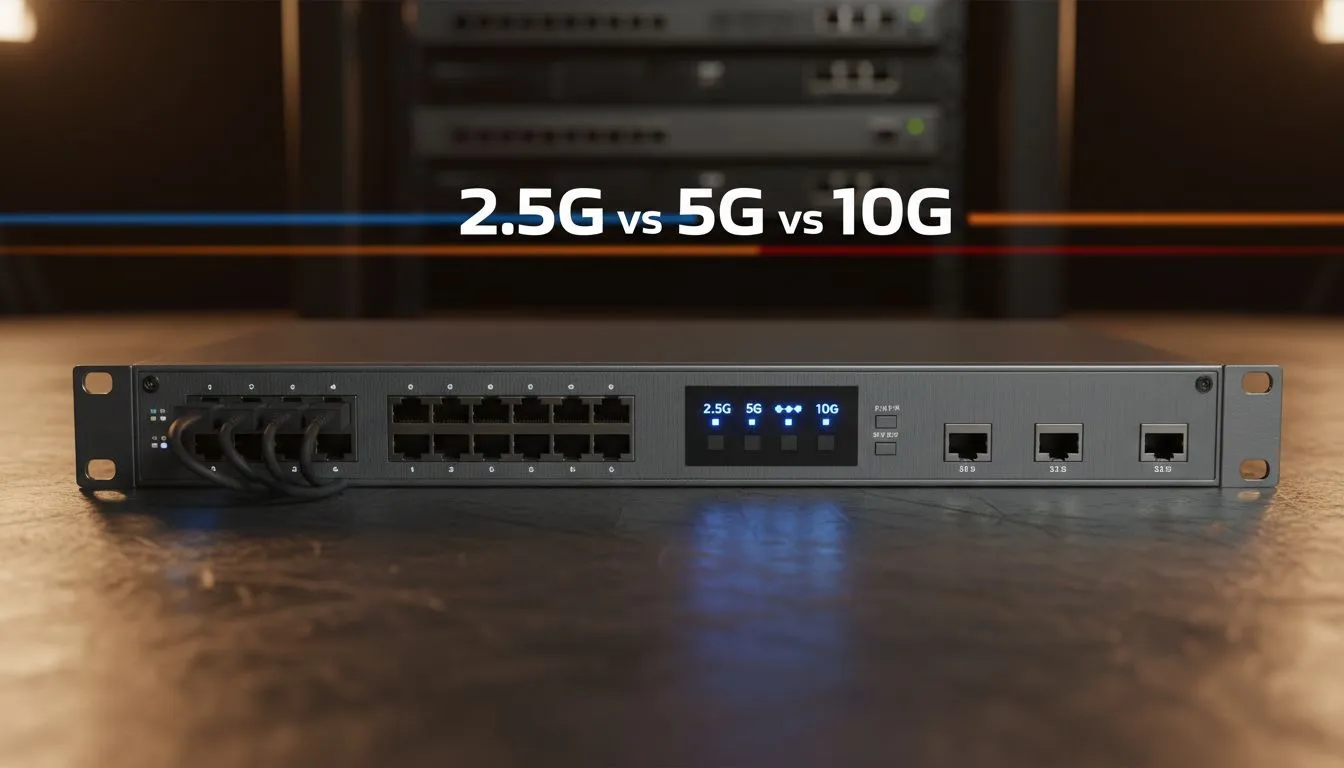
Understanding the Multi-Gig Speed Revolution
Fibre speeds in South Africa are climbing faster than ever. Many local ISPs now offer packages exceeding 1Gbps... but your hardware might be stuck in the past. If you are still using a standard Gigabit port, you are effectively throttled. Transitioning to Multi-Gig Speed: 2.5G vs 5G vs 10G is the only way to ensure your local network handles modern bandwidth without breaking a sweat.
Most modern gaming motherboards now ship with 2.5G ports as standard. This is not just marketing fluff. A 2.5G connection offers two and a half times the ceiling of traditional networking. If you are transferring large game files from a local server or using a high-tier fibre line, upgrading your PC with dedicated network adapters is the first step toward future-proofing your setup.
Is 2.5G the New Standard for Gaming?
For the average South African gamer, 2.5G is currently the "sweet spot" for value and performance. It works over existing Cat5e or Cat6 cabling in most homes... saving you the hassle of ripping out wires. It reduces internal latency and ensures that your internal network never becomes the bottleneck during intense sessions.
If your current rig lacks this capability, adding TP-Link networking gear can instantly bridge the gap. These cards fit into a standard PCIe slot and provide an immediate boost to your data throughput. It is a simple, cost-effective way to optimise your machine for the next five years of internet evolution.
Cabling Pro Tip ⚡
Always check your cable category before blaming your hardware. To hit 5G or 10G speeds reliably over longer distances, you should look at Cat6A or Cat7 cables. While Cat5e can sometimes handle 2.5G over short runs, it will likely fail or drop packets if you try to push it toward 10G limits.
When Do You Actually Need 5G or 10G?
Moving up to 5G and 10G speeds takes you into the professional and enthusiast tier. If you are a content creator in Cape Town or Joburg working with 4K RAW video, 10G is a necessity rather than a luxury. Moving a 100GB project from your workstation to a NAS (Network Attached Storage) takes minutes on Gigabit... but only seconds on a 10G link.
For those building a home lab or a high-end media server, Cudy high-speed adapters offer a reliable path to these extreme speeds. While 10G hardware runs warmer and requires more robust cooling, the productivity gains for heavy data users are massive.
Choosing the Right Network Hardware for Your Upgrade Path
Before you buy, check your router or switch. Multi-gig speeds require every link in the chain to support the higher bandwidth. If you plug a 10G adapter into a 1G switch, you will only get 1G speeds.
- 2.5G: Best for gamers and home users on 1Gbps+ fibre lines.
- 5G: A great middle-ground for busy home offices.
- 10G: Essential for video editors, server admins, and extreme enthusiasts.
Upgrading your network is one of the most noticeable improvements you can make. It transforms how your devices communicate and ensures you are ready for the next decade of digital growth in South Africa.
Ready to Find Your Perfect Match? Choosing between 2.5G, 5G, and 10G depends on your workflow, but ensuring your PC is ready for the future is essential. Explore our massive range of network adapters and find the perfect hardware to unlock your true network potential.











