

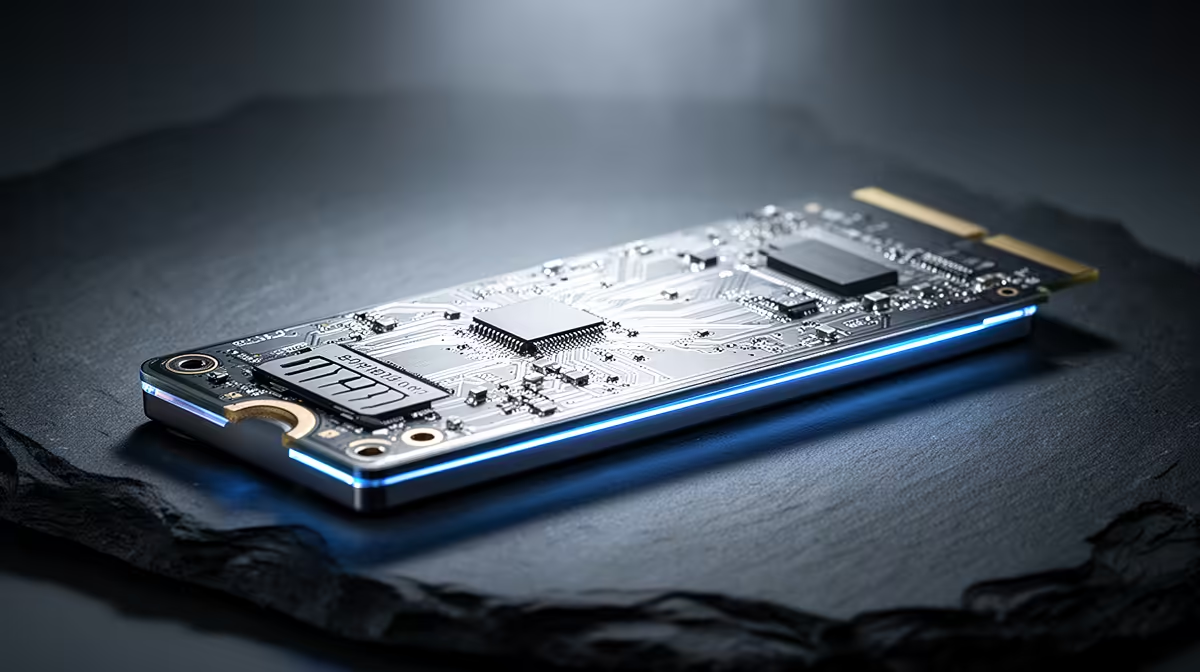
Staring at a loading screen while your mates are already dropping into the hot zone... we’ve all been there. It’s frustrating. For months, my PC felt sluggish, a loyal machine held back by its old, slow hard drive. I knew an upgrade was needed, but I didn't realise how profoundly a single component could revitalise my entire experience. This is the story of how getting an NVMe SSD in South Africa completely transformed my gaming rig.
The "Before" Picture: My Old Hard Drive's Struggle
My PC's specs were decent, but it was bottlenecked by a traditional spinning hard disk drive (HDD). Booting into Windows felt like making a cup of coffee... I had time to kill. In games like Apex Legends or Cyberpunk 2077, I was always the last one to load into the map. Worse, I’d experience annoying stuttering as the game struggled to pull assets from the slow drive. An upgrade to a solid-state drive was the obvious next step to unlock my PC's true potential. The question was, which kind?
Why I Chose an NVMe SSD in South Africa
You've probably heard about SSDs, but the term "NVMe" might seem like just another piece of tech jargon. Think of it like this: a regular SATA SSD is a huge leap from an HDD, but an NVMe (Non-Volatile Memory Express) SSD is a rocket ship in comparison. 🚀
Instead of using old SATA cables, these drives plug directly into a special M.2 slot on your motherboard, giving them a direct highway to your CPU. This means ridiculously fast read and write speeds. For me, even a standard 2.5-inch SATA SSD felt like a half-measure. I wanted the best performance I could get, and with prices becoming more competitive, opting for an NVMe SSD in South Africa was a no-brainer for a long-term, future-proof upgrade.
Check Your M.2 Slot! 🔧
Before you buy, check your motherboard's manual or website. Ensure you have a free M.2 slot that supports 'PCIe' or 'NVMe' drives. Some older M.2 slots only support the slower SATA protocol, so it pays to double-check to get the full speed benefit!
The Upgrade & The "After" Result ⚡
The physical installation was surprisingly simple. It involved unplugging the PC, opening the case, locating the M.2 slot, and securing the new drive with a single tiny screw. After a fresh Windows install, the difference was immediate and staggering.
- Boot Times: My PC now goes from off to the Windows desktop in under 10 seconds. No more coffee breaks.
- Game Loading: Loading screens are practically gone. In Warzone, I'm in the pre-game lobby before most of my squad.
- Overall Snappiness: Everything is just... faster. Opening apps, transferring files, and even browsing the web feels more responsive. The stuttering in open-world games vanished completely.
This single NVMe SSD upgrade made my entire PC feel brand new. It wasn't just a minor improvement; it was a fundamental shift in how I experience my R50,000+ machine.
Is an NVMe Upgrade Worth It for You?
Honestly, if your PC is still running on a hard drive, the answer is a resounding yes. It's the single most impactful upgrade you can make for overall system performance. Even if you already have a SATA SSD, moving your operating system and favourite games to an NVMe drive will provide a noticeable boost.
You don't have to break the bank, either. The market has matured, and you can often find fantastic SSD deals in South Africa that make the jump surprisingly affordable. Whether you're a competitive gamer chasing every millisecond or just someone who hates waiting, this is an upgrade that delivers real, tangible results every single day. ✨
Ready for Warp Speed? Stop letting slow storage hold your PC back. Browse our curated range of NVMe SSDs and feel the difference for yourself.











