

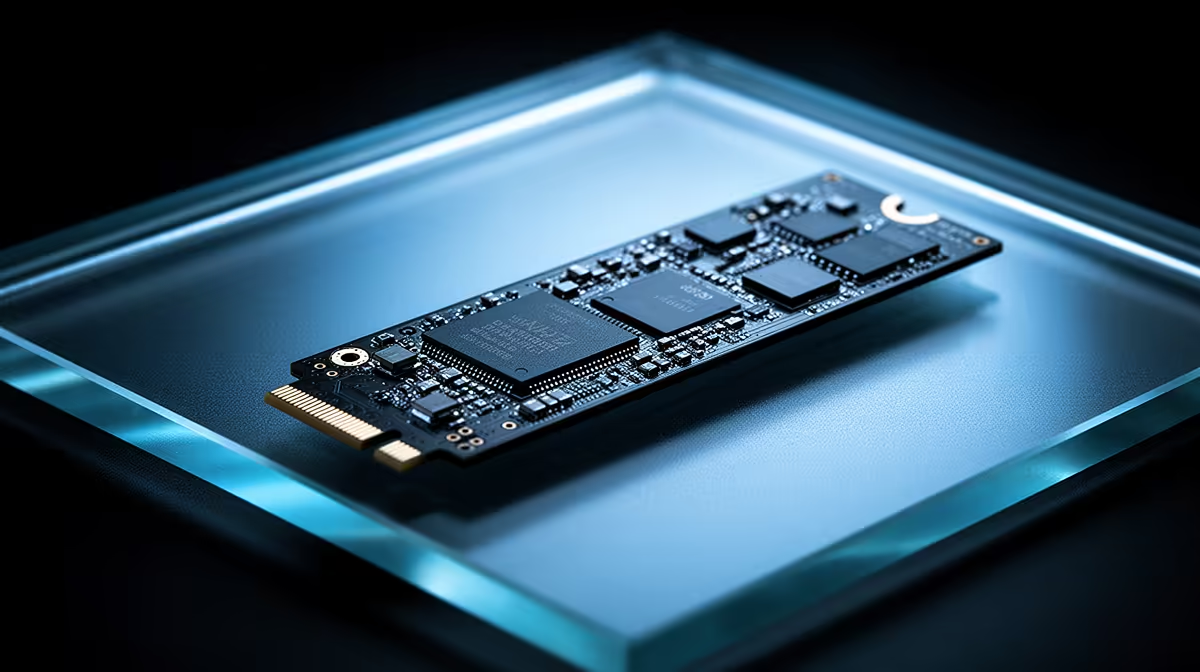
So, you’re tired of watching loading bars. We get it. That agonizing wait for your favourite game to load or your PC to boot can feel like a lifetime. An NVMe upgrade in South Africa is the single biggest performance boost you can give your rig, transforming it from a sluggish machine into a lightning-fast beast. 🚀 But before you jump in, there are a few common hurdles that can trip up even seasoned builders. Let's navigate them together.
Is Your Motherboard Ready for an NVMe Upgrade?
Before you even think about adding an NVMe SSD to your cart, the first step is a motherboard compatibility check. This is where many eager upgraders get stuck. An NVMe drive connects via an M.2 slot, but not all M.2 slots are created equal.
You need to confirm two key things:
- The Key: Your M.2 slot must be an 'M-Key' type to support the full PCIe speeds of an NVMe drive. Some older or budget boards have 'B-Key' slots that are limited to slower SATA speeds.
- The Protocol: Ensure the slot supports the 'NVMe' or 'PCIe' protocol, not just 'SATA'.
The fastest way to check is to find your motherboard's model number (it's printed right on the board) and look up its spec sheet online. This simple check can save you a massive headache and ensure your NVMe upgrade delivers the blistering speeds you're paying for. If you're ready to explore your options, check out Evetech's extensive range of high-speed NVMe SSDs.
Pro Tip: Check Your Manual First! 🔧
Before buying, download your motherboard's PDF manual. Use Ctrl+F to search for "M.2" or "NVMe". The manual will tell you exactly what types of drives are supported, what length (e.g., 2280) fits, and if using the M.2 slot disables any of your SATA ports—a common "gotcha"!
The Data Migration Dilemma: To Clone or Not to Clone?
Okay, you've got your shiny new NVMe drive. Now what? You have to move your Windows installation and all your precious files over. This is another common hurdle for a first-time NVMe upgrade in South Africa. You have two main paths:
- Fresh Install: This is the cleanest method. You install a fresh copy of Windows onto the new NVMe drive. It gets rid of years of digital clutter and often results in a snappier, more stable system. The downside? You'll need to reinstall all your apps and games.
- Cloning: This involves using software (like Macrium Reflect Free or manufacturer-specific tools) to create an exact copy of your old drive onto the new one. It's faster and you get to keep everything as is. However, it can sometimes bring over old driver issues or fail if the new drive is smaller than the old one.
For most users, a fresh install is recommended for the best performance. But if you're short on time, cloning is a perfectly valid option.
What If My PC Doesn't Have an M.2 Slot?
Don't despair! If you're running an older system, you might not have a dedicated M.2 slot. While you'll miss out on peak NVMe speeds, you can still get a massive performance uplift. Modern 2.5-inch SATA SSDs are still worlds faster than any traditional hard drive, drastically cutting down boot times and eliminating in-game stuttering. It's a cost-effective upgrade that will make your entire PC feel brand new. ✨
Finding the Sweet Spot: Price vs. Performance
With technology constantly evolving, finding the right drive can be tricky. Do you need the absolute fastest Gen5 drive, or will a budget-friendly Gen3 model do the trick? For most gamers and general users in South Africa, a quality PCIe Gen3 or Gen4 NVMe offers the best bang for your buck. The real-world difference in game load times between Gen4 and Gen5, for example, is often negligible. Keep an eye on pricing and you can often find some incredible value. To make it easier, we always keep our list of the best SSD deals updated with top-tier drives at fantastic ZAR prices.
Ready for Instant Load Times? Stop waiting and start playing. An SSD upgrade is the most impactful change you can make to your rig, and Evetech has the perfect drive for your build and budget. Explore our full range of SSDs for performance that leaves lag in the dust.











