

Staring at yet another loading screen? In South Africa, the NVMe vs SATA debate is heating up. Choosing the right solid-state drive (SSD) can slash your boot times and get you into the game faster, but which one offers the best bang for your buck? This guide cuts through the jargon, helping you decide on the perfect SSD upgrade for your rig, whether you’re in Cape Town or Jozi. ⚡
Understanding the Core Tech: SATA vs. NVMe
Before we talk speed, let's get the basics down. Think of these two SSD types as different kinds of vehicles. Both get you to your destination (loading your data), but they use completely different roads.
SATA: The Reliable Workhorse
SATA (Serial ATA) is the veteran technology. These drives, typically in a 2.5-inch rectangular format, connect to your motherboard via a cable. They've been the standard for years and offer a massive performance jump over old-school mechanical hard drives. For gamers needing a cost-effective way to store a large library or for older PCs, a SATA SSD remains a brilliant choice. Their top speed is capped at around 600MB/s by the interface itself.
NVMe: The Formula 1 Racer 🚀
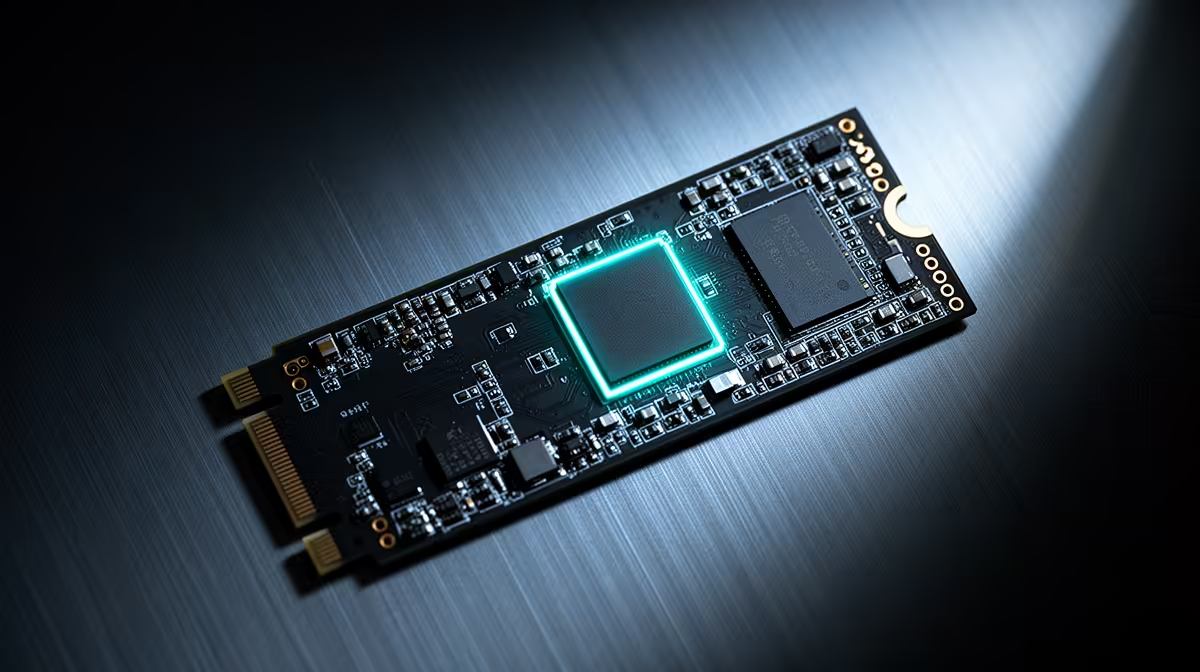
NVMe (Non-Volatile Memory Express) is the newer, faster protocol designed specifically for modern SSDs. These drives often come in a small "gumstick" M.2 format and plug directly into a dedicated slot on your motherboard, bypassing the slower SATA interface entirely. This direct connection allows for breathtaking speeds, with some Gen4 drives hitting over 7,000MB/s. If you want the absolute quickest performance, a modern NVMe SSD is the undisputed champion.
NVMe vs SATA: The Performance Battle in South Africa
So, what do those numbers mean for your daily use? The performance difference between NVMe and SATA in South Africa is most noticeable in specific tasks.
- Boot Times & App Loading: An NVMe drive can boot Windows and launch demanding applications like Adobe Photoshop or a massive game like Starfield a few seconds faster than a SATA SSD.
- File Transfers: This is where NVMe truly shines. Moving large files, like 4K video footage or a 100GB game folder, is dramatically faster. A task that takes minutes on SATA could take mere seconds on a high-end NVMe.
- In-Game Loading: While NVMe is faster, the real-world difference in game level-loading times can be surprisingly small… often just a second or two. However, for open-world games that stream assets constantly, a faster drive can help reduce pop-in and stutter.
For a broad look at what's available, exploring the full range of SSDs at Evetech gives you a clear picture of the performance tiers.
Check Your Motherboard! 🔧
Before you buy an NVMe SSD, flip your motherboard manual open or search its model online. You need to confirm it has an M.2 slot. Some older boards don't, and some may only support slower, SATA-based M.2 drives. Knowing your hardware is the first step to a successful upgrade.
Compatibility and Cost: What Fits Your Rig and Budget?
Choosing the right SSD in South Africa often comes down to two things: compatibility and price.
As we mentioned, NVMe drives require a specific M.2 slot on your motherboard. Nearly all modern motherboards have at least one, but it's a critical check for anyone with a rig that's a few years old. SATA drives, on the other hand, are compatible with almost any desktop PC made in the last decade.
Historically, NVMe carried a premium price tag. Today, that gap has shrunk significantly. While top-tier Gen5 NVMe drives are still pricey, entry-level NVMe SSDs are often priced very competitively against their SATA counterparts, making them an incredible value proposition. Always keep an eye out for the best SSD deals in South Africa, as you can often find a faster drive for a fantastic price. ✨
The Verdict: Which SSD Should You Buy in South Africa?
So, after comparing NVMe vs SATA, which SSD is right for you?
- Go for a SATA SSD if: You're on a strict budget, need a large-capacity drive for game storage, or are upgrading an older PC that lacks an M.2 slot. It’s a huge, affordable upgrade from a hard drive.
- Go for an NVMe SSD if: You're building a new PC, want the fastest possible operating system and application load times, work with large files (like video editing), or simply want to future-proof your rig with the best technology available.
Ultimately, any SSD is a worthy upgrade. The choice between NVMe and SATA depends on your specific needs, motherboard, and how much you value those extra few seconds of speed.
Ready to Ditch the Lag? Whether you need the raw power of NVMe or the reliable value of SATA, the right drive is waiting. Explore Evetech's latest SSD deals for performance that leaves loading screens in the dust.











