

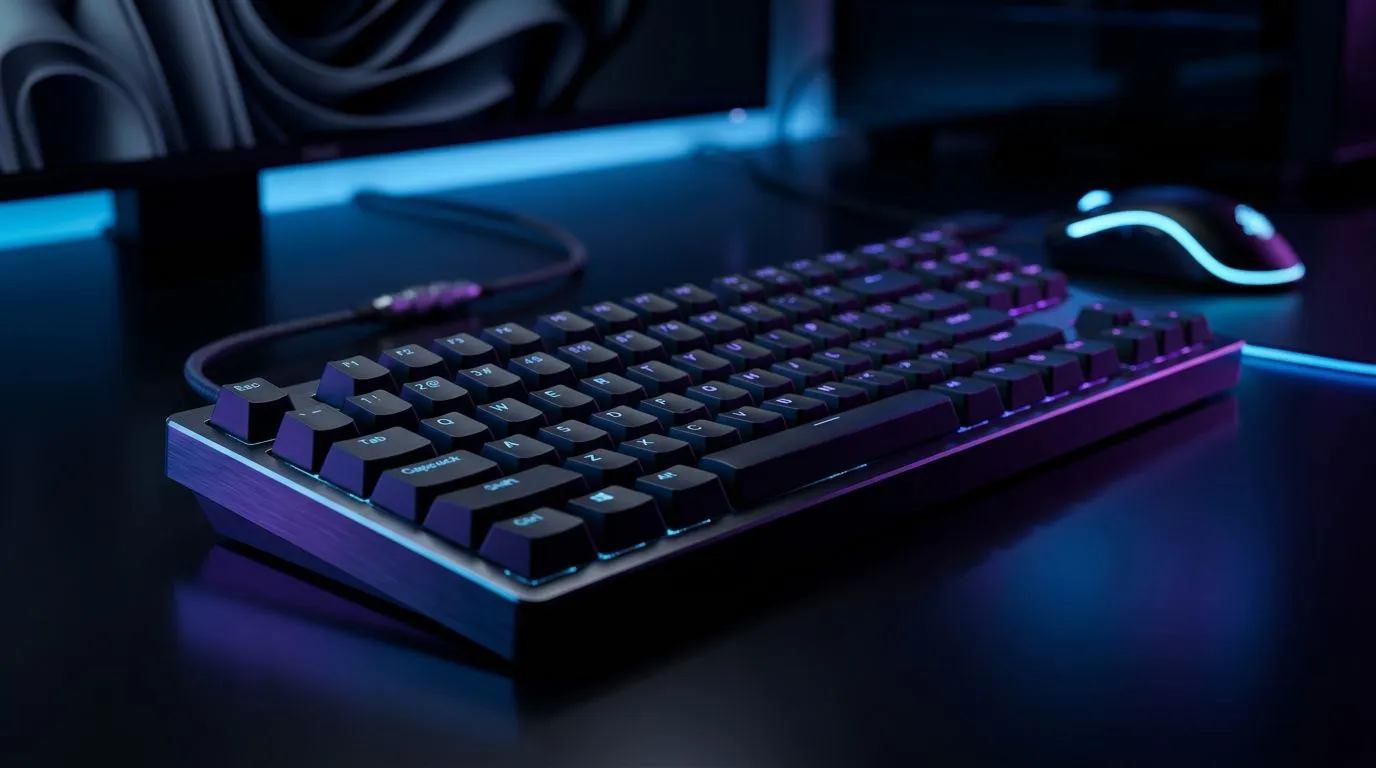
Onboard Profile Storage vs Software Keyboards: Portability That Actually Matters for SA Gamers
Switching between PC, laptop, and even an office rig is normal in South Africa… until your keyboard profiles don’t follow. One day your bindings feel perfect. The next day you’re fumbling with defaults while your squad waits.
So, let’s break it down: Onboard Profile Storage vs Software Keyboards: Portability. We’ll look at what “onboard” really means, when software control is worth it, and how to buy a keyboard that stays consistent across your setups. 🔧
Onboard Profile Storage: “It’s Yours Wherever You Plug In” ✨
Onboard profile storage means the keyboard can save your settings inside its hardware. That includes things like key mappings, macros, and sometimes lighting behaviours.
In practice, this helps you when:
- You move between a desktop and laptop
- You play at a friend’s place (no installing required)
- You travel for LAN, tournaments, or even just work-from-home
- You’re on a shared PC where software install permissions are limited
Reputable detail to anchor expectations: Evetech stocks gaming keyboards with different connectivity options, including wired and wireless models. The point is portability depends on both your profile type and your connection stability. 🚀
Portability Pro Tip ✨
If your keyboard supports onboard profiles, test it before you rely on it. Save a layout on your main PC, then plug into a second device. Confirm key binds and macro timing feel identical.
Software Keyboards: More Control, Less Portability ⚡
Software keyboards lean on a companion app for customisation. That app may handle:
- Deeper macro control
- Profile switching rules
- Lighting effects tied to game events
- Advanced adjustments that onboard memory can’t store
This is awesome when you only game on one machine. But it’s less ideal if you frequently swap computers. Your settings might still be recoverable, but you’ll often need the software installed again, or you’ll have to reapply the profiles.
For gamers in SA, this matters for real life: load shedding, shared study spaces, workstations at home, and quick “bring-your-rig” LAN weekends. If you want consistency without reinstalling anything, onboard storage usually wins.
Choosing the Right Keyboard for Your Upgrade Path (SA Buyer Guide)
If your upgrade path looks like “new desk, new PC, maybe a laptop too,” then Onboard Profile Storage vs Software Keyboards: Portability becomes a purchase decision, not a spec sheet detail.
Here’s a practical approach:
- If you frequently change devices, prioritise onboard profiles first.
- If you’re a “one main rig, one app, then just play,” software is fine.
- If you want both, you may need to pay attention to model features rather than brand promises.
Evetech makes it easy to shop by keyboard deals and bundles. Start with a deal mindset, then narrow by features like connectivity and your preferred customisation style. For example, browse:
If you already know your connectivity preference, you’ll also find relevant picks here:
Final Call: Don’t Buy Portability You Can’t Use
At the end of the day, onboard storage helps you keep control when you move. Software helps you customise more deeply when you stay.
So ask yourself before you click “add to cart”... will you still be using the same PC next month, or will your keyboard follow you across different setups? Choose based on your real routine, not wishful thinking. 🎮
Ready to Find Your Perfect Match? The Mac vs Windows debate is complex, but for maximum power, choice, and value in South Africa, Windows is hard to beat. Explore our massive range of laptop specials and find the perfect machine to conquer your world.











