

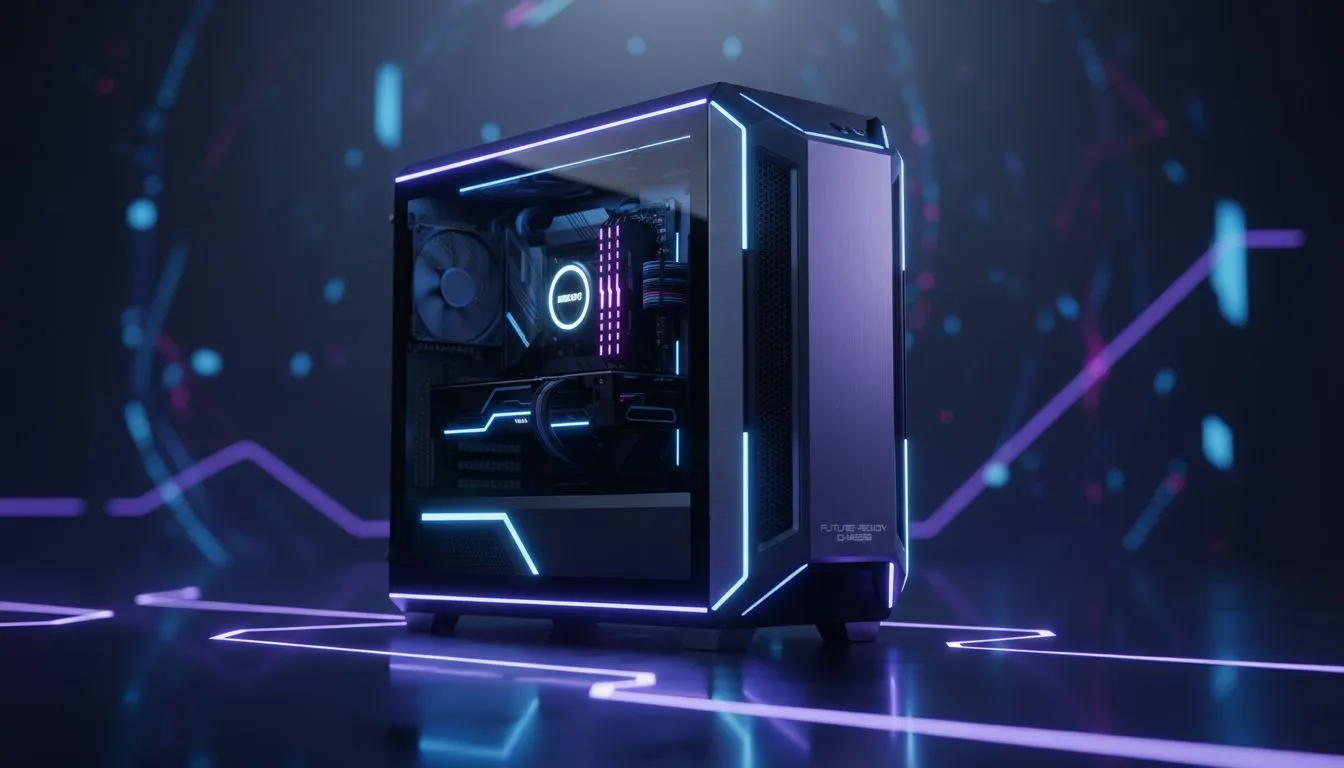
So, you’ve done it. You’ve finally snagged that beast of a graphics card you’ve been dreaming of. The box is sitting on your desk, practically glowing. But before you rip it open, there’s a crucial question many gamers forget to ask: will it actually fit? A PC case GPU upgrade isn't just about slotting in new hardware; it's about ensuring your chassis can handle the size, power, and heat of your powerful new component.
The Big Three: Size, Airflow, and Power
Don't let your excitement turn into a frustrating afternoon of realising your new GPU is a few millimetres too long. When planning your upgrade, these three factors are non-negotiable. Getting them right is the key to a smooth and successful build.
GPU Clearance: Measure Twice, Buy Once 🔧
Modern graphics cards, especially high-end models, are massive. They are longer, taller, and wider than ever before. Your first step is to check your current case's specifications for "maximum GPU length." Then, compare that number to the length of the card you want to buy. Remember to account for width (slot thickness) too; a three-slot card might not fit in a compact case.
Most product pages for modern computer cases list these dimensions clearly, saving you a lot of guesswork.
Airflow: Don't Choke Your New Beast 💨
A powerful new GPU generates a lot more heat. If your current case has a solid front panel and poor ventilation, you're essentially putting your new R15,000 component in an oven. This leads to thermal throttling, where the card slows itself down to avoid overheating… completely defeating the purpose of your upgrade.
Look for a case with a mesh front panel and multiple fan mounts. This ensures a steady stream of cool air flows over your components. High-quality builds from brands like Fractal Design are often praised for their excellent thermal performance.
Positive Pressure Pro Tip ⚡
For optimal cooling and dust prevention, aim for slightly more intake than exhaust. For example, use two 140mm fans pulling air in at the front and one 120mm fan pushing air out at the back. This creates positive air pressure inside the case, helping to push dust out of unfiltered cracks and vents.
Beyond the Basics: Planning Your PC Case GPU Upgrade
Compatibility goes beyond just the GPU itself. Your other components, especially the power supply, play a huge role in a successful PC case GPU upgrade.
Power Supply Unit (PSU) Space
That new GPU probably needs more power, which might mean you need a new Power Supply Unit (PSU). Not all PSUs are the same size, and not all cases can fit the larger, higher-wattage models. Check your case’s PSU length clearance. Thankfully, many Gamdias gaming cases and other popular options are built to accommodate standard ATX power supplies with plenty of room for cables.
Cable Management and Aesthetics ✨
A messy case isn't just ugly; it can also impede airflow. A modern chassis with smart cable management options—like routing channels, tie-down points, and a PSU shroud—makes building infinitely easier and cleaner. This ensures nothing is blocking your fans. You don't have to break the bank for this, as even affordable gaming cases under R1500 now come with features that were once considered premium.
A well-chosen case is the foundation of a great PC. It protects your expensive components, keeps them running cool, and makes the entire system a pleasure to build and own.
Ready to Give Your New GPU the Home It Deserves? A successful PC case GPU upgrade is about more than just raw power; it's about creating a balanced system that runs cool and looks clean. Don't let an old chassis hold your new graphics card back. Explore our massive range of PC cases and find the perfect fit for your build and budget.











