


Staring at specs for your next PC build in South Africa? The PCIe 5.0 vs 4.0 debate is everywhere. You want a rig that lasts, but with prices on everything going up, you also need to spend your Rands wisely. Is jumping to the latest standard a smart move to futureproof your PC build, or is it just expensive overkill for now? Let's break down the real-world differences and see where your money is best spent. 🚀
Understanding the PCIe Highway
Before diving into the PCIe 5.0 vs 4.0 comparison, let's quickly cover what it is. Think of Peripheral Component Interconnect Express (PCIe) as the multi-lane highway inside your computer. It connects high-speed components—like your graphics card and NVMe SSD—directly to your motherboard and CPU.
The version number (like 4.0 or 5.0) and the lane count (like x16 or x4) determine how wide and fast that highway is. A wider, faster highway allows for more data to travel simultaneously, which can lead to better performance.
PCIe 5.0 vs 4.0: A Showdown of Speed
The main difference between PCIe 5.0 and 4.0 is raw bandwidth. Each new generation effectively doubles the data transfer rate of the previous one.
- PCIe 4.0: Offers up to 16 GT/s (Gigatransfers per second), which translates to about 2 GB/s of bandwidth per lane. An x16 slot, used for a GPU, tops out at roughly 32 GB/s.
- PCIe 5.0: Doubles that to 32 GT/s, providing about 4 GB/s per lane. That means an x16 slot can handle a massive 64 GB/s. ✨
On paper, this is a huge leap forward. This potential is the core of what makes a decision to futureproof your PC build so tempting, and it all starts with the right foundation. You can find a huge variety of excellent and affordable motherboards to get your build started on the right foot.
Real-World Gains: Does PCIe 5.0 Boost Your FPS?
This is the million-Rand question for South African gamers. Does doubling the theoretical bandwidth actually make your games run better? For now, the answer is... not really.
For Your Graphics Card
Here's the truth: even the mightiest graphics cards available today, like the NVIDIA GeForce RTX 4090, don't fully saturate a PCIe 4.0 x16 slot. Extensive testing by tech outlets shows the performance difference between running a top-tier card on a PCIe 5.0 vs 4.0 slot is often less than 1-2%. That tiny margin is completely unnoticeable during gameplay. Your money is currently much better spent on a faster GPU than a PCIe 5.0 motherboard for gaming alone.
For Your SSD
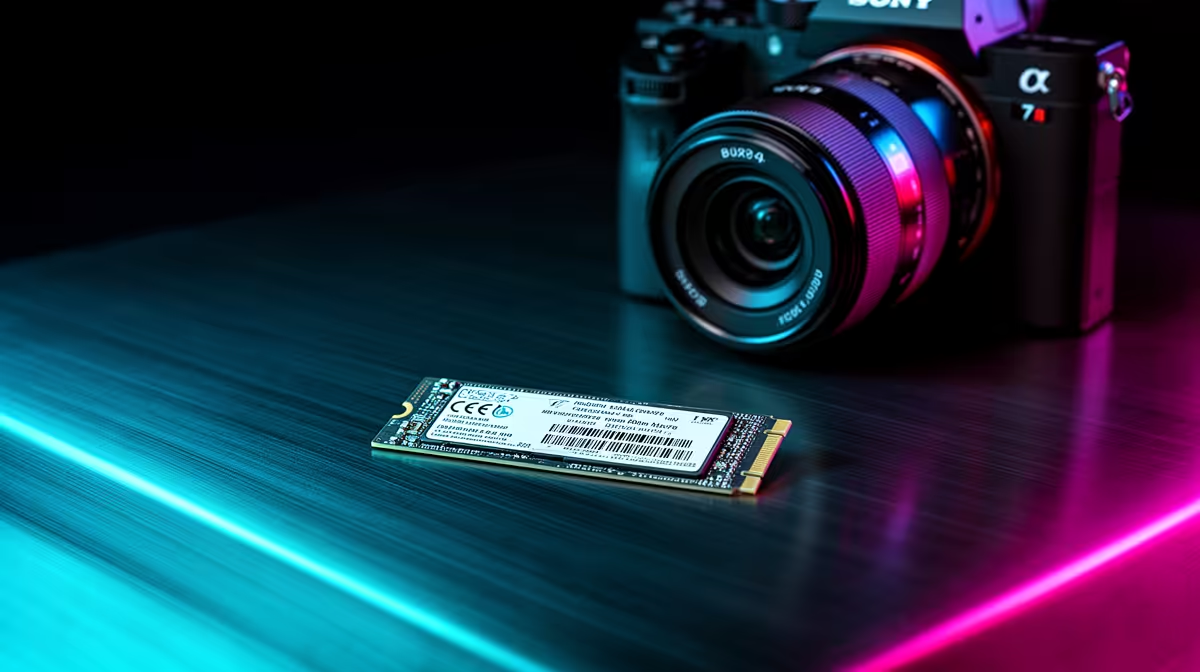
This is where PCIe 5.0 shows its true power. A PCIe 5.0 NVMe SSD can achieve read/write speeds exceeding 12,000 MB/s, which is almost double the ~7,000 MB/s of the fastest PCIe 4.0 drives. For video editors, 3D artists, or anyone moving massive files daily, this is a monumental speed boost. For gaming load times? The improvement over an already-fast Gen 4 drive is minimal, shaving off maybe a second or two.
Platforms like Intel's Z-series were among the first to bring this tech to consumers, and many high-end Intel motherboards now feature at least one PCIe 5.0 slot for either a GPU or an M.2 SSD.
Check Your Lanes! 🚦
Before buying a motherboard, check its spec sheet! Not all PCIe slots are equal. Your main GPU slot is usually x16, but other slots might be x8, x4, or even x1. Also, using certain M.2 slots can sometimes disable SATA ports or reduce the lanes available to your GPU. Knowing your board's layout ensures you get the performance you paid for.
The Cost of Futureproofing Your PC
Jumping on the PCIe 5.0 bandwagon comes with an "early adopter tax." Motherboards with PCIe 5.0 support, especially those with multiple slots, are generally more expensive. The Gen 5 NVMe SSDs themselves also carry a significant price premium.
You have to ask yourself: is that extra R1,500 to R3,000 on a motherboard providing value today? Or could that cash be better used to upgrade from a Core i5 to a Core i7, or get a 2TB SSD instead of a 1TB one? On the other side, AMD's AM5 platform made PCIe 5.0 a standard feature on many boards, giving builders a clear upgrade path on the latest AMD motherboards. 🔧
The Verdict: Is a PCIe 5.0 Upgrade for You?
So, is it time to futureproof your PC build with PCIe 5.0?
- For most gamers in 2024: No. PCIe 4.0 is the undisputed sweet spot for value and performance. It provides all the bandwidth today's gaming hardware needs. You'll get a better gaming experience by investing the budget difference into a more powerful GPU or CPU.
- For hardcore content creators & pro users: Maybe. If your workflow involves constant transfers of huge files and you need the absolute fastest storage money can buy, a PCIe 5.0 SSD and motherboard could save you valuable time.
The PCIe 5.0 vs 4.0 debate is less about which is "better" and more about which is "right for you, right now." While PCIe 5.0 is the future, PCIe 4.0 is the powerful, cost-effective present.
Ready to Build Smarter, Not Harder? Whether you're team PCIe 5.0 for ultimate futureproofing or sticking with the incredible value of PCIe 4.0, the right motherboard is key. Your PC's foundation determines its potential. Explore our massive range of Intel and AMD motherboards and find the perfect board for your budget and build today.









