

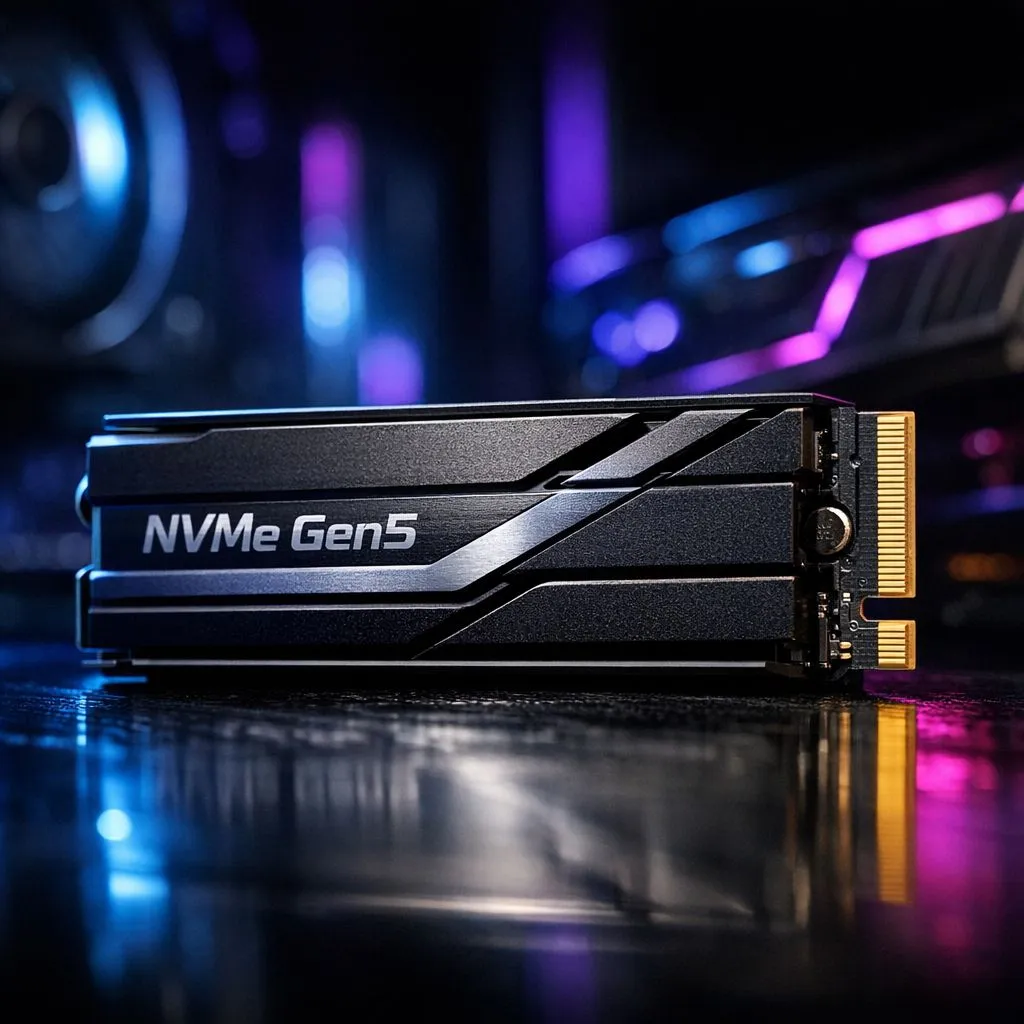
PCIe Gen 5 components for South African gamers 🔧
South African builders: want a rig that stays relevant for the next GPU and storage waves? PCIe Gen 5 components give you a clearer upgrade path without rebuilding from scratch. Read quick, actionable tips that save you ZAR and time while keeping performance headroom for future cards and NVMe drives. ⚡
Upgrade Path: what to prioritise
Start with a compatible motherboard and CPU pairing that lists PCIe Gen 5 lanes. Future upgrades are easiest when your board supports the standard today. Think of a Gen 5-ready mobo as an insurance policy: you pay a little more now to skip a full rebuild later. For GPU choices, browse GeForce cards at Evetech to see modern GPUs that will benefit from wider lanes when new silicon arrives. (Check compatibility on the exact product page before buying.)
GPUs, brands and practical buying tips
If you prefer to shop by brand or compare current models, look through Evetech's Nvidia and AMD selection to weigh power, cooling and warranty options. Match your GPU pick with a case that has good airflow; hotter runs reduce long-term component life. When comparing cards, factor in local stock and warranty — that matters more than fractional benchmark gains.
Storage and add‑in cards: balance performance and price
PCIe Gen 5 NVMe drives are appearing, but Gen 4 drives still offer excellent real‑world speeds for most gamers. If you buy a Gen 5-ready socket now, you can start with a high-capacity Gen 4 SSD and swap to Gen 5 later. For Radeon-focused builds, Evetech's Radeon cards listing helps you check card length and power needs before committing to a chassis and PSU.
Upgrade Smart 🚀
Always check your motherboard's manual for slot bifurcation and BIOS updates. A BIOS update can unlock Gen 5 support or improve compatibility. If you plan a Gen 5 GPU later, size your PSU and case now — it's cheaper than buying new later.
Brands to watch and local availability
If you like MSI models, Evetech lists MSI options so you can filter by brand and compare coolers and factory overclocks. Buying locally means faster RMA and easier warranty claims — both worth a few hundred ZAR if something goes wrong. Keep receipts and register your components within the manufacturer portals for smoother service.
Building for longevity: simple checklist
- Choose a Gen 5-ready motherboard and verify slot specs.
- Buy a PSU with a 20–30% headroom for future GPUs.
- Prioritise case airflow and modular cabling for cleaner builds and better cooling.
- Start with high-capacity Gen 4 storage and upgrade to Gen 5 NVMe when prices stabilise.
Final nudge: plan, don't panic
Future-proofing is about sensible choices, not chasing every spec. A measured Gen 5 strategy keeps costs down and upgrade options open. Need parts now or want to compare models side by side? Explore Evetech's curated ranges for graphics cards, including GeForce selections and full brand lists to match your upgrade path.
- Explore GeForce cards at Evetech: GeForce Graphics Cards
- Browse Nvidia & AMD options: Graphics Cards main category
- Compare Radeon models: Radeon Graphics Cards
- Filter by brand for MSI coolers and factory OC: MSI models
Ready to Find Your Perfect Match? The Mac vs Windows debate is complex, but for maximum power, choice, and value in South Africa, Windows is hard to beat. Explore our massive range of laptop specials and find the perfect machine to conquer your world.











