

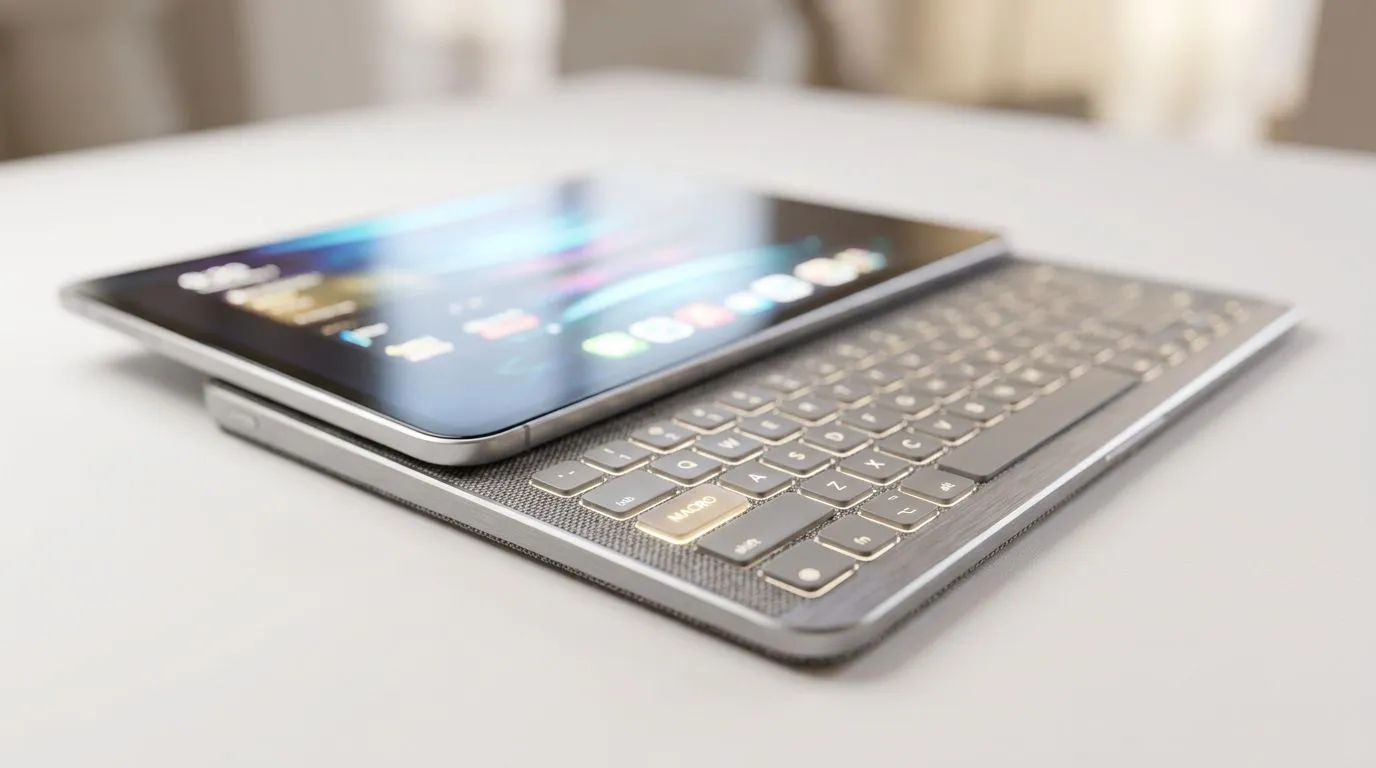
Premium Touch Panel That Fits Your Budget Without Cutting Corners
Buying an upgrade in South Africa should feel exciting… not like a tax audit. If you’re eyeing a laptop or creator-focused device, touch panels and macro-ready features can save serious time. And time is money, especially when you’re juggling gaming, streaming, and work. The trick is choosing options that feel premium, but still respect your rand budget.
Let’s break down what to look for in Premium Touch Panel and Macro Features That Respect Your Rand Budget, and how to turn “nice to have” into real everyday value. ✨
Premium Touch Panel and Macro Features That Respect Your Rand Budget: What Actually Matters
A touch panel should be responsive, accurate, and easy to configure. When it works well, you can navigate faster, tweak settings on the fly, and avoid digging through menus mid-session. When it doesn’t, it becomes an expensive sticker.
On the macro side, the best systems don’t just “have buttons”. They make it easy to assign actions you’ll genuinely use: loadouts, push-to-talk, streamer controls, or in-game combos.
Here’s a simple decision checklist:
- Touch accuracy: does it track reliably with gloves or quick taps?
- Customisation: can you map gestures or shortcuts easily?
- Macro reliability: does it save profiles and stay consistent?
- Practical use: will you use it daily, not once during setup? 🔧
Layout Tips That Make Touch Panels Feel Instantly Useful
If your device supports software for touch controls, spend 10 minutes setting it up properly. Map the top 3 actions you do every session.
For example:
- Volume and mic mute for streaming
- Media controls for music while grinding
- Quick access to your most-used app or overlay
Productivity Pro Tip ⚡
On Windows, use the PowerToys FancyZones utility to create custom snap layouts for your windows. It's a lifesaver for managing multiple apps on an ultrawide monitor, letting you organise your timeline, preview window, and asset folders perfectly for video editing.
Macros for Gamers: Think “Profiles”, Not “One-Off Buttons”
Macros are only worth it when they reduce repeated actions. A good macro setup is repeatable, easy to trigger, and obvious under pressure.
Try this approach:
- Build one macro profile for your main game.
- Add a second for productivity (recording, editing, comms).
- Keep macros short and dependable. If it takes more than a few steps, it’s probably not a macro… it’s a workflow.
If you’re also upgrading controllers, Evetech has a guide for choosing the right gaming controller setup here: buy gaming controllers. 🎮
Upgrade Path Choices: Pairing Touch + Macro Without Overspending
A premium touch panel is only half the story. Pair it with the right controller and mapping tools, and suddenly your “upgrade” stops feeling like a luxury purchase.
If you want to lean into macro-friendly input, pay attention to controller brands that support remapping and software profiles. Evetech specifically carries the Razer line, so if you’re exploring that ecosystem, start here: Raze brand controllers on Evetech.
For a more “ready-to-play” option, this deal page is worth a look if you’re comparing value and features: Razer Wolverine V3 Tournament Edition 8K best deal. 🚀 (Deals move fast, so if it’s within your ZAR range, don’t overthink it.)
Premium Touch Panel and Macro Features That Respect Your Rand Budget: Your Next Step
If you’re torn between buying now or waiting for “the perfect spec”, use this rule: prioritise controls you’ll touch every day. Touch panels and macros are only premium when they reduce friction. Otherwise, they’re just extra cost.
Ready to commit? Go browse controller options and compare mapping ecosystems so your touch panel and macros work together instead of fighting each other.
Ready to Find Your Perfect Match? The Mac vs Windows debate is complex, but for maximum power, choice, and value in South Africa, Windows is hard to beat. Explore our massive range of laptop specials and find the perfect machine to conquer your world.











