

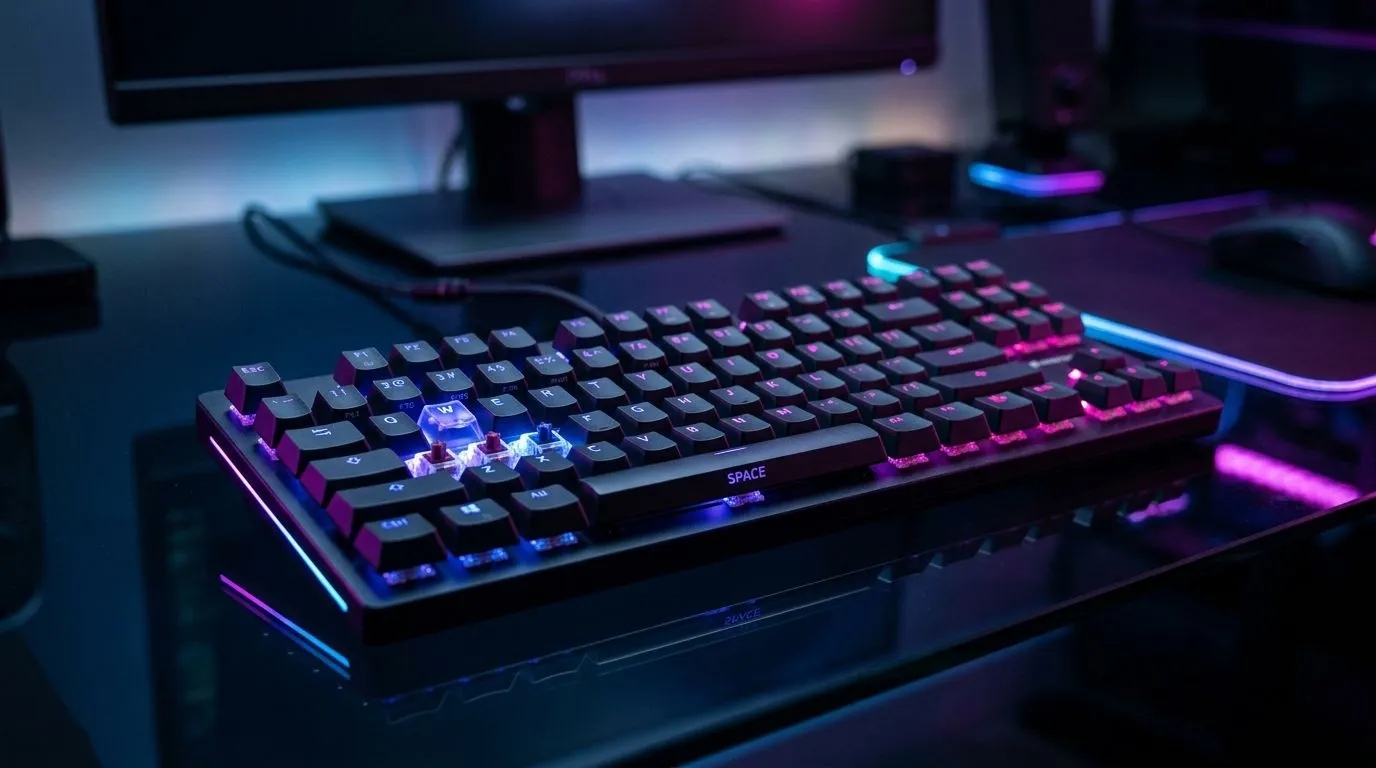
Rapid Trigger and Adjustable Actuation: SA Gamers, Feel the Difference Instantly
South African gamers don’t have time for “almost” inputs. One moment you’re landing headshots… the next you’re missing by a whisker. That’s where switch technology matters. If you’re upgrading for faster response and smoother comfort, look for Rapid Trigger and Adjustable Actuation for SA Gamers. It’s the kind of feature that can turn hectic ranked sessions into clean, consistent control. 🔥⚡
What “Rapid Trigger” and “Adjustable Actuation” Actually Do
Rapid Trigger reduces the distance needed for a keypress to register. In simple terms, your keyboard doesn’t wait for a full travel to send the command. Adjustable actuation lets you set that trigger point closer or farther from the top of the switch, based on how you play.
- Rapid Trigger: quicker input detection during repeated taps and fast strafes.
- Adjustable actuation: you choose your sweet spot for speed vs stability.
Why does this matter for SA players? Because our setups are often tuned to real-life conditions. If your desk is a bit cramped, your posture changes mid-match. Adjustable actuation helps you keep a consistent feel even when your wrists shift.
The real-world use case: tactical FPS vs rhythm play
In tactical FPS titles, you’re spamming movement, utility, and reloads. Rapid Trigger can make your “tap” inputs feel more immediate. In games with rhythmic or sustained inputs, a slightly deeper actuation can reduce accidental triggers.
Productivity Pro Tip ✨
On Windows, enable keyboard repeat delay and test actuation feel using a practice custom match or aim trainer. Set your actuation so taps trigger reliably without “ghost presses” when you move your hand across keycaps. Then lock it in before your next ranked session.
Choosing the Right Setup: Wired or Wireless for Competitive Consistency
Before you buy, think about your environment. Wired is still the most predictable option for low-latency play, while good wireless can be excellent for comfort and desk freedom. But your choice should match your play style and how often you switch between devices.
If you want to browse options right away:
- Start with a look at wired boards here: cheapest gaming keyboard in South Africa (Wired)
- Compare with wireless options here: cheapest gaming keyboard in South Africa (Wireless)
And if you’re still deciding on the bigger picture, the broader range can help you sanity-check pricing: gaming keyboard deals.
Matching Your Keyboard With the Rest of Your Upgrade Path
A keyboard upgrade rarely lives alone. If you’re moving to rapid and adjustable actuation, consider pairing it with a stable mouse for consistent timing. If you want a bundle route (often the best way to stay on budget in ZAR), check: keyboard and mouse combos.
For a full comparison of options that fit different budgets, use this checklist:
- Do you press lightly or force inputs? Choose actuation depth accordingly.
- Is your desk tight? A more forgiving actuation can reduce misfires.
- Do you play long sessions? Comfort matters. Rapid Trigger doesn’t mean you should punish your fingers.
A quick micro-story from the upgrade desk
One local player described it like this: “I wasn’t faster… I was just more consistent.” After adjusting actuation to a safer point, their key taps stayed clean even during chaotic fights. That’s the real win. Not magic. Control. 🔧
Ready to upgrade now? Find the best Rapid Trigger and Adjustable Actuation for your desk
If Rapid Trigger and Adjustable Actuation for SA Gamers is on your wishlist, don’t guess. Pick a keyboard that matches your connection needs, and test the feel in your first week. Want to keep the momentum going with the best prices in South Africa? Browse more options here: cheapest gaming keyboard in South Africa (overall). 🚀
Ready to Find Your Perfect Match? The Mac vs Windows debate is complex, but for maximum power, choice, and value in South Africa, Windows is hard to beat. Explore our massive range of laptop specials and find the perfect machine to conquer your world.











