

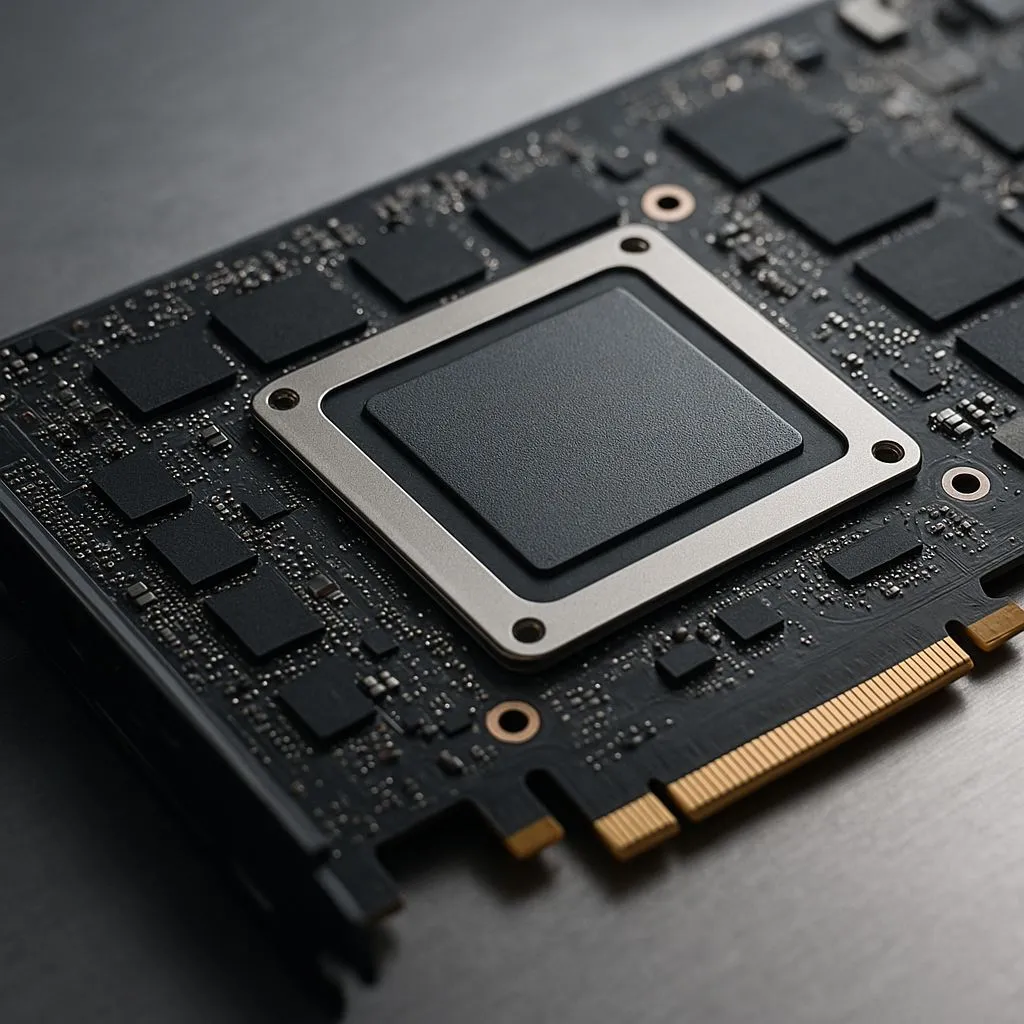
Is your beastly graphics card cooking itself during intense gaming sessions? If you're seeing VRAM temperatures skyrocket past 95°C, causing your frame rate to stutter and drop, you're not alone. High-performance GDDR6X memory runs notoriously hot. The good news for South African gamers is that you don't need a whole new card. Often, the best fix is to replace thermal pads, a straightforward DIY job that can dramatically lower VRAM temps fast. 🚀
Why Replace Thermal Pads on Your GPU?
Think of thermal pads as tiny, squishy bridges. Their job is to transfer heat from crucial components like your VRAM (Video Random Access Memory) chips and VRMs (Voltage Regulator Modules) to the massive metal heatsink that cools your GPU.
Over time, the stock pads that come with your card can dry out, degrade, or suffer from "pump-out," where the silicone oil separates, leaving a less effective material behind. When this happens, the heat bridge breaks down. Your VRAM starts to overheat, and your card's firmware will automatically reduce its performance (thermal throttle) to protect itself.
A fresh, high-quality thermal pad replacement restores that crucial connection, allowing the heatsink to do its job properly and keeping your performance stable.
Spotting the Signs: When Is a Pad Swap Necessary?
Not sure if it's time for a GPU deep-clean? Look out for these tell-tale signs:
- High VRAM Junction Temps: Use software like HWiNFO64 to monitor your temperatures. If your VRAM junction temperature consistently hits 95-110°C under load, it's a clear warning sign.
- Performance Dips: Does your game run smoothly for five minutes and then start to lag? This is a classic symptom of thermal throttling.
- Age and Use: If your graphics card is over two years old and has seen hundreds of hours of action, its thermal interface materials are likely past their prime.
Deciding to replace thermal pads is a key part of long-term PC maintenance for any serious enthusiast.
Crucial Tip: Get the Thickness Right! 📏
Using the wrong thermal pad thickness is the #1 mistake people make. Too thin, and it won't make contact. Too thick, and it will prevent the main GPU die from touching the heatsink, causing catastrophic overheating. Always check a reliable source like a Gamers Nexus teardown or a dedicated online database for your exact GPU model (e.g., "RTX 3080 FTW3 thermal pad thickness") before you buy.
A Quick Guide to Your Thermal Pad Replacement 🔧
Performing a thermal pad replacement is an incredibly rewarding upgrade. While every card is different, the general process is the same.
- Research & Disassembly: Find a teardown guide for your specific GPU model on YouTube. Go slowly, use the right screwdrivers, and place your screws in a magnetic tray so you don't lose them.
- Clean-Up: Gently remove the old, crusty pads. Use isopropyl alcohol (90%+) and a soft cloth to clean the old thermal paste off the main GPU die and the heatsink contact points until they shine.
- Application: Carefully cut your new pads to the size of the VRAM chips and VRMs. Peel off the protective plastic and place them down. Apply a small, pea-sized amount of new, high-quality thermal paste to the GPU die.
- Reassembly: Put everything back together in the reverse order you took it apart. Don't overtighten the screws… just snug is perfect.
Once done, you can enjoy dramatically lower VRAM temps and the consistent, throttle-free performance you paid for. ✨
Beyond the GPU: A Holistic Approach to PC Cooling
You've just optimised your GPU's cooling... brilliant! But where does all that heat go? Straight into your PC case. If your CPU cooler is struggling, it's now breathing in all that hot air, which can create a new bottleneck for your system. A holistic approach is key.
Upgrading your CPU coolers is one of the most effective ways to improve overall system stability. For many builds, a modern high-performance Air Cooler offers incredible reliability and value. However, if you're chasing the absolute lowest temperatures and a sleek, modern aesthetic, a top-tier Liquid Cooler (AIO) is unmatched. Premium brands like CORSAIR are famous for their efficiency, especially when paired with a large 360mm Radiator that can dissipate massive amounts of heat quietly.
Ready to Chill Your Whole Rig? Taking control of your PC's temperatures is the ultimate enthusiast move. From thermal paste to high-end AIOs, having the right cooling unlocks your hardware's true potential. Explore our massive range of PC cooling solutions and build a rig that runs cool, quiet, and lightning-fast.











