

Troubleshooting to Restore Headphone Jack Laptop Functionality
Nothing kills a gaming session like a crackling audio jack or a broken port. Whether you are in the middle of a clutch round in CS2 or just vibing to Amapiano... losing sound is a total nightmare. Most modern laptops are ditching the port... but you do not have to settle for silence. Here is how you can restore headphone jack laptop functionality or add better audio solutions to your setup. 🔧
Before reaching for a soldering iron... check your software settings first. Windows updates can sometimes interfere with your Realtek audio drivers. If the software is fine... check for physical debris inside the port. A tiny piece of pocket lint can prevent a solid connection. If the jack is physically loose... you might need a professional repair or a smart workaround.
How to Add or Repair Audio Jacks with External Gear
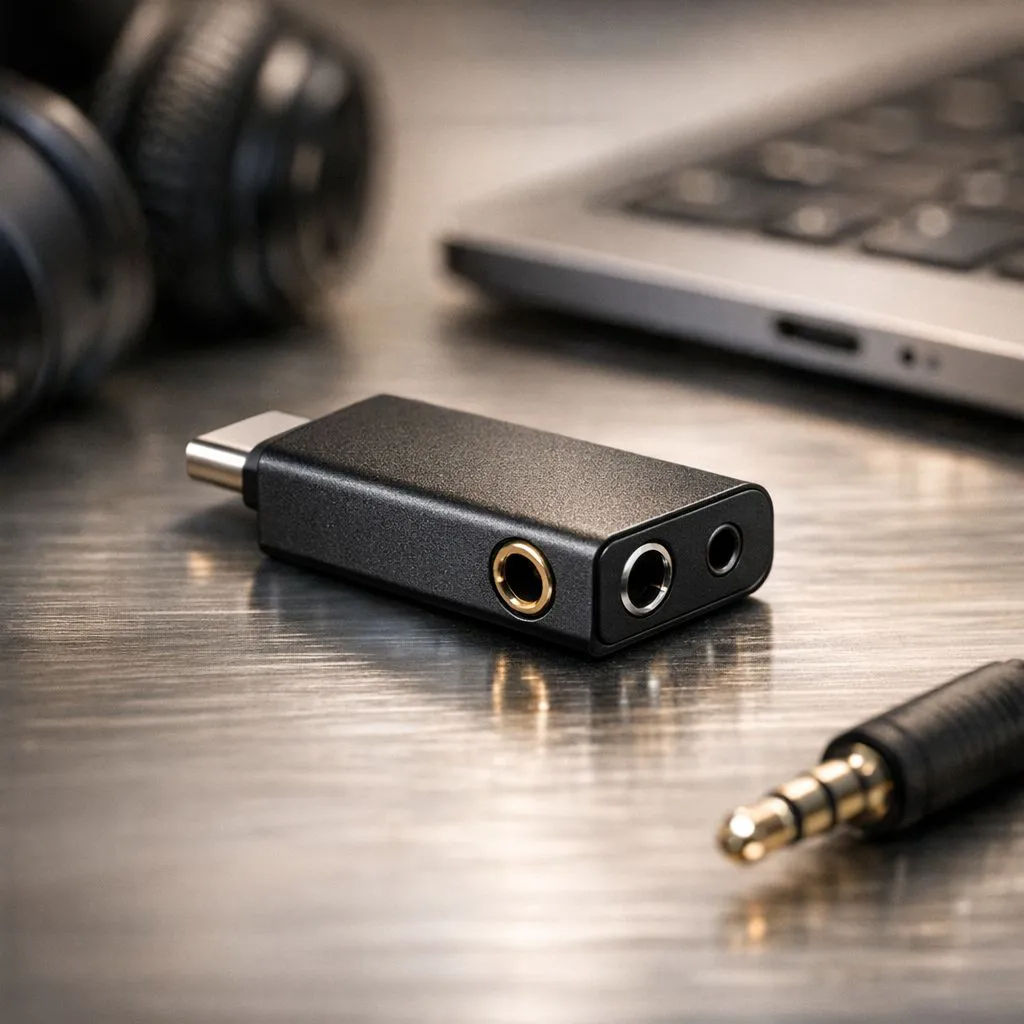
If your internal port is truly dead... do not panic. You can easily add a new audio interface via a USB port. This is often a better solution than the original port. It provides cleaner sound and better power for high-impedance headphones. You can find many high-quality gaming accessories that bypass your broken internal hardware entirely. This is the fastest way to restore headphone jack laptop audio without opening the chassis. ⚡
Audio Pro Tip ⚡
If your laptop audio sounds thin or quiet, try a USB DAC. These small devices act as an external sound card. They provide more power to your drivers and can significantly improve the soundstage in competitive shooters. It is the easiest way to add or repair audio jacks while boosting your overall sound quality.
Finding the Right Upgrade Path for Your Setup
Sometimes a repair is more expensive than a simple upgrade. If you are tired of tangled wires... consider switching to a USB headset or a wireless solution. Keeping an eye on the latest gaming accessories deals in South Africa can save you hundreds of Rands. For those who prefer the classic 3.5mm feel... a simple USB-to-3.5mm adapter is a lifesaver. These adapters are plug-and-play and require no technical skills to install.
Why External Audio Often Beats Internal Jacks
Internal laptop sound cards are often prone to electrical interference from the motherboard. By moving the audio processing outside the laptop... you get a much crisper signal. If you want to explore more options... browse our comprehensive gaming accessories category for the best local prices. 🚀
Repairing a jack requires precision soldering which can void your warranty. Using an external adapter is safer and often cheaper. It also allows you to move your audio setup between different devices easily. Whether you decide to repair the hardware or add an external port... getting your sound back is the priority.
Ready to Fix Your Audio? A broken jack should not stop the fun. Whether you need a quick adapter or a full headset upgrade, we have the best tech in South Africa. Explore our massive range of gaming accessories and get back into the game with crystal clear sound.











