

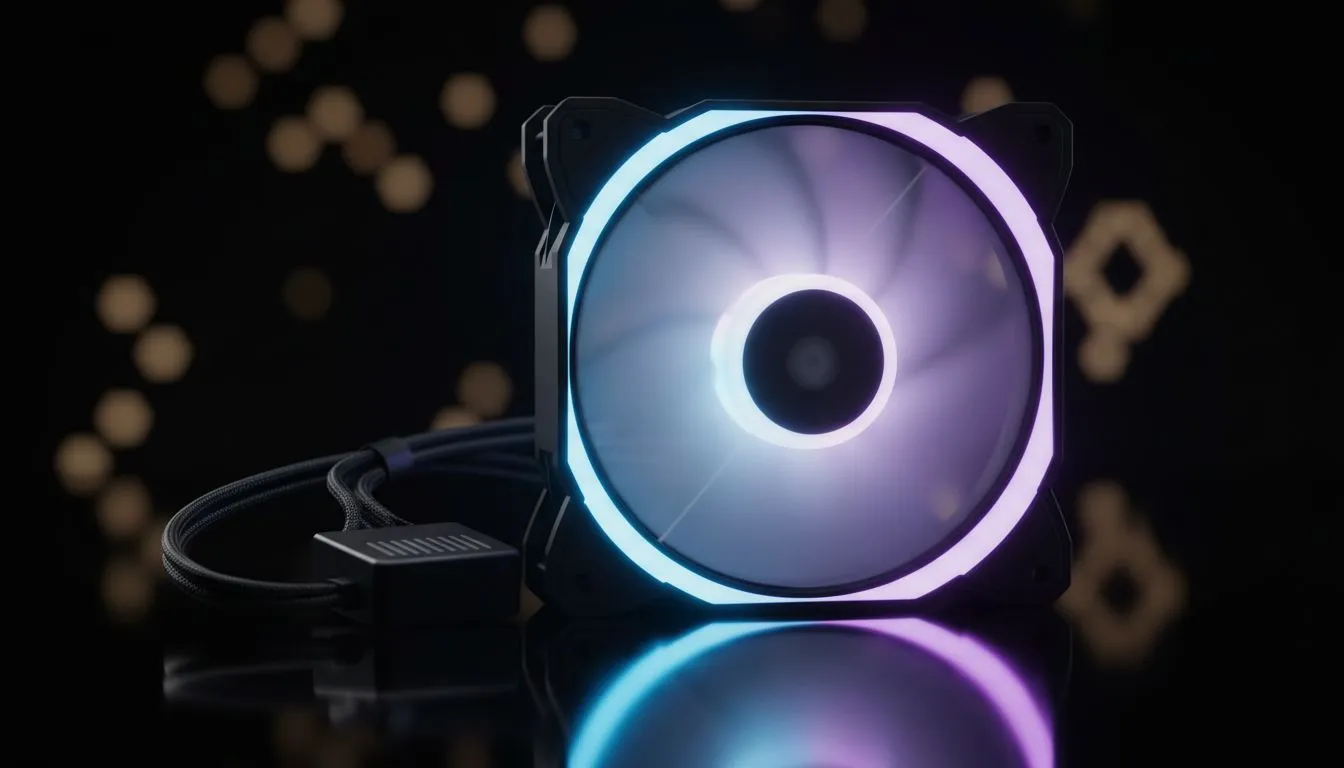
Upgrade PC Cooling Easily with a single fan expansion kit 🔧
Single Fan Expansion Kits: Upgrade PC Cooling Easily — want quieter gaming sessions and lower CPU temps without rebuilding your whole rig? South African builders love a simple, cost‑effective tweak. In under an hour you can add airflow where it matters, reduce fan noise, and extend component life. This guide gives practical tips, brand choices, and install notes tailored to local buyers. ⚡
Choosing the right single fan expansion kit for your case
Start with the fan size your case supports. Most mid towers take 120mm or 140mm fans; measure first and check your case specs (120mm options here) to avoid surprises: look for clearance and mounting holes (https://www.evetech.co.za/PC-Components/case-fans-97.aspx?attributes-size\=120mm). If you prefer a little extra airflow per rev, consider 140mm options (https://www.evetech.co.za/PC-Components/case-fans-97.aspx?attributes-size\=140mm). Brand matters for bearings and warranty—Corsair and Deepcool both offer solid single‑fan kits (see Corsair selection here and Deepcool options here).
- Corsair choices: https://www.evetech.co.za/PC-Components/case-fans-97.aspx?brands=CORSAIR
- Deepcool choices: https://www.evetech.co.za/PC-Components/case-fans-97.aspx?brands=Deepcool
Lighting, noise and performance trade-offs
Decide whether you want RGB flair or stealth silence. RGB fans add visual punch for builds with a glass side panel, but non‑lit fans often deliver better value-per-airflow and lower noise (compare RGB vs non‑lighting here and here). For RGB: https://www.evetech.co.za/PC-Components/case-fans-97.aspx?attributes-lightingeffects=RGB. If you want a minimalist look: https://www.evetech.co.za/PC-Components/case-fans-97.aspx?attributes-lightingeffects=None
A quick rule: higher RPM usually means more airflow but more noise. Look for fans with good CFM and low dBA; if you plan to mount a fan as an intake near a GPU, static pressure is more important than raw airflow.
Quick Install Tip ✨
Before you buy, test the fan direction and measure cable reach. If your kit uses a 3‑pin connector, fan speed control varies by motherboard header; 4‑pin PWM is more flexible. A simple fan splitter avoids overloading one header, and a small fan hub keeps cables tidy.
Installation steps and local store notes
Mount the fan so air flows the intended way—arrows on the frame show direction. Use rubber grommets or silicone washers to reduce vibration. If you’re connecting multiple fans, distribute them across headers or use a powered hub. For options and exact part specs, browse Evetech’s full case fan range here: https://www.evetech.co.za/PC-Components/case-fans-97.aspx
Want a quick pick? Look at single fan kits in the 120mm and 140mm categories, check bearings and warranty, then match to your case’s fan controller or motherboard.
Final nudge — why this small upgrade pays off 🚀
A single additional fan is one of the highest ROI upgrades for thermals and noise. It’s cheap, fast to fit, and you can scale later into a full fan refresh. If you’re unsure which model suits your build, use Evetech’s case fan pages to compare specs and pick a local supplier.
Ready to Find Your Perfect Match? The Mac vs Windows debate is complex, but for maximum power, choice, and value in South Africa, Windows is hard to beat. Explore our massive range of laptop specials and find the perfect machine to conquer your world.











