

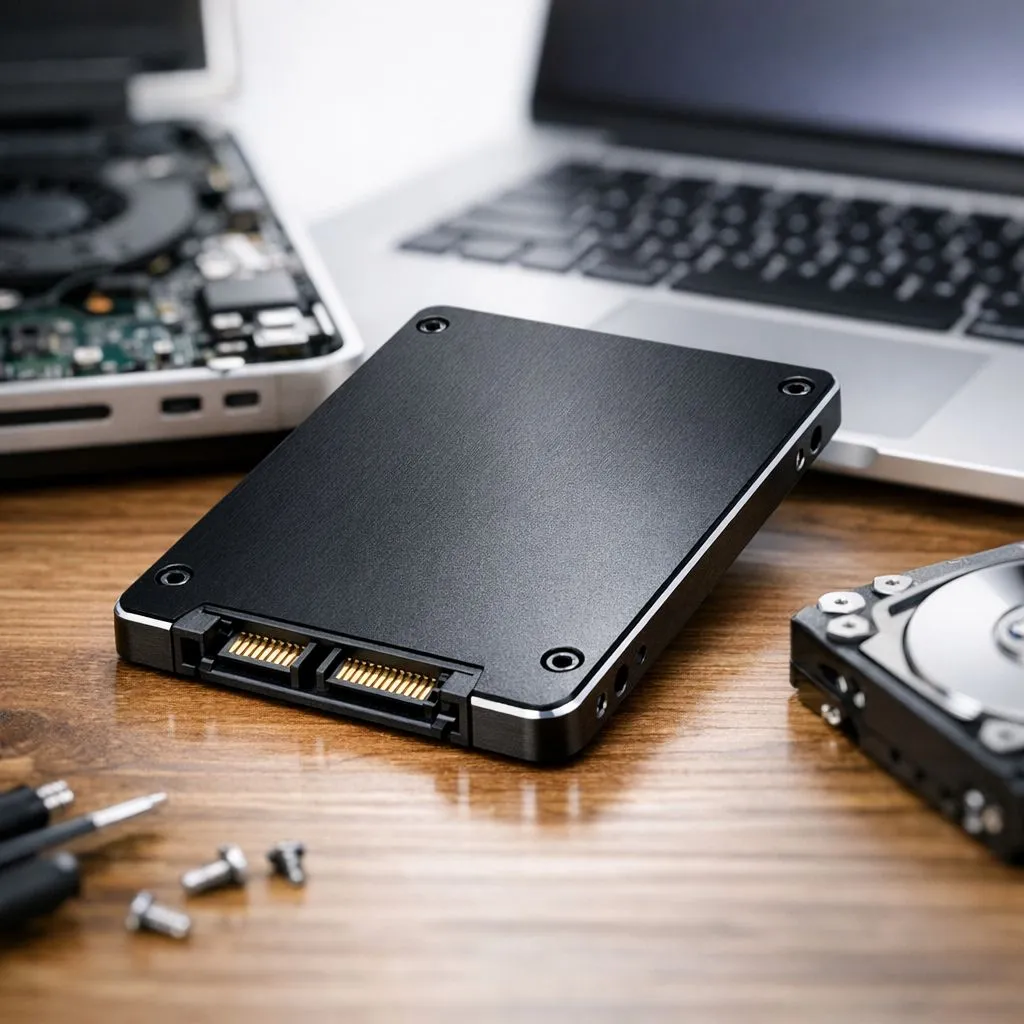
Is your trusty MacBook feeling more like a paperweight lately? Don't bin it just yet. In South Africa, we know the value of making gear last. A simple SSD upgrade for old laptop models can breathe new life into your machine... turning that spinning beachball into a distant memory while saving you thousands of Rands on a replacement. 🔧
Why an SSD upgrade for old laptop systems is essential
If your older Mac still relies on a mechanical hard drive, you are literally waiting on physics. The physical arm inside a HDD has to move to find data, which creates a massive bottleneck. Swapping to a range of internal SSDs is the single most effective way to boost performance. For those with legacy MacBook Pros, ADATA drives offer a fantastic balance of reliability and speed.
Modernising your storage doesn't just help with boot times... it transforms how macOS handles multitasking and virtual memory. We often see users opt for Western Digital options because they run cool and efficiently, which is vital for the tight thermal constraints of a laptop chassis. ⚡
Revive your MacBook with the right interface
For newer Mac models that support faster interfaces, upgrading to NVMe SSDs provides a massive jump in read and write speeds. While the latest Gen 5 NVMe drives are primarily aimed at high-end desktop rigs, knowing the technology exists helps you understand the peak of storage performance.
If you are looking for pure value to keep an old workhorse running, Kingston models are a staple in the local market for their budget-friendly endurance. They are perfect for students or home offices where every Rand counts. 🚀
Revive your MacBook Tip ⚡
Before you swap drives, use Time Machine to back up your entire system. Once the new SSD is in, you can restore everything exactly as it was... making the transition seamless and stress-free. If your Mac is too old for the latest macOS, look into 'OpenCore Legacy Patcher' to keep your hardware relevant for years to come.
External solutions for non-upgradable Macs
Not every MacBook allows for internal swaps, especially the thinner Retina models with soldered storage. In these cases, using an external SSD as a boot drive or for heavy project files is a smart workaround. These portable storage solutions ensure you don't run out of space when editing photos or managing large libraries... all without opening the case. ✨
Ready to Find Your Perfect Match? The Mac vs Windows debate is complex, but for maximum power, choice, and value in South Africa, Windows is hard to beat. Explore our massive range of laptop specials and find the perfect machine to conquer your world.











