

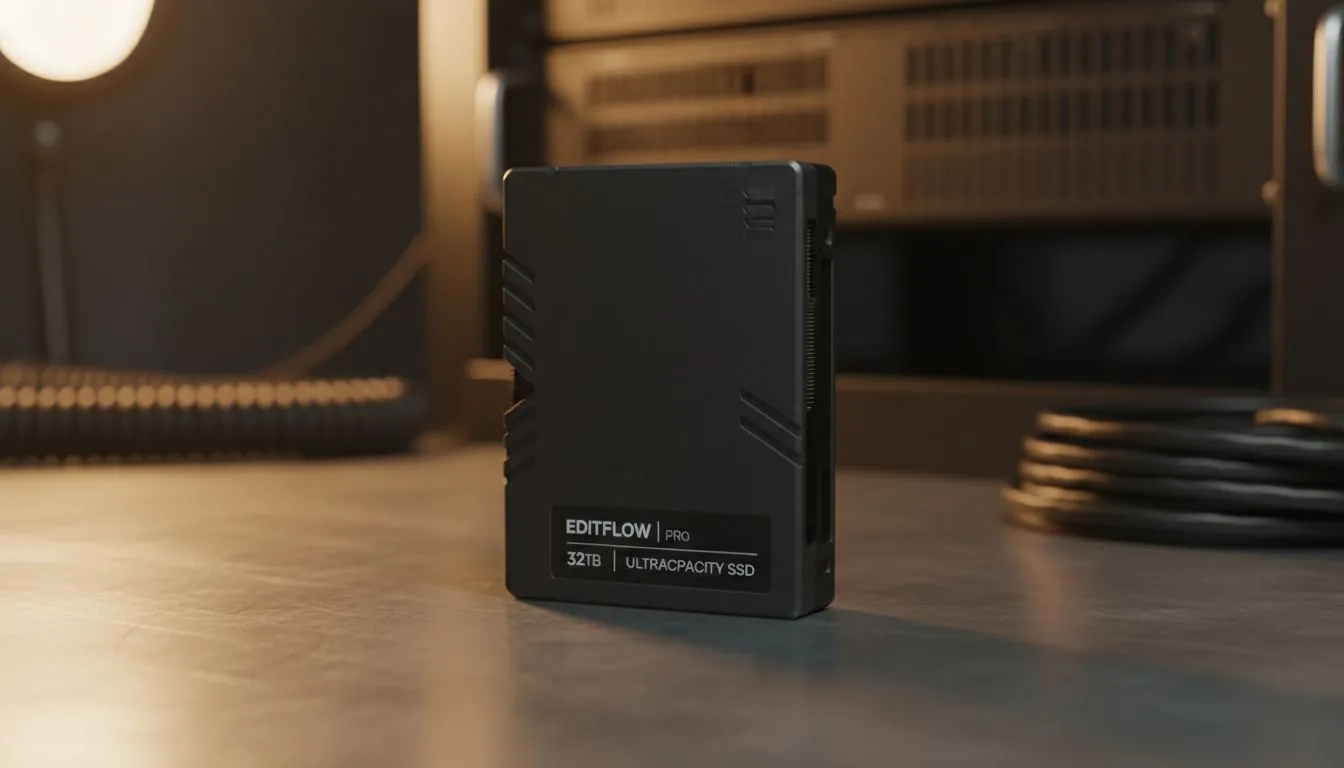
The Hidden Bottleneck in Your Creative Workflow
You have just finished a marathon session colour grading your latest 4K project. You hit render, and then it happens... the dreaded "Disk Full" error message. It is a heartbreak every South African creator knows too well. While we often obsess over having the fastest read speeds, the reality of storage for video editing is that running out of space kills your productivity faster than a slow drive ever could. ⚡
Choosing the right solid state drives involves balancing raw performance against the sheer volume of high-bitrate footage. If your drive is 90% full, even the most expensive hardware will start to crawl as the controller struggles to manage data.
Why Raw Speed Isn't Always the Priority
In the world of high-end components, it is easy to get distracted by the massive numbers on Gen 5 (NVMe) packaging. These drives are incredible for moving massive files, but for the actual act of scrubbing through a timeline, even a standard PCI Express (NVMe) drive offers more than enough bandwidth.
The bottleneck usually lies in your CPU's ability to decompress the video codec, not the drive's ability to feed it data. When you are working with 10-bit 4:2:2 footage, your storage for video editing needs to be reliable and, most importantly, large enough to handle your cache and proxy files without breaking a sweat.
Productivity Pro Tip ⚡
Use 'Proxy Workflows' in Premiere Pro or DaVinci Resolve. By creating low-resolution copies of your footage to edit with, you can keep your timeline snappy even on modest hardware. Just ensure your storage has enough capacity to hold both the original 4K files and the new proxy media!
Finding the Sweet Spot for South African Editors
When building a workstation in ZAR, value for money is essential. You want a brand that offers high "Terabytes Written" (TBW) ratings because video editing involves constant writing and deleting of temporary files. We often recommend looking at reliable options from ADATA or the industry-standard performance of Western Digital drives.
If you are looking for a blend of affordability and speed, Kingston provides excellent mid-range options that allow you to afford a 2TB or 4TB model rather than settling for a tiny 500GB "hyper-speed" drive. Remember, a full drive is a slow drive... always leave at least 20% of your capacity empty to maintain peak performance. 🔧
Managing Your Assets Externally
Not everything needs to live on your motherboard. Once a project is finished, or if you are working between a studio and home, a high-quality external SSD is a lifesaver. Modern USB-C connections are fast enough to edit off directly, provided the drive inside is up to the task.
For those who travel to shoots across Gauteng or the Cape, choosing a rugged External form factor ensures your data survives the commute. It is about building a tiered system: a fast NVMe for your OS, a massive internal SSD for active projects, and external storage for everything else. 🚀
Ready to Find Your Perfect Match? Storage for video editing is about more than just speed... it is about having the room to create without limits. Explore our massive range of SSD specials and find the perfect machine to conquer your world.











