

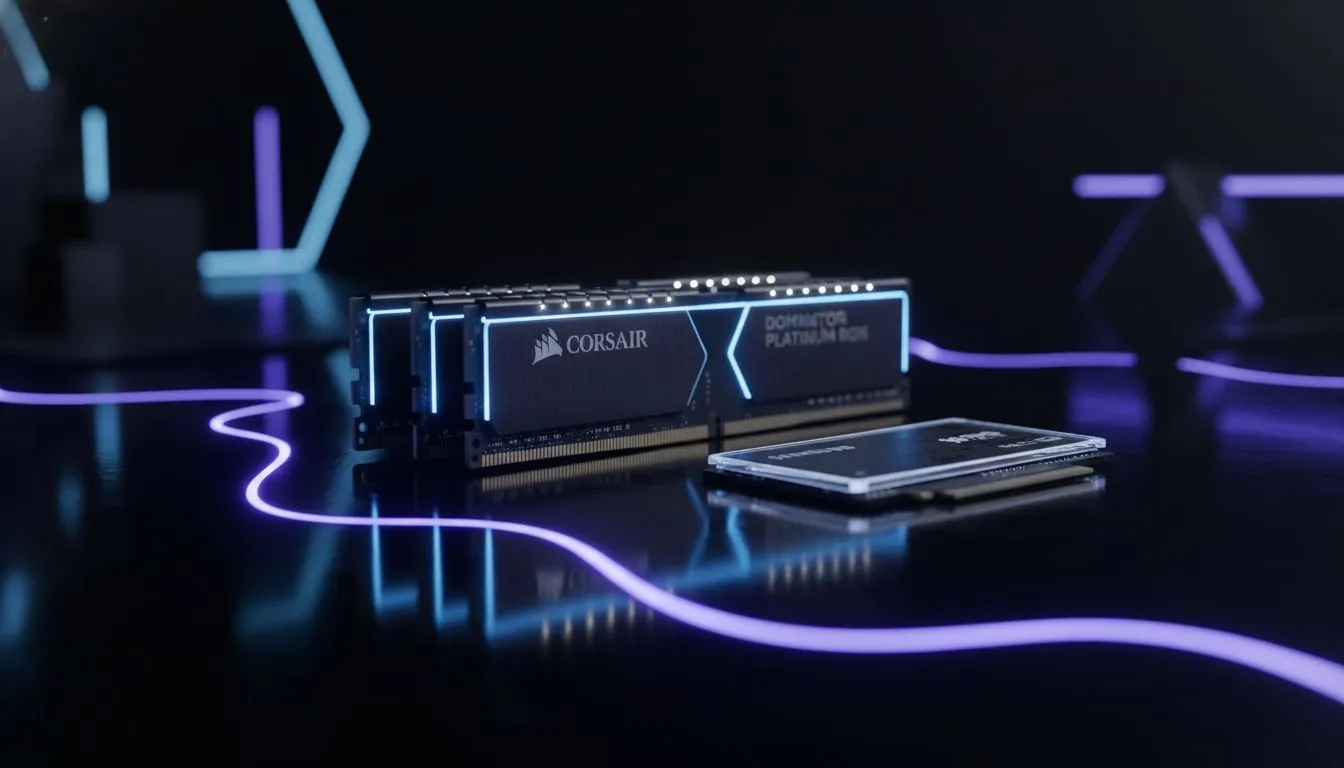
Boosting performance with a StS 2 RAM SSD upgrade
Slay the Spire 2 is nearly here, and South African gamers are prepping their rigs. If you're looking at a StS 2 RAM SSD upgrade, you might wonder where your ZAR goes furthest. Is it better to double your memory or swap that old drive for an NVMe? Let's break down which component deserves your attention to ensure your deck-building is stutter-free. 🔧
Why RAM matters for card battlers
RAM handles the active data your CPU needs right now. While Slay the Spire 2 isn't a heavy AAA title, background apps eat resources. If you have 8GB, upgrading to 16GB is a smart move. It allows for smoother multitasking while you look up card synergies. Many budget gaming PCs benefit immensely from this simple capacity boost. More memory prevents the system from swapping data to the slower drive. This keeps your gameplay fluid and responsive during intense boss fights. ⚡
The SSD advantage for loading times
An SSD reduces the time spent looking at loading screens. If you still use a mechanical hard drive, the difference is massive. A StS 2 RAM SSD upgrade should prioritise the drive if your boot times are slow. Fast storage makes the entire OS feel snappier... not just the game. You can find great value in the best gaming PC deals that already include NVMe storage. Moving from a SATA SSD to an NVMe drive offers diminishing returns for indie titles... but it still helps.
Optimisation Pro Tip ⚡
On Windows, disable 'Startup Apps' in the Task Manager to free up RAM before launching your game. This ensures your system allocates maximum resources to your deck-builder without needing an immediate hardware purchase.
Finding the right balance for your budget
If you have R2,000 to spend, a 16GB RAM kit is often the best choice. However... if your system takes minutes to start, get a 500GB SSD first. For those looking at gaming PCs under R20k, you usually get a balance of both. Modern games expect at least 16GB of RAM to function without hitches. High-speed storage ensures that assets load instantly as you move between floors in the Spire. 🚀
Preparing for future-proof performance
Serious enthusiasts might look at high-end PCs above R20k for total peace of mind. These systems often feature 32GB of RAM and Gen4 NVMe drives. This setup makes any StS 2 RAM SSD upgrade conversation redundant for years. If you prefer a fresh start, check out the latest pre-built PC deals to see current standards. Choosing between RAM and SSD depends on your current bottlenecks... but both are essential for a modern experience. ✨
Ready to Find Your Perfect Match? Deciding on the right upgrade path can be tricky, but we are here to help you get the best performance for your ZAR. Explore our massive range of gaming PC specials and find the perfect machine to conquer the Spire.











