

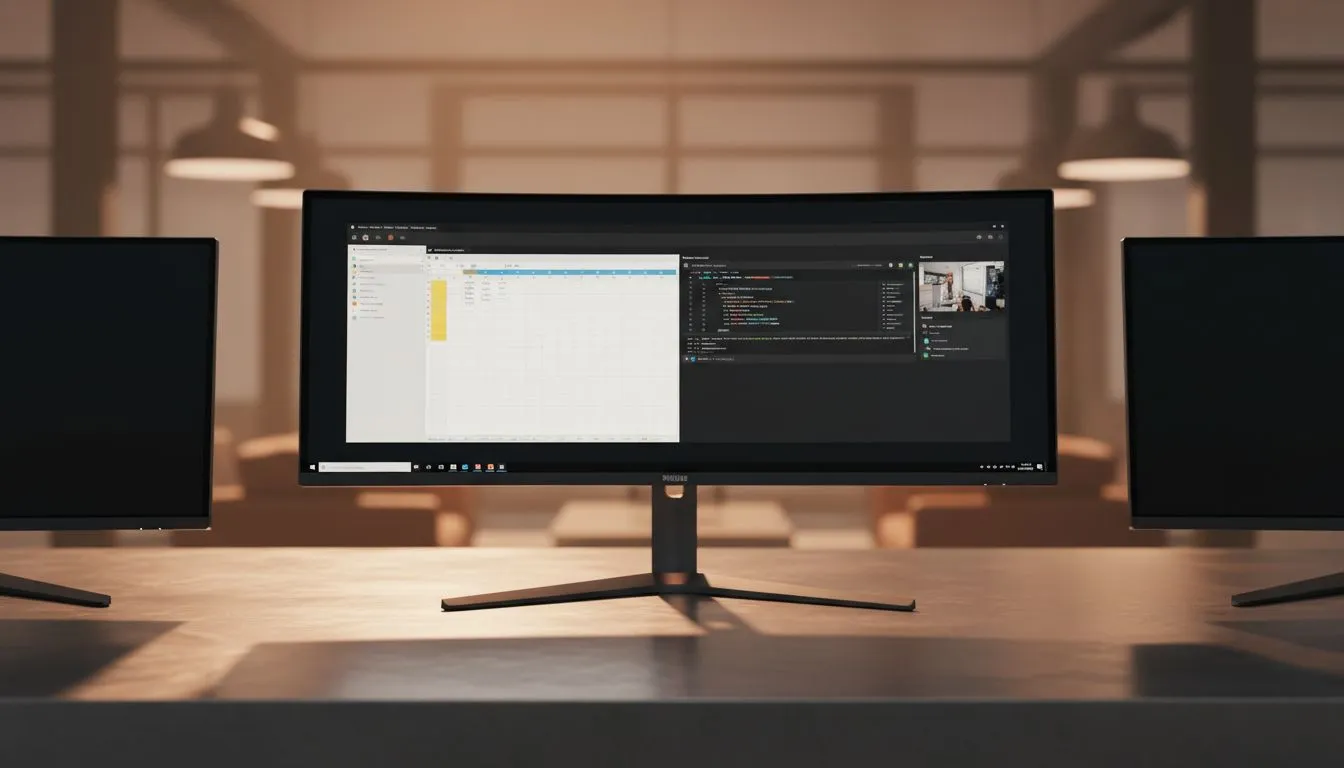
Simplify Your Setup with an Ultrawide Monitor
Tired of cable spaghetti and mismatched screens? Most South African setups suffer from dual-monitor clutter. A single Ultrawide Monitor: Declutter Your Desk with One Philips Solution replaces two screens with one seamless panel. It frees up desk space... and looks incredibly sleek in any home office. If you want to streamline your workflow and gaming experience, going wide is the smartest upgrade path available today. ✨
The Benefit of a Single Screen Workspace
Managing two different monitors often means dealing with two sets of power cables and display inputs. By choosing a high-quality Philips ultrawide solution, you eliminate the plastic bezel right in the middle of your field of view. This creates a unified workspace where you can snap windows side-by-side without a gap.
Whether you are editing video or managing complex spreadsheets, the extra horizontal real estate is invaluable. It allows you to keep your email client open on one side while focusing on your primary task in the centre. This efficiency is why many local professionals are moving away from traditional multi-screen setups in favour of a cleaner aesthetic.
Productivity Pro Tip ⚡
On Windows, use the PowerToys FancyZones utility to create custom snap layouts for your windows. It's a lifesaver for managing multiple apps on an ultrawide monitor, letting you organise your timeline, preview window, and asset folders perfectly for video editing.
Choosing the Right Curve and Panel for Your Desk
When browsing for your next screen, the physical shape matters as much as the resolution. Many gamers prefer curved monitors because they wrap the edges of the screen into your peripheral vision... increasing immersion and reducing eye strain. However, if you do a lot of architectural work or straight-line graphic design, flat monitors might be the better choice to ensure no visual distortion occurs. 🔧
Colour accuracy is another vital factor for South African creatives. Opting for IPS panel monitors ensures that your colours remain vibrant and consistent, even when viewing the screen from an angle. This is particularly important on ultrawide displays where the edges are further from your direct line of sight.
Smooth Gameplay and Sync Technologies
An ultrawide monitor isn't just for work; it provides a cinematic advantage in gaming. To keep your visuals tear-free, you need to match your monitor’s refresh rate with your GPU. If you use a Radeon card, look for FreeSync (AMD) support. For those on Team Green, G-Sync (NVIDIA) compatibility is the gold standard for smooth performance. 🚀
If you switch between different devices, a screen featuring Adaptive Sync offers a great middle ground... ensuring your frame rates stay fluid regardless of the hardware connected. Investing in these technologies ensures your Rands go further by future-proofing your setup for the latest AAA titles.
Ready to Find Your Perfect Match? Decluttering your desk doesn't mean sacrificing performance. For maximum power, choice, and value in South Africa, an ultrawide upgrade is hard to beat. Explore our massive range of monitor specials and find the perfect Philips solution to conquer your world.











