


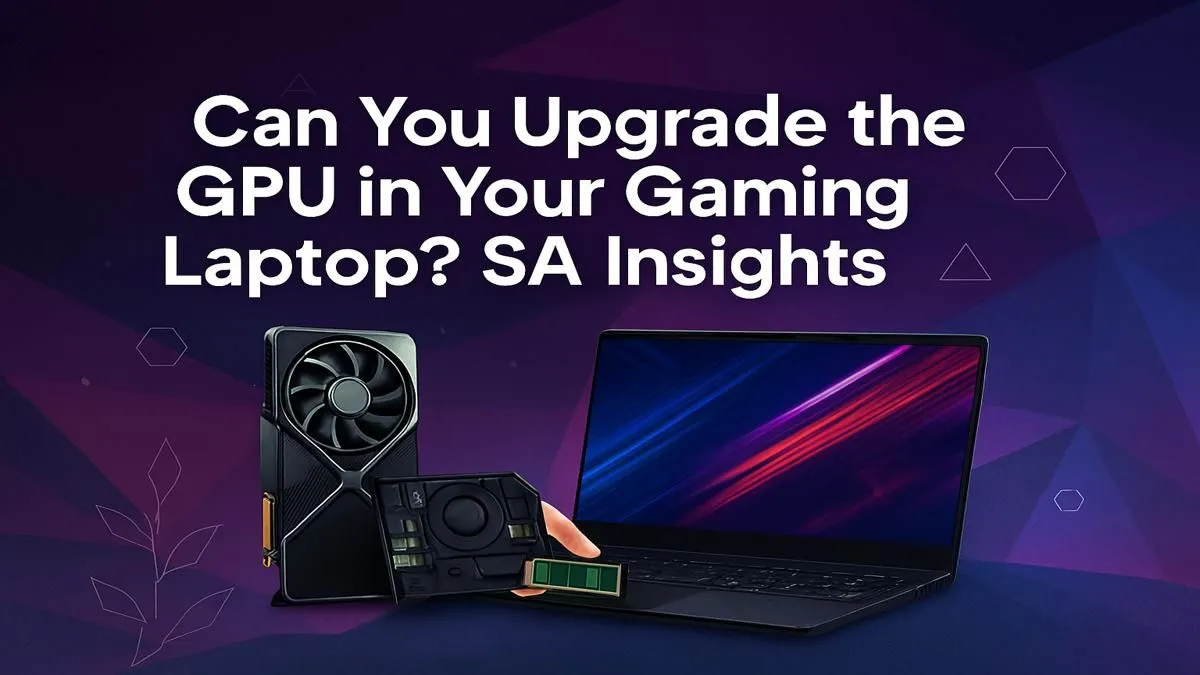
Is your once-mighty gaming laptop starting to choke on the latest titles? You're not alone. Many South African gamers hit a performance wall and ask the big question: "Can I upgrade my gaming laptop's GPU?" While the short answer is usually 'no', the full story is more nuanced. Let's dive into the technical reasons and, more importantly, explore the real upgrade paths available to get you back in the game with buttery-smooth frame rates. 💻
The Hard Truth: Why a Gaming Laptop GPU Upgrade is So Rare
For over 99% of gaming laptops on the market today, a direct GPU upgrade is simply not possible. Unlike a desktop PC where the graphics card is a modular component you can easily swap out, a laptop's Graphics Processing Unit (GPU) is typically soldered directly onto the motherboard.
This integrated design saves an immense amount of space and helps with thermal management in a compact chassis. Think of the CPU, GPU, and memory as being part of one tightly integrated circuit board. This approach allows for the thin and powerful machines we love, but it removes the option for a simple graphics card swap. The days of MXM (Mobile PCI Express Module) cards, a rare standard for swappable laptop GPUs, are largely behind us for consumer models.
So, if you can't perform a direct upgrade on your gaming laptop GPU, what can you do?
Your Real Upgrade Options for Better Performance
Just because you can't swap the chip doesn't mean you're stuck. You have several powerful options to boost your gaming performance, ranging from clever optimisations to a more significant hardware investment.
Squeezing More Power from Your Current Rig 🔧
Before considering a new purchase, make sure you're getting every drop of performance from your existing laptop.
- Update Your Drivers: This is the easiest and most crucial step. NVIDIA, AMD, and Intel regularly release driver updates that optimise performance for new games.
- Clean Your Internals: Dust is the enemy of performance. Over time, it clogs fans and heatsinks, causing your GPU to "thermal throttle" (slow down to prevent overheating). A proper clean can work wonders.
- System Tweaks: Ensure you're running in "Performance Mode," close unnecessary background apps, and use tools like GeForce Experience or AMD Radeon Software to optimise game settings automatically.
Check Your Thermals! 🌡️
Thermal throttling is the number one killer of laptop gaming performance. Download a free tool like HWMonitor or MSI Afterburner to watch your GPU temperatures while gaming. If your GPU consistently hits temperatures above 85-90°C, it's likely slowing itself down. A professional clean and thermal paste re-application can dramatically lower temps and restore lost performance.
The External GPU (eGPU) Path
If your laptop has a Thunderbolt 3 or 4 port, you have an exciting option: an external GPU. An eGPU is an enclosure that holds a full-sized desktop graphics card and connects to your laptop via a single, high-speed cable.
The upside? A massive performance boost that can turn an ultrabook into a gaming beast. The downside? It's a costly route (you need the enclosure and a desktop GPU), and it sacrifices portability.
The Ultimate Upgrade: A New Gaming Laptop 🚀
For most people, the most effective and future-proof gaming laptop GPU upgrade is... a new gaming laptop. The technology in graphics cards has leaped forward in recent years. Features like NVIDIA's DLSS and AMD's FSR use AI to boost frame rates dramatically, while ray tracing offers cinematic lighting that older cards simply can't handle.
When you're ready to make the leap, the South African market is packed with incredible options. The latest GeForce RTX gaming laptops on special bring these next-gen features to the forefront, offering a true generational leap in performance.
Of course, a great GPU needs a powerful CPU to back it up. The classic debate continues: do you favour the raw gaming power found across all Intel gaming laptops or the incredible multi-core efficiency of modern AMD Ryzen gaming laptops? There's no wrong answer, with both platforms offering stellar performance. A popular sweet spot for a balanced, high-performance build remains the family of Intel Core i7 gaming laptops. ✨
Worried about the cost? You don't have to break the bank. There are fantastic gaming laptops under R20k that deliver an excellent 1080p experience. If you have more to invest, the world of high-refresh-rate displays and maxed-out settings opens up with our range of premium gaming laptops above R20k. Whatever your budget, keeping an eye on the very best gaming laptop deals ensures you get maximum performance for your Rand.
Ready for a Real Upgrade? While swapping your laptop's GPU is rarely an option, the true upgrade path lies in a new machine with modern power. Stop fighting low frame rates and unlock next-gen gaming today. Explore our massive range of gaming laptop deals and find the perfect rig to conquer your favourite titles.











