

Assessing Your Current System Performance
Your trusty RX 580 or Vega 56 has likely served you well through years of CS:GO and Dota 2 sessions. But as modern titles demand more VRAM and ray tracing, you might notice those frame rates dipping. If you want to upgrade older Radeon hardware without wasting money, you need a solid plan. It is about balancing your current CPU with a GPU that fits your budget in ZAR... and your power supply. 🚀
Before you pull the trigger, check your power supply unit (PSU). Modern cards are power-hungry. A 500W unit from five years ago might not handle the transient spikes of a new high-end card. You should also measure the physical space in your chassis. Modern GPUs have grown significantly in size.
Choosing the Right Radeon Graphics Cards
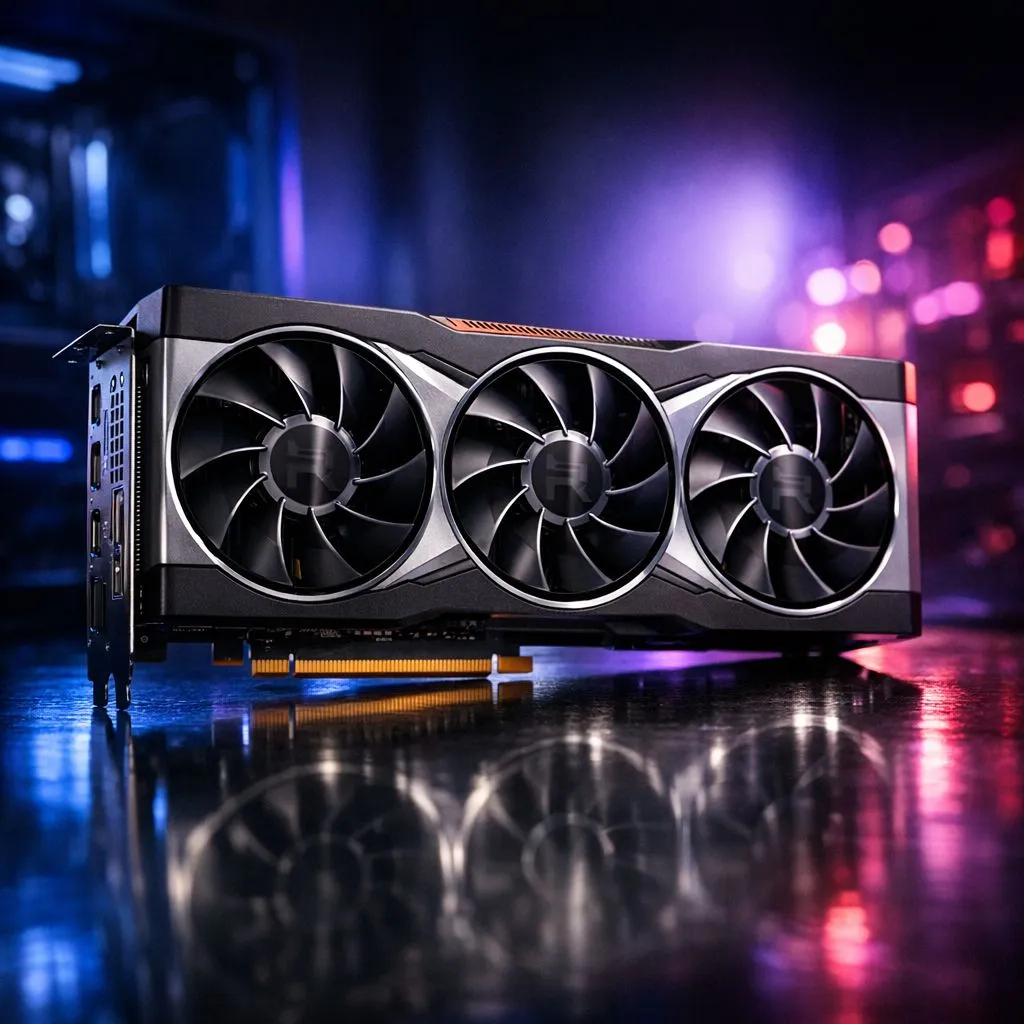
Staying with Team Red makes sense if you are already comfortable with the AMD Adrenalin software suite. The latest RDNA 3 architecture provides massive jumps in efficiency and features like FSR 3 frame generation. You can find excellent value in the current range of Radeon Graphics Cards which often provide more VRAM per Rand than the competition. This extra memory is vital for textures in open-world games.
The Clean Slate Method ⚡
Before installing your new GPU, use a utility called Display Driver Uninstaller (DDU) in Windows Safe Mode. This completely wipes old driver remnants. It prevents weird flickering or crashes that often happen when switching between different GPU architectures or brands.
Considering the Switch to NVIDIA
Perhaps you have your eye on specific features like DLSS 3.5 or superior ray tracing performance. Switching to GeForce Graphics Cards is a popular move for South African gamers who also dabble in content creation. NVIDIA's NVENC encoder is widely regarded as the gold standard for streaming on platforms like Twitch or YouTube... even with limited local upload speeds. ✨
Why Build Quality and Brands Matter
Not all circuit boards are created equal. Premium cooling solutions from brands like MSI often feature patented fan designs and robust heat pipes. This is particularly important during our scorching South African summers. Better cooling means the card can maintain its "Boost Clock" for longer periods without thermal throttling. It also ensures your PC stays quiet while you are immersed in a late-night gaming session.
Final Hardware Check Before Buying
Ensure your motherboard supports at least PCIe 3.0... though PCIe 4.0 is preferred for the latest generation. While you browse the entire graphics cards collection, keep an eye on your monitor's resolution. If you are still on a 1080p screen, a mid-range card is plenty. However, if you are eyeing a 1440p or 4K upgrade, you will need to invest in more "horsepower" to keep things smooth. 🔧
Ready to Find Your Perfect Match? Upgrading your GPU is the fastest way to breathe new life into your gaming rig. Whether you are sticking with Team Red or moving to Team Green, we have the best deals in South Africa. Explore our massive range of graphics cards and find the perfect hardware to dominate the leaderboard.











