

Tired of squinting at blurry textures and jagged edges? The jump to 4K gaming isn't just an upgrade... it's a total transformation. Seeing your favourite titles in ultra-sharp detail is an experience every South African gamer deserves. But before you splash the cash, you need a plan. This guide will walk you through how to upgrade your PC for 4K gaming without the guesswork, ensuring every rand you spend pushes your performance to the next level.
The GPU: Your 4K Gaming Powerhouse 🚀
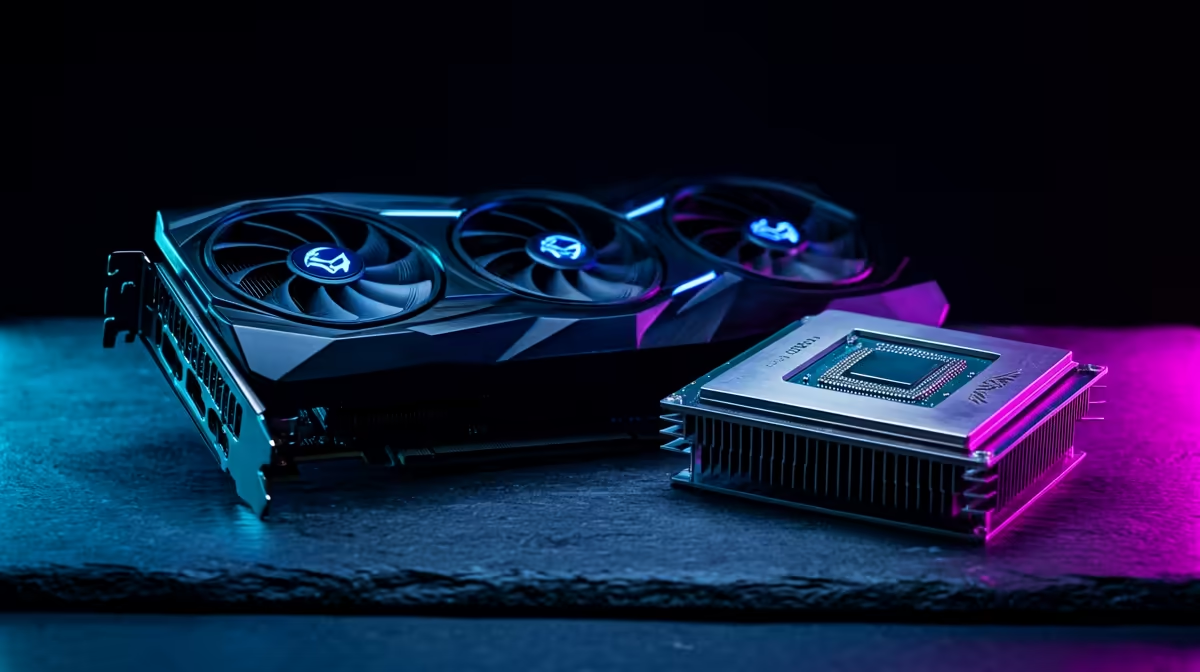
Let's be clear: when you decide to upgrade your PC for 4K gaming, the graphics card (GPU) is where most of your budget should go. This single component does the heavy lifting, pushing millions of pixels to your screen every second. For a smooth 60+ frames per second (FPS) experience, you should be looking at modern cards like NVIDIA's GeForce RTX 4070 Super or AMD's Radeon RX 7800 XT as a fantastic starting point.
While the GPU is king, don't let an old processor hold it back. A modern CPU, like an AMD Ryzen 5 or Intel Core i5 from the last couple of generations, has enough power to feed your new GPU without creating a bottleneck. And for memory? 16GB of RAM is the absolute minimum, but 32GB is the sweet spot for a top-tier 4K gaming PC upgrade.
Seeing the Difference: Choosing Your 4K Monitor
A powerful rig is useless if you can't see the glorious detail it produces. Your monitor is your window to the game world, and a proper 4K screen is non-negotiable. When browsing for a display, don't just look at the resolution. You also need to consider:
- Refresh Rate (Hz): This determines how smooth the motion looks. 120Hz or higher is ideal for fast-paced action.
- Response Time: A low response time (e.g., 1ms) prevents ugly motion blur or "ghosting".
- Panel Type: IPS panels offer the best colour accuracy, making worlds like those in Cyberpunk 2077 or Baldur's Gate 3 truly pop.
To find the perfect screen, you can start by exploring a dedicated range of our selection of 4K and 5K monitors. For those who want to maximise immersion, curved monitors can wrap the action around you, creating an incredible field of view. And remember, a great upgrade doesn't have to drain your wallet; always be sure to check out the best monitor deals to find some epic value in ZAR.
For serious multitaskers, pairing your main 4K display with a secondary screen is a fantastic move. You can use smaller, versatile portable monitors to keep Discord, streaming software, or guides open without alt-tabbing out of your game. Ultimately, exploring the complete gaming monitor range will give you a full picture of what's possible for your setup. With so many options, you're sure to find the right PC monitors to complete your build. ✨
Frame Rate Magic ⚡
Don't forget to enable NVIDIA's DLSS or AMD's FSR in your game settings! These AI-powered technologies render the game at a lower resolution and then intelligently upscale it to 4K. The result? A massive performance boost with almost no perceptible loss in visual quality. It's essential for a smooth 4K gaming upgrade.
Final Checks for Your 4K Upgrade Path 🔧
Before you finalise your parts, think about power and cooling. A high-end GPU and CPU draw a lot more electricity and produce more heat. Ensure your Power Supply Unit (PSU) has enough wattage (we recommend a quality 750W+ unit) and that your case has good airflow. This final step is crucial for a stable and reliable system. An upgrade to your PC for 4K gaming is an investment in countless hours of incredible entertainment, so building it on a solid foundation is key.
Ready to Build Your 4K Beast? Upgrading your PC for 4K gaming is one of the most rewarding projects a gamer can undertake. From jaw-dropping graphics cards to crystal-clear monitors, we've got the components you need at prices that make sense in SA. Explore our massive range of PC components and start your ultimate upgrade today.











